

LinkedIn Premium vs Sales Navigator is not a fair fight, because the two product lines solve different problems. Premium Business costs $69.99 a month or $539.88 a year, a 36 percent saving on LinkedIn's own page, last updated April 20, 2026. Sales Navigator Core costs $119.99 a month or $1,079.88 a year, a 25 percent saving on LinkedIn's compare-plans page, updated September 27, 2026. If you are job hunting or building a personal brand, Premium wins on price. If you sell for a living, Sales Navigator wins on function, and Premium Business features come bundled inside it.
This guide compares Premium and Sales Navigator on price, search filters, InMail credits and connection limits, then sorts the decision by role: job seeker, founder building a network, small business generalist, individual seller, sales team, or a team running its pipeline through Salesforce or HubSpot. We also cover what actually runs the outreach once a plan is picked.
What is LinkedIn Premium in 2026?
LinkedIn sells three Premium plans, all last updated April 20, 2026 on LinkedIn's own pricing pages. Premium Career: "US$39.99 per month/license or US$239.88 per year/license (a 50% savings with annual billing)", 5 InMail credits a month, profile viewers going back 365 days, AI job-fit tools, and access to LinkedIn's 25,000+ Learning courses. Premium Business: "US$69.99 per month/license or US$539.88 per year/license (a 36% savings with annual billing)", 15 InMail credits a month, per LinkedIn's Premium Business page. LinkedIn's own comparison page describes it as for "Business leaders & owners building their brand & network." Premium All-in-One: "US$89.99 per month/license or US$899.88 per year/license (a 17% savings with annual billing)", 30 InMail credits a month, and it bundles sales, marketing and hiring tools: daily prospect suggestions, $50 a month of post boosting credits, hiring credits and a centralized dashboard.
None of the three plans ships with Sales Navigator's search filters, Account IQ or Lead IQ. LinkedIn's own comparison page lists Premium Business's search and account insight rows as "Limited" and All-in-One's as "Basic prospect insights only", not the 50+ filter set that Sales Navigator gets on every tier.
LinkedIn Premium at a glance
Pros
- Cheapest entry point, $39.99 a month for Career, roughly half price on annual billing
- 365-day profile viewer history and LinkedIn Learning access on Career
- All-in-One folds in hiring and advertising credits for small business generalists
Cons
- InMail credits top out at 30 a month, even on the priciest Premium plan
- Search stays "Limited" on every tier, by LinkedIn's own comparison page
- No Account IQ, Lead IQ, TeamLink or Smart Links on any Premium plan
For anyone whose job is finding buyers rather than being found, that last gap is the whole reason Sales Navigator exists.
What is LinkedIn Sales Navigator?
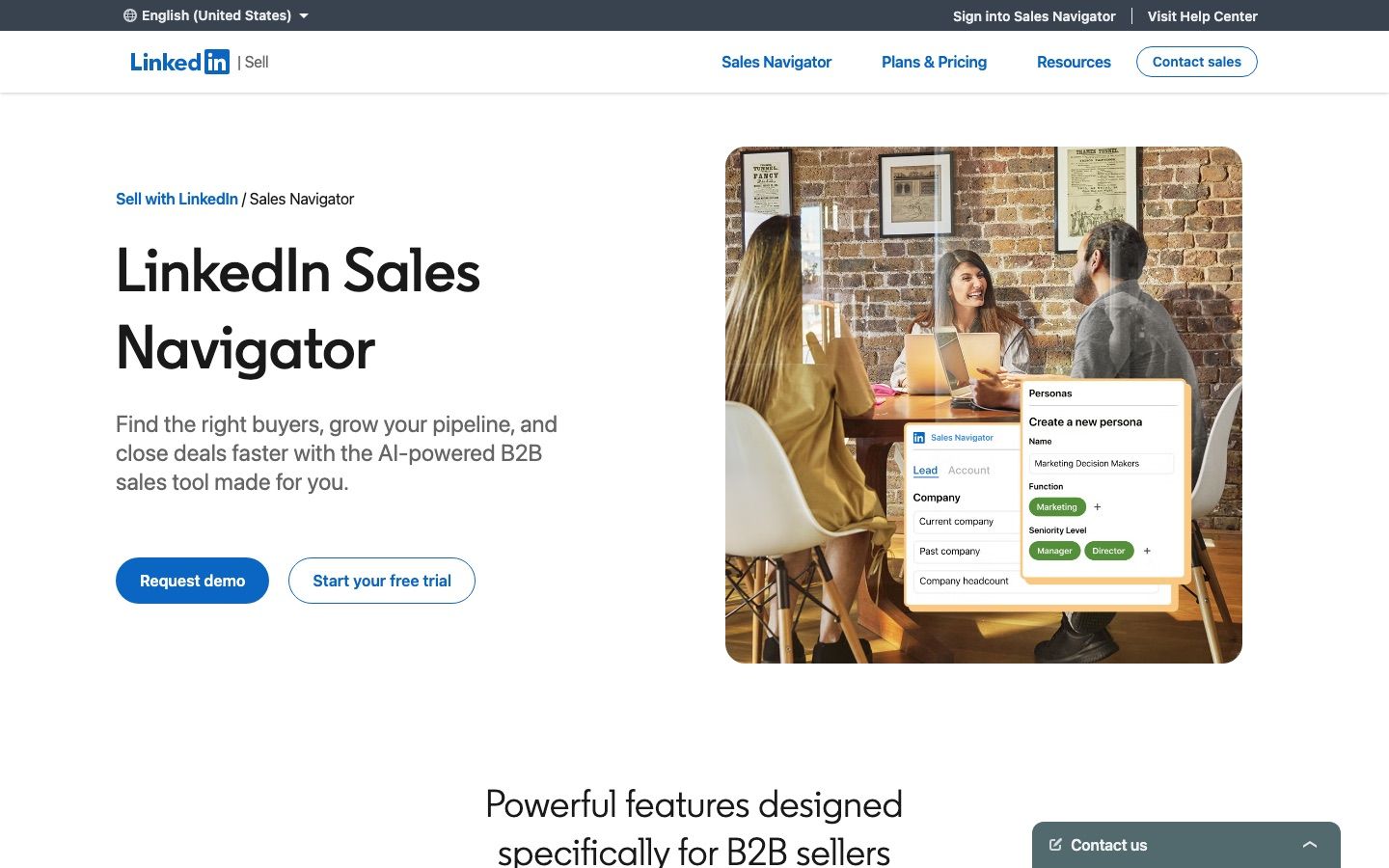
Sales Navigator is LinkedIn's prospecting product, sold in three tiers on LinkedIn's compare-plans page, updated September 27, 2026. Core: "US$119.99 per month/license or US$1,079.88 per year/license (a 25% savings with annual billing)", described by LinkedIn as best for "individual sellers who want to find high-quality leads and build client relationships." Advanced: "US$159.99 per month/license or US$1,799.88 per year/license (a 6% savings with annual billing)", for "sales teams that need AI-powered lead and account research, actionable insights, and collaboration tools." Advanced Plus has no published price: LinkedIn says pricing is customized to a sales team's size, CRM integration and onboarding needs, aimed at teams already "using one of these CRMs" and quoted on a call.
All three tiers carry 50 InMail credits a month and 50+ advanced search filters, and per LinkedIn's own comparison page, "A Sales Navigator subscription includes access to Premium Business features." That last point matters: a Sales Navigator buyer is not paying for prospecting on top of a separate Premium purchase, the networking layer rides along.
Switching between the two afterward is possible but not free of consequences: LinkedIn's own comparison page says eligible subscribers can move from one plan to another through LinkedIn's Admin Center, sometimes after cancelling the existing subscription first, and a subscriber who drops from Sales Navigator to a Premium plan loses the Sales Navigator-specific features that came with it, including sales-specialized search, real-time buyer alerts, TeamLink and CRM integrations.
One correction worth stating plainly, because it trips up a lot of comparisons: Account IQ and Lead IQ, the AI account and lead research tools, ship on every tier, Core included, per LinkedIn's compare grid read on 30 September 2026, though LinkedIn says some features are only available in select languages or in beta. What Sales Navigator Core, at $119.99 a month, lacks is Buyer Intent, TeamLink and Smart Links, all Advanced and Advanced Plus only, despite matching Advanced's InMail credits and search filters. CRM integrations stay on Advanced Plus alone.
Run your LinkedIn outreach on Cadency
Import a Sales Navigator search and run it across every LinkedIn sender and mailbox, one sender per lead, with per-sender ceilings and one unified inbox.
Built on Swarmhit. From $89 a month with 2 LinkedIn senders.
LinkedIn Premium vs Sales Navigator: what will you actually pay?
The two product lines land in different price bands, and the gap between the closest pair, Premium Business and Sales Navigator Core, is the one most readers actually weigh.
| Premium Career | Premium Business | Premium All-in-One | Sales Navigator Core | |
|---|---|---|---|---|
| Monthly price | $39.99 | $69.99 | $89.99 | $119.99 |
| Annual price | $239.88 a year | $539.88 a year | $899.88 a year | $1,079.88 a year |
| Annual saving, LinkedIn's own figure | 50 percent | 36 percent | 17 percent | 25 percent |
| InMail credits a month | 5 | 15 | 30 | 50 |
| Search filters | Limited | Limited | Limited | 50+ advanced filters |
| Who LinkedIn says it is for | Individuals building a profile | Business leaders and owners building their brand and network | Small business generalists managing hiring, advertising and selling | Individual sellers finding leads |
Sales Navigator Core costs $50.00 a month more than Premium Business on monthly billing, and $540.00 a year more on annual billing, a gap that only pays for itself if the buyer is actually prospecting, not networking. Sales Navigator Advanced adds another $40.00 a month over Core for Buyer Intent, TeamLink and Smart Links, without adding a single extra InMail credit. For the full breakdown of what each Sales Navigator tier includes, see our deep dive on Sales Navigator's three plans.
How do the search filters compare?
Search is where Sales Navigator earns its price. LinkedIn's own comparison page rates Premium Business's and Premium All-in-One's "Advanced sales search" as "Limited" on both, while Sales Navigator gets "50+ sales-specialized search filters," the same set on Core, Advanced and Advanced Plus.
Premium's search stays close to LinkedIn's standard search box: keywords, connections, location, company and a handful of other fields, none tuned for a sales funnel. Sales Navigator's filters go into years at company, seniority level, function and other sales-specific fields, plus a saved-search workflow that a Premium account does not get. Neither product hands search results to an outreach tool automatically. For readers who want a wider list of options for the search step itself, we cover the field in our review of Sales Navigator alternatives.
How many InMail credits do you get, and what does each one cost?
InMail credits scale with price, but not evenly. Premium Career gets 5 credits a month, Premium Business 15, Premium All-in-One 30, and every Sales Navigator tier, Core, Advanced and Advanced Plus alike, gets 50. Credits accumulate up to a cap if unused: 15 on Career, 45 on Business and 150 on Sales Navigator Core, per LinkedIn's Help Center, and unused credits still expire after 90 days regardless of the cap. Premium credits renew on the first day of your billing cycle; Sales Navigator credits refill on the first day of each calendar month (UTC) instead, per LinkedIn's pages checked on 30 September 2026, a small but real difference if you are tracking usage. A credit is returned when the recipient accepts, declines or answers within 90 days, and messages to first-degree connections, Open Profile members and job applicants never consume a credit at all. Sales Navigator cannot buy extra InMail credits; Premium members can only get more by upgrading to a higher plan.
Dividing price by credits gives a cost per InMail: $8.00 on Career, $4.67 on Business, $3.00 on All-in-One, $2.40 on Sales Navigator Core. Sales Navigator Advanced, at $159.99 a month for the same 50 credits as Core, works out to $3.20 per credit, more expensive per message than Core because Advanced's extra $40.00 a month buys Buyer Intent, TeamLink and Smart Links, not InMail volume. For the mechanics behind how a credit gets consumed or returned, see our guide to LinkedIn InMail.
What do Account IQ, Lead IQ, TeamLink and Smart Links actually require?
Only two of these four features are gated past Core. LinkedIn's compare grid, read on 30 September 2026, ticks Account IQ and Lead IQ on every tier, Core included, though LinkedIn says some features are only available in select languages or in beta. The same grid places TeamLink and Smart Links, along with Buyer Intent, in Advanced and Advanced Plus, so Core, at $119.99 a month, gets none of those three, despite carrying the same InMail credits and search filters as Advanced.
CRM integrations sit one tier higher again: only Advanced Plus connects to Salesforce, HubSpot, Microsoft Dynamics and Oracle, with lead and contact creation flowing directly into the CRM. Advanced adds team seat management and centralized billing over Core, useful for a manager buying several seats, but still no CRM connection. LinkedIn's own comparison page summarizes the ladder this way: "Core is best for individual sellers who want to find high-quality leads and build client relationships. Advanced is best for sales teams that need AI-powered lead and account research, actionable insights, and collaboration tools. Advanced Plus is best for sales teams using one of these CRMs who need advanced sales-tool and CRM integrations."
| Capability, LinkedIn's own comparison page | Premium Business | Premium All-in-One | Sales Navigator |
|---|---|---|---|
| Advanced sales search | Limited | Limited | 50+ sales-specialized search filters |
| Account and prospect insights | Limited | Basic prospect insights only | Account IQ and Lead IQ on every tier |
| Team collaboration | None | None | Advanced: team seat management and centralized billing |
| CRM integrations | None | None | Advanced Plus only |
| Real-time buyer alerts | Limited | Basic activity only | Alerts on every tier, Buyer Intent signals from Advanced |
| Message Assist | Limited | Basic editor | AI-powered message suggestions |
Every row favors Sales Navigator once you cross into Advanced, the plan LinkedIn is really selling when it markets Buyer Intent or TeamLink, not Core. Teams that want that data reachable by their own code, rather than an Advanced Plus contract, can look at the Sales Navigator API instead.
Does either plan raise your connection limits?
Neither Premium nor Sales Navigator raises the official invitation limit, because LinkedIn does not publish one. LinkedIn's Help Center states that a numeric limit on invitations and other actions exists, that it applies regardless of subscription, and that a restriction it triggers cannot be lifted by withdrawing pending invitations. That is the official layer: the same rule on a free account, a Premium account or a Sales Navigator account.
The second layer is what operators actually report on mature, paid accounts, and the two layers disagree with each other by design, so we present both rather than picking one number. Free accounts commonly report 80 to 100 invitations a week before friction starts. Premium accounts report a range around 100 to 200 a week. Sales Navigator accounts report the highest sustained volume, 150 to 250 a week, though sources disagree on the top end, and none of these figures come from LinkedIn itself. Tenure and a healthy Social Selling Index feed that trust profile too.
A separate rule, the commercial use limit, caps how many searches a free account can run before LinkedIn throttles it; the threshold is undisclosed and resets on the first of the month. Premium Business, Recruiter Lite and Sales Navigator all remove that particular limit, which is a real reason a heavy searcher upgrades even without needing InMail or Account IQ. For the full wording on invitations and restrictions, see LinkedIn's Help Center and our breakdown of LinkedIn's connection limits. Pushing past either layer with automated tooling is also where account restrictions get triggered fastest, covered in our guide to what happens when a LinkedIn account gets restricted, and in our wider look at how safe LinkedIn automation actually is.
What are the free trial rules for Premium and Sales Navigator?
LinkedIn Premium's free trial runs for a month. LinkedIn's Help Center says to cancel at least a day before the trial ends or it converts automatically into a paid subscription, and it sends a reminder email seven days before the trial closes. You cannot switch between different Premium plans for free during that trial window, per LinkedIn's own Help pages.
Sales Navigator offers a separate free trial on Core or Advanced, signed up through your existing LinkedIn account. The compare-plans page's own FAQ states the trial is "available to LinkedIn members who are not currently on any paid LinkedIn subscription... and have not used a LinkedIn free trial in the past 365 days." A different LinkedIn Help page says that once you have used a free Premium trial, "you may not be eligible for any further free Premium subscriptions, even if it has been more than 12 months since your previous free trial." Those two statements do not fully agree with each other, and both come straight from LinkedIn, so treat a second free trial as unlikely rather than counting on the 365-day window.
Sales Navigator at a glance
Pros
- 50 InMail credits on every tier, more than triple Premium Business's 15
- 50+ search filters and Premium Business's networking features bundled in, even on Core
- Advanced and Advanced Plus add Buyer Intent, TeamLink and Smart Links
Cons
- Core, at $119.99 a month, still lacks Buyer Intent, TeamLink and Smart Links
- Advanced Plus has no published price, it is scoped to your CRM and team size on a call
- Neither Core nor Advanced connects to a CRM, that stays Advanced Plus only
Picking between Core and Advanced mostly comes down to whether Buyer Intent, TeamLink and Smart Links are worth $40.00 a month, since InMail credits, search filters, Account IQ and Lead IQ do not change.
Which should you pick in 2026?
Price and feature tables only help once they are mapped onto an actual job. Here is how six common situations shake out.
| Role | Best fit | Why |
|---|---|---|
| Job seeker | Premium Career | 365-day profile viewers and AI job-fit tools, at the lowest monthly price of the six plans |
| Founder building a network | Premium Business | Networking features plus 15 InMail credits, without paying for search you will not use |
| Small business generalist | Premium All-in-One | Hiring, advertising and selling tools in one dashboard, without a dedicated sales seat |
| Individual seller | Sales Navigator Core | 50+ search filters, 50 InMail credits, and Premium Business's features included |
| Sales team | Sales Navigator Advanced | Buyer Intent, TeamLink and Smart Links, plus team seat management, for shared research |
| Team on Salesforce or HubSpot | Sales Navigator Advanced Plus | The only tier with CRM integrations and lead or contact creation flowing into the CRM |
Every row assumes the buyer chooses based on weekly LinkedIn use, not on which plan sounds more senior.
What runs the outreach after you pick a plan?
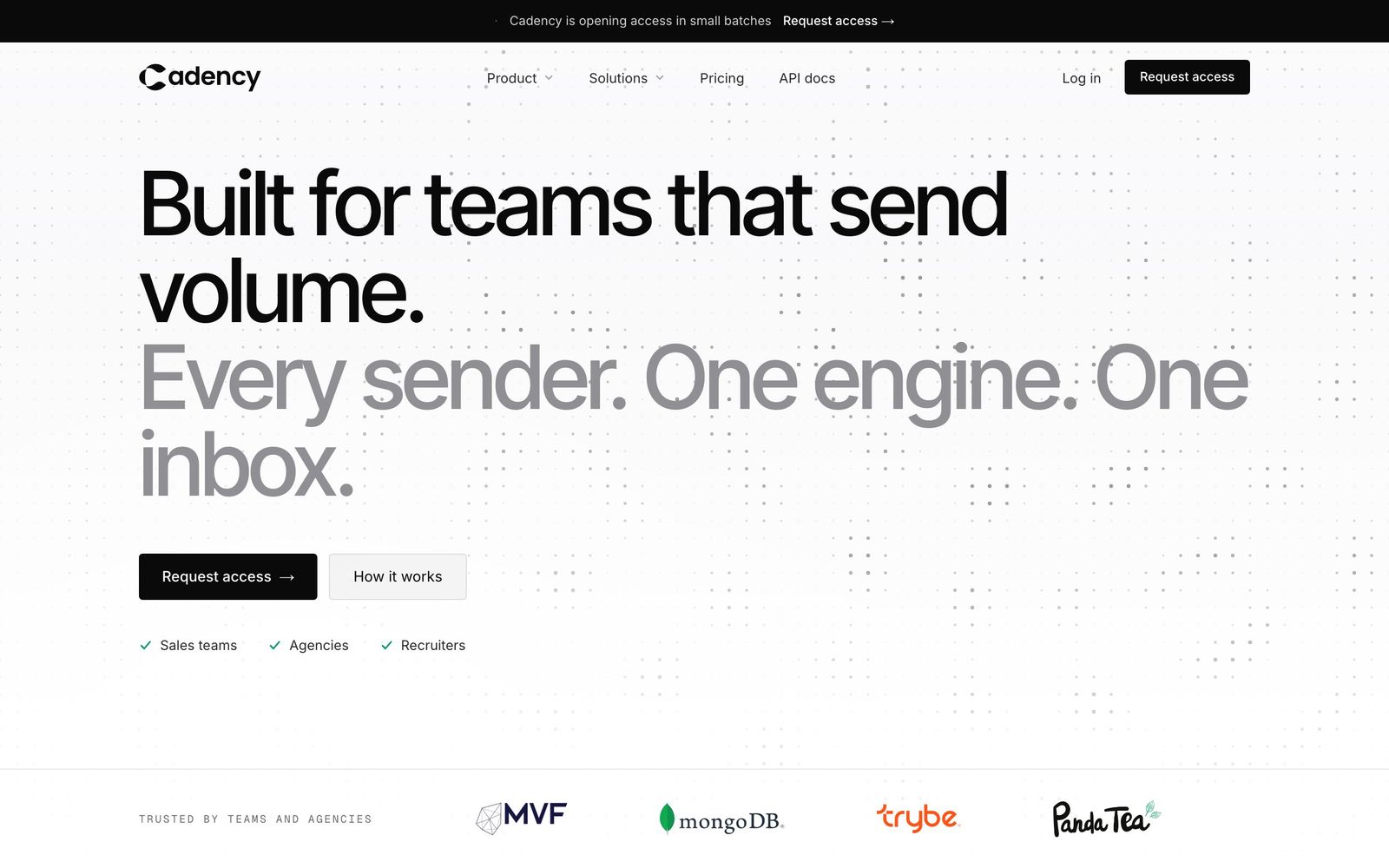
Neither LinkedIn Premium nor Sales Navigator sends a single message on your behalf. Both are search, insight and messaging-credit products; sending a sequence is still a manual, click-by-click job inside LinkedIn's own interface. Cadency, our outreach software for teams that send volume, sits on top of that layer rather than replacing it: it imports the searches you already built in Sales Navigator, or a CSV, and runs the resulting outreach on the LinkedIn accounts and mailboxes you connect, with a people and company database and waterfall enrichment built in. Its eight LinkedIn steps are profile visits, connection requests, messages, InMail, AI-drafted comments on the lead's last post that you approve, voice notes, likes and follows, though the InMail allowance itself is still set by the LinkedIn plan on each account.
In this setup Sales Navigator finds the people and Cadency is the execution layer that turns a saved search into a running campaign. One campaign rotates across every LinkedIn sender and every mailbox you connect, one sender per lead, so volume grows by adding senders rather than by pushing one account harder. Each sender runs in the cloud under its own ceilings and pacing, on a dedicated proxy, with checkpoint handling. Replies land in one unified inbox, one thread per lead across LinkedIn and email, assignable and answerable as any sender, so a small team is not chasing threads across several separate LinkedIn logins.
Cadency's Essential plan is $89 a month with 2 LinkedIn senders, Small Team is $199 a month with 5 LinkedIn senders included, and Scale is $699 a month with 20, all with unlimited mailboxes and teammates and 30 percent off on annual billing. That price sits on top of any LinkedIn plan the connected accounts already hold. Essential starts with a free trial; for Small Team and Scale, teams talk to sales on the Cadency site. CRM connectivity runs through the API and webhooks on every plan rather than a built-in sync, so deal data still lands wherever a team already tracks its pipeline. Readers comparing this against LinkedIn automation tools broadly, or other LinkedIn prospecting tools for the search step, should treat the two decisions separately: what finds leads, and what sends to them.
FAQ
Is LinkedIn Premium worth it in 2026?
LinkedIn Premium is worth the price mainly for two groups: job seekers who want to see everyone who viewed their profile in the past 365 days and use the AI job-fit tools, and professionals who want LinkedIn Learning access bundled into one subscription. Premium Career costs $39.99 a month or $239.88 a year, a 50 percent saving on LinkedIn's own page. It is not built to find sales prospects, so sellers usually need Sales Navigator instead.
What is LinkedIn Premium pricing for each plan?
LinkedIn Premium pricing splits into three tiers, as of LinkedIn's pages last updated April 20, 2026: Premium Career at $39.99 a month or $239.88 a year, Premium Business at $69.99 a month or $539.88 a year, and Premium All-in-One at $89.99 a month or $899.88 a year. Each plan includes InMail credits, 5, 15 and 30 respectively, and the annual option is billed once rather than every month.
LinkedIn Premium Business vs Sales Navigator: what is the real difference?
LinkedIn Premium Business is a networking and visibility subscription at $69.99 a month with 15 InMail credits and limited search. Sales Navigator Core costs $119.99 a month, with 50 InMail credits, 50+ advanced search filters, and Premium Business's own features bundled in, per LinkedIn's comparison page. Premium Business does not include Account IQ, Lead IQ, TeamLink or Smart Links; LinkedIn's compare grid, read on 30 September 2026, puts Account IQ and Lead IQ on every Sales Navigator tier, while TeamLink and Smart Links stay on Advanced and Advanced Plus only.
LinkedIn Premium vs Sales Navigator: which should a job seeker buy?
A job seeker almost always wants LinkedIn Premium Career, not Sales Navigator. Career costs $39.99 a month, a fraction of Sales Navigator Core's $119.99, and its 365-day profile viewer history and AI job-fit tools are aimed directly at a job search. Sales Navigator's search filters and Account IQ are built for finding buyers, a job a job seeker is not doing, so the extra cost buys nothing useful there.
Sales Navigator vs LinkedIn Premium: does Sales Navigator include Premium features?
Sales Navigator subscriptions include access to Premium Business features, LinkedIn's own comparison page states this directly. That means a Sales Navigator Core buyer at $119.99 a month is not paying twice: the $69.99 Premium Business tier's networking features ride along, though Buyer Intent, TeamLink and Smart Links still require Sales Navigator Advanced, not Core.
Do Sales Navigator plans include Account IQ and Lead IQ?
Yes, on every tier. LinkedIn's compare grid, read on 30 September 2026, ticks Account IQ and Lead IQ on Sales Navigator Core, Advanced and Advanced Plus, though LinkedIn says some features are only available in select languages or in beta. What Core, the $119.99 a month entry tier, leaves out is Buyer Intent, TeamLink and Smart Links, which start at Advanced, even though Core carries the same 50 InMail credits and 50+ search filters as the two higher plans.
How many InMail credits do I get with each plan?
InMail credits run 5 a month on Premium Career, 15 on Premium Business, 30 on Premium All-in-One, and 50 on every Sales Navigator tier, Core, Advanced and Advanced Plus alike. Credits expire after 90 days, and a credit is returned if the recipient responds within that window. Sales Navigator cannot buy extra credits; Premium members can only get more by upgrading plans.
Can Sales Navigator raise my LinkedIn connection limit?
No single subscription raises the official connection or invitation limit. LinkedIn states the cap exists but never publishes the number, and it applies the same way whether you pay for Sales Navigator or use a free account. In practice, operators report sustained volume climbing on mature paid accounts, roughly 100 to 200 invitations a week on Premium and 150 to 250 on Sales Navigator, though sources disagree on the top end.
Is there a free trial for LinkedIn Premium or Sales Navigator?
LinkedIn Premium's free trial runs for a month, and LinkedIn's Help Center says to cancel at least a day before it ends or it converts to a paid subscription, with a reminder email seven days out. Sales Navigator Core and Advanced offer a separate free trial, open only to members not currently on a paid LinkedIn subscription; LinkedIn's own pages give inconsistent windows for re-eligibility after a previous trial, so treat any second trial as unlikely.
Can Cadency replace LinkedIn Sales Navigator?
Cadency does not replace Sales Navigator's search: it imports the searches you already built in Sales Navigator and runs the outreach on the LinkedIn senders and mailboxes you connect, one sender per lead, under per-sender ceilings and pacing. Sales Navigator still does the finding; Cadency handles the sending step that follows, with one campaign across every LinkedIn sender and mailbox and one unified inbox for the replies.
Conclusion
Sales Navigator vs LinkedIn Premium comes down to what you are trying to do on LinkedIn, not which one is objectively better. Premium Career, Business and All-in-One are visibility and networking subscriptions priced between $39.99 and $89.99 a month; Sales Navigator Core, Advanced and Advanced Plus are prospecting subscriptions priced from $119.99 a month to a custom Advanced Plus quote, and every Sales Navigator tier already includes Premium Business's networking features.
If you are job hunting, building a personal brand, or running a small business that also hires and advertises, one of the three Premium plans covers you for under $90 a month. If you carry a sales quota, or your team runs its pipeline through Salesforce or HubSpot, Sales Navigator Core, Advanced or Advanced Plus earns its higher price through search filters, Account IQ, Lead IQ and CRM integrations that Premium never offers. Either way, a plan only finds people. Something else has to run the actual outreach.
Running that outreach is the job Cadency does, on top of whichever Premium or Sales Navigator plan your LinkedIn accounts already hold. Cadency began as our internal test bed for the Swarmhit engine and was never meant to be public, but we kept it running for the sales teams, recruiters and agencies who asked for it. That engine is also the API developers use to build their own outreach product.

