

The best LinkedIn prospecting tools in 2026 are Swarmhit, LinkedIn Sales Navigator, Apollo, Clay, Evaboot, Wiza, Lusha and Kaspr. Prospecting tools answer one question: who exactly should you contact, and how do you get their details into a usable list? That is a different job from sending the outreach itself, which belongs to LinkedIn automation tools. This guide covers the finding-and-qualifying layer only.
Every price below was read from the vendor's own pricing page on 18 August 2026, with the billing basis stated each time, because most pricing pages default to the discounted annual view. One vendor page sat behind a verification wall; we say so instead of guessing.
What is LinkedIn prospecting?
LinkedIn prospecting is the process of finding, qualifying and listing the people you want to sell to, using LinkedIn as the source of truth for who they are and what they do. In practice it means three steps: searching with precise filters, extracting the results into a list, and enriching that list with verified contact details your CRM can use. Prospecting tools industrialize those steps. What they do not do is send the messages: that is the execution layer, covered in our guide to LinkedIn automation tools.
How should you evaluate a LinkedIn prospecting tool?
Feature lists all look alike. These five questions separate the tools faster than any demo:
- Data freshness: does the tool extract live from LinkedIn (accurate but slower) or query a prebuilt database (fast but ages)? Job changes alone erode a static list month by month; a database nobody refreshes is materially stale within a year.
- Contact coverage: verified work emails are table stakes. Phone numbers and EU coverage are where databases differ most, and where the price jumps.
- Export path: how do results leave the tool? A clean CSV, a native CRM sync, or an API decides how much manual glue work your team inherits. See our guide on how to export LinkedIn contacts for the manual baseline.
- Safety of the extraction: tools that pull data through your own LinkedIn session must respect daily limits or they put your account at risk. Tools that query their own database carry no account risk at all.
- Distance to execution: a list is not pipeline. Count the steps between "found the right person" and "first message sent". Every extra tool in that chain loses leads.
From found to contacted, in one platform
Swarmhit pairs a searchable B2B database with multi-sender LinkedIn campaigns from $29 per sender per month on annual billing ($39 monthly). Find your leads and reach them without switching tools.
Per-sender pricing. Cancel anytime.
1. Swarmhit
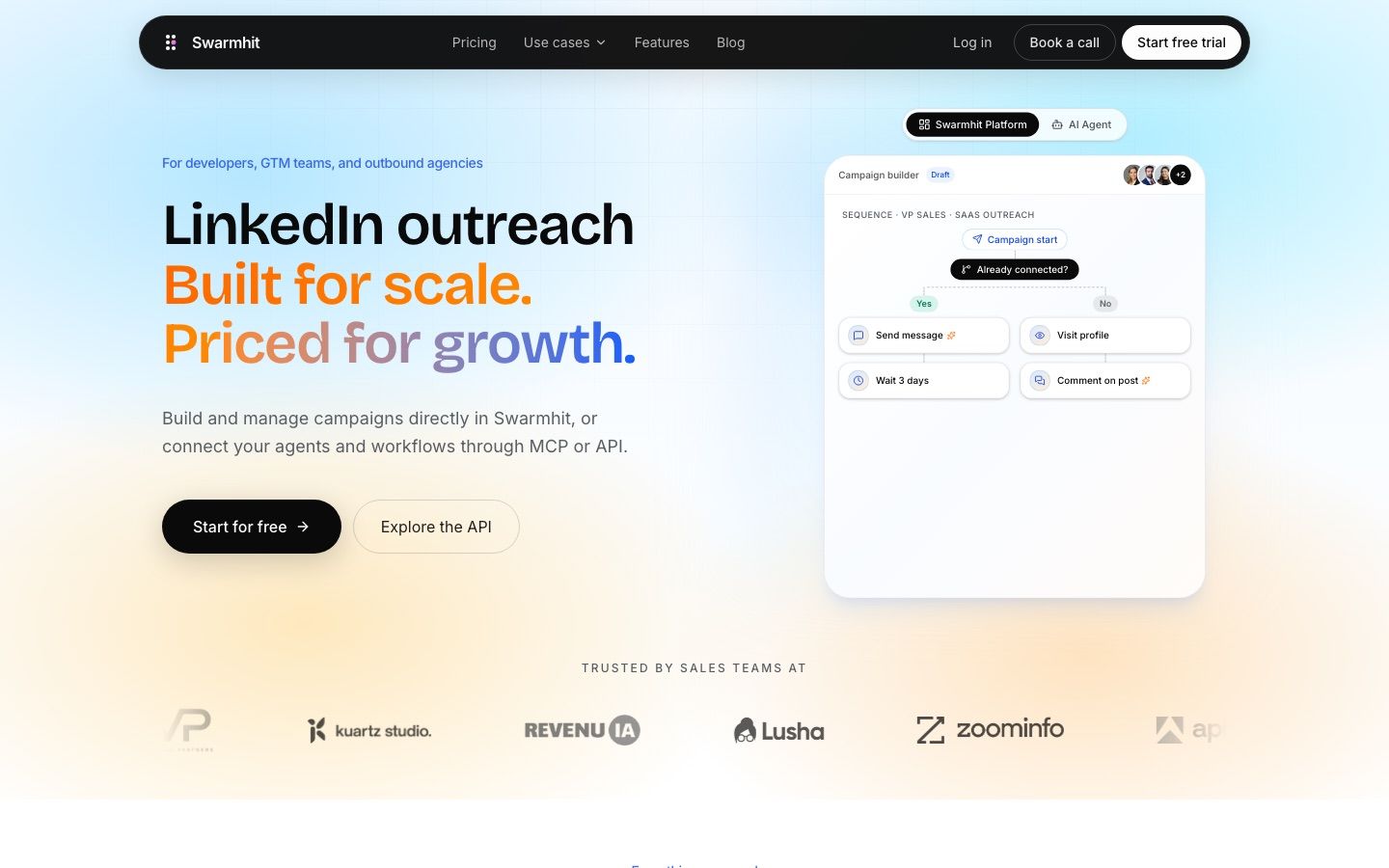
Swarmhit approaches prospecting from the opposite direction of most tools on this list: instead of exporting LinkedIn searches into a spreadsheet, you describe who you want in plain language and search a B2B database of 1B+ contacts across 60M companies, refreshed weekly and sourced through third-party data providers. Found profiles drop directly into campaigns, because the same platform runs the outreach.
Who it's for
Teams and agencies that want prospecting and outreach in one motion, without CSV round-trips between a data tool and a sending tool.
Where it fits
As the system of record for the whole flow: search the database on free monthly credits (then pay as you go), or scrape account-based from Sales Navigator through accounts you own and connect, capped at 2,500 profiles a day per account, a ceiling Swarmhit enforces to protect the account. Every plan includes a dedicated proxy per sender and managed warm-up. Platform pricing is from $29 per sender per month on annual billing ($39 monthly).
Tradeoffs
Database credits are a metered add-on rather than unlimited, and if all you need is a one-off list export with no outreach attached, a single-purpose exporter like Evaboot is cheaper.
2. LinkedIn Sales Navigator
Sales Navigator is not optional context here: it is the targeting layer half the tools on this list are built on. Its advanced filters (seniority, tenure, headcount growth, technology signals) remain the most precise way to define an audience that actually exists on LinkedIn. Our Sales Navigator API guide covers the export routes and their real limits.
If the seat price is the sticking point, our LinkedIn Sales Navigator alternatives guide compares eleven tools against it on price and what each one replaces.
Who it's for
Anyone doing serious LinkedIn prospecting. Most tools below either require it or work dramatically better with it.
Where it fits
As the search engine. Core lists at US$119.99/month (or $1,079.88 billed annually) and Advanced at US$159.99/month, per LinkedIn's own comparison page. It gives you 50 InMails a month and saved-search alerts, but no email addresses, no phone numbers and no bulk export.
Tradeoffs
It deliberately stops where prospecting lists begin: no export button, no contact data. That is precisely the gap Evaboot, Wiza and Swarmhit exist to fill.
3. Apollo.io
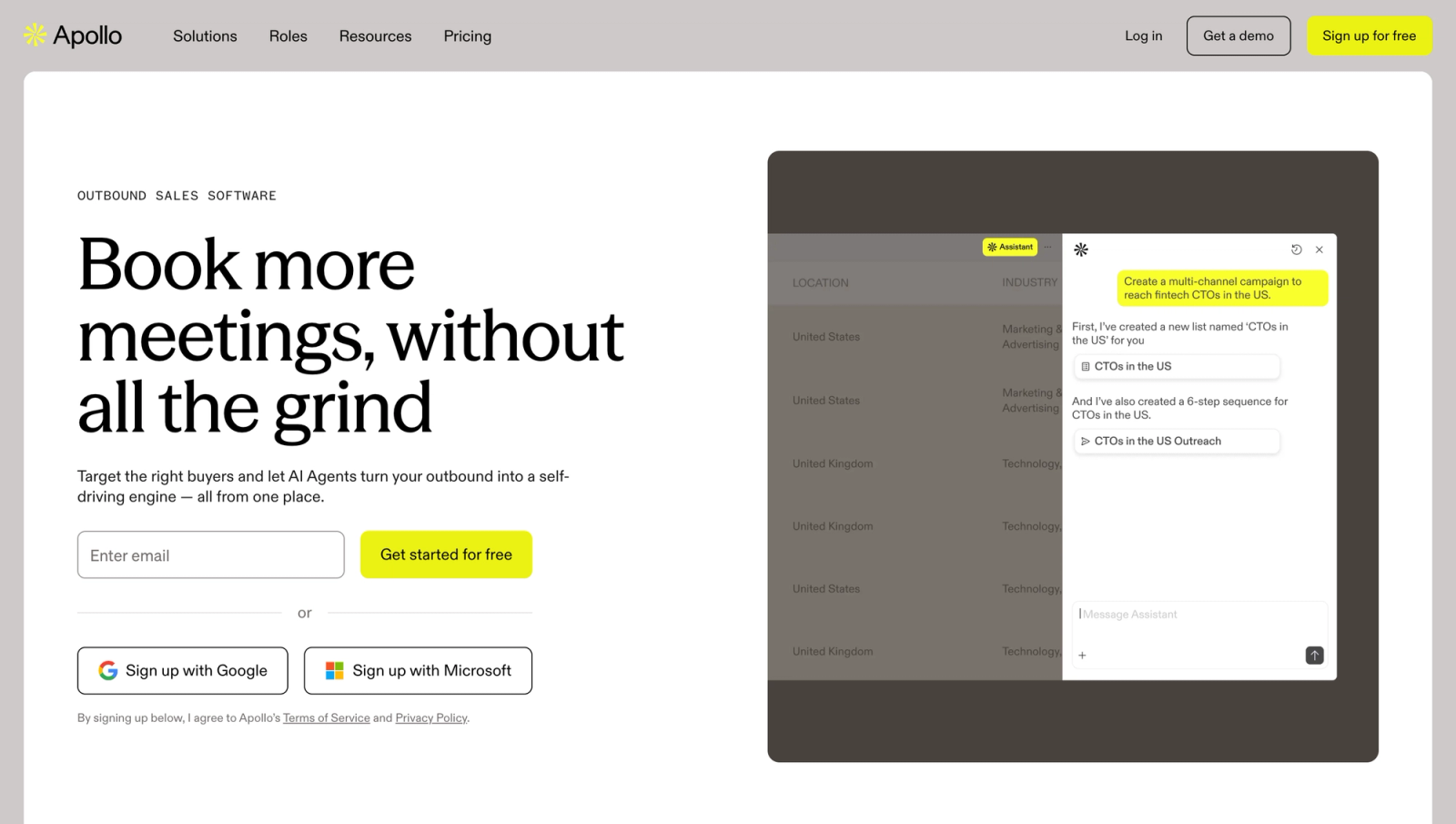
Apollo is the volume play: a large B2B database with search, enrichment and email sequencing in one seat. Its free plan (900 credits a year) makes it the easiest tool on this list to trial seriously. We compare its database head-to-head with the market leader in our Apollo vs ZoomInfo breakdown.
Who it's for
Email-led teams that want database, enrichment and sequencing under one subscription, and accept database staleness as the cost of volume.
Where it fits
List building at scale. Paid plans run $49 (Basic), $79 (Professional) and $119 (Organization, 3 seat minimum) per seat per month on annual billing, with 30,000 to 72,000 credits a year granted upfront. Monthly billing costs more; Apollo's pricing page defaults to the annual view.
Tradeoffs
LinkedIn-side actions still depend on a Chrome extension, and database records age: verify before you send, or bounce rates will tell you which segments went stale. If Apollo is not the fit, we listed the strongest Apollo alternatives separately.
4. Clay
Clay is not a database, it is the orchestration layer on top of 150+ data partners. You build tables that waterfall through providers until an email or phone is found, score leads with AI, and push the result anywhere. It rewards teams who treat prospecting as an engineering problem.
Who it's for
GTM engineers and ops-heavy teams building repeatable, multi-source enrichment workflows. Not casual users.
Where it fits
Above your other tools, as the pipeline that cleans and enriches whatever they produce. Per Clay's own pricing FAQ: Free (100 credits, 200-row tables), Launch from $185/month (2,500 credits), Growth from $495/month (6,000 credits), Enterprise custom. Bring your own provider API keys and you skip Clay's data credits entirely.
Tradeoffs
The learning curve is real and costs compound: Clay's credits sit on top of whatever you pay the underlying providers. Our Clay alternatives guide covers the simpler options.
5. Evaboot
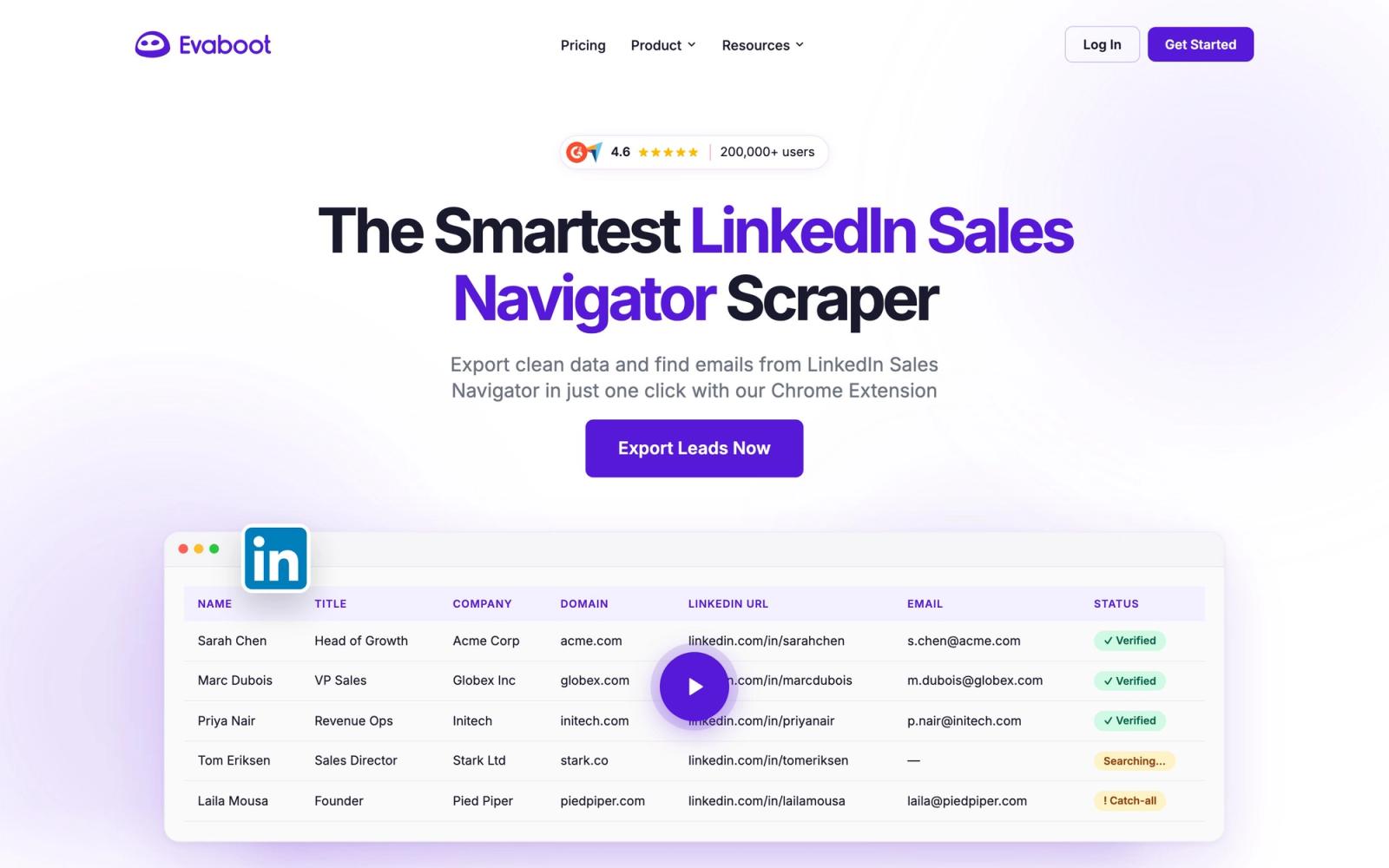
Evaboot does one thing: turn a Sales Navigator search into a clean CSV with verified emails. It deduplicates, strips emojis and job-title noise, flags mismatches against your filters, and finds and verifies work emails, all priced in credits.
Who it's for
Sales Navigator users who want exports without adopting a platform. It requires an active Sales Navigator subscription and works on nothing else.
Where it fits
Right after the search. From $9/month for 100 credits on monthly billing (yearly billing adds two free months), where one exported lead costs 1 credit and a lead with a verified email costs 2. It enforces its own daily export ceiling to keep your LinkedIn account inside safe limits.
Tradeoffs
No phone numbers, no outreach, no CRM sync beyond the CSV. It is a converter, and a very good one, not a system.
6. Wiza
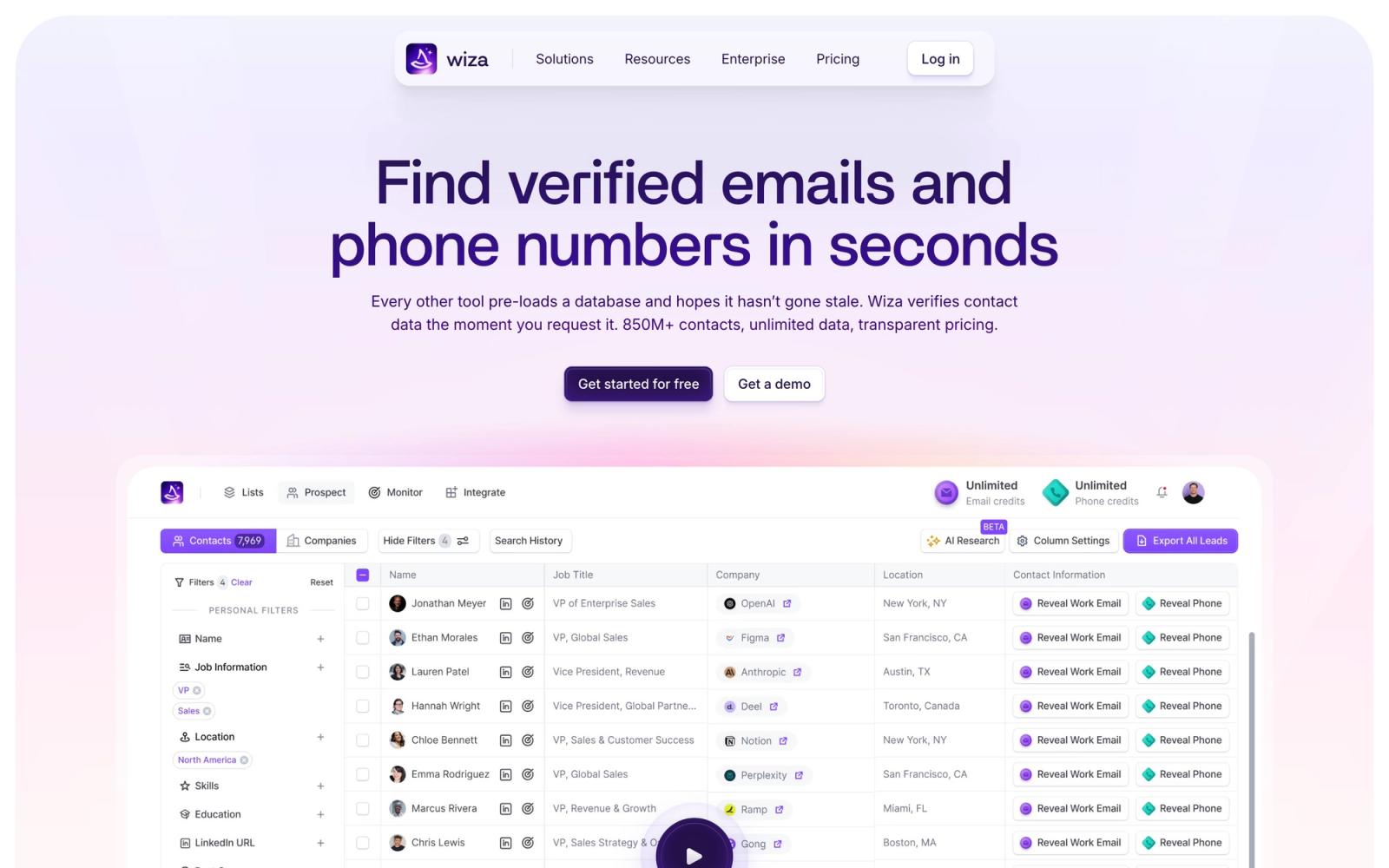
Wiza covers the same Sales Navigator export lane as Evaboot but bets on contact data depth: unlimited email reveals on paid plans, phone numbers as the upsell, and CRM integrations built in.
Who it's for
Teams whose outreach is phone-heavy, and recruiters: Wiza's mobile number accuracy is its reputation.
Where it fits
Export plus enrichment. The free tier gives 20 valid emails and 5 phone numbers. The Email plan is $83/month per user billed annually ($990/year) with unlimited email reveals and 2,500 exports a month; Email + Phone is $166/month billed annually. The pricing page defaults to the annual toggle; monthly billing runs higher.
Tradeoffs
Noticeably pricier than Evaboot for the email-only use case, and like every export tool, it ends at the list: sending is someone else's job.
7. Lusha
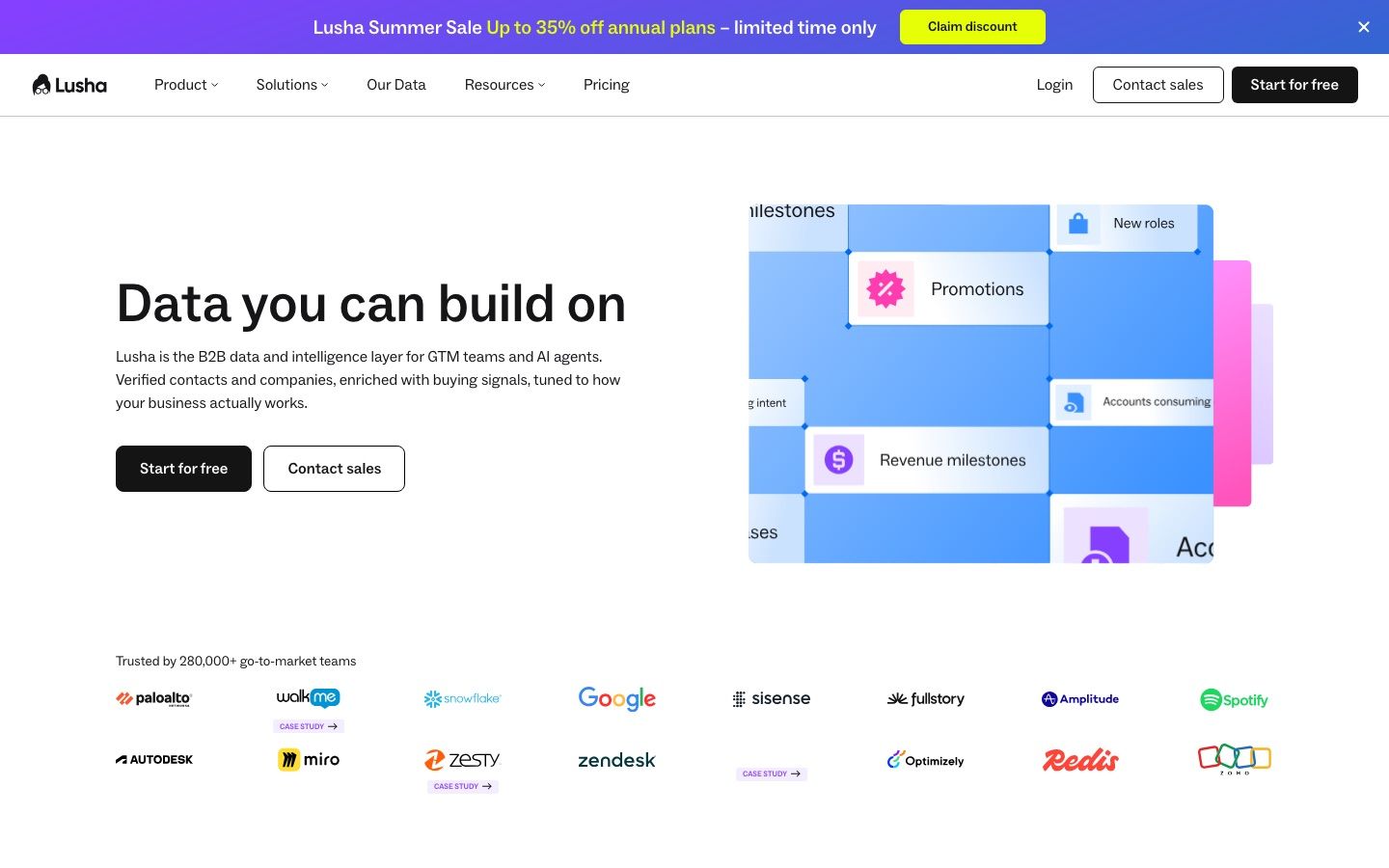
Lusha is the contact-reveal veteran: a Chrome extension that surfaces emails and phone numbers on the LinkedIn profile you are viewing, backed by a large compliance-focused database (GDPR and CCPA aligned, SOC 2 Type II audited).
Who it's for
Reps who prospect profile-by-profile and want a number or email on demand, rather than bulk lists.
Where it fits
One-off reveals and small-batch enrichment with a free tier to start. On pricing we hit a limit of our own method: Lusha's pricing page sat behind a human-verification wall when we checked on 18 August 2026, so we quote nothing rather than guess. Check lusha.com/pricing directly, and note whether the toggle shows monthly or annual rates. Our Lusha alternatives guide compares the credit models that are public.
Tradeoffs
Credit-metered reveals get expensive at volume, and reviewers consistently note EU phone coverage is thinner than US coverage.
8. Kaspr
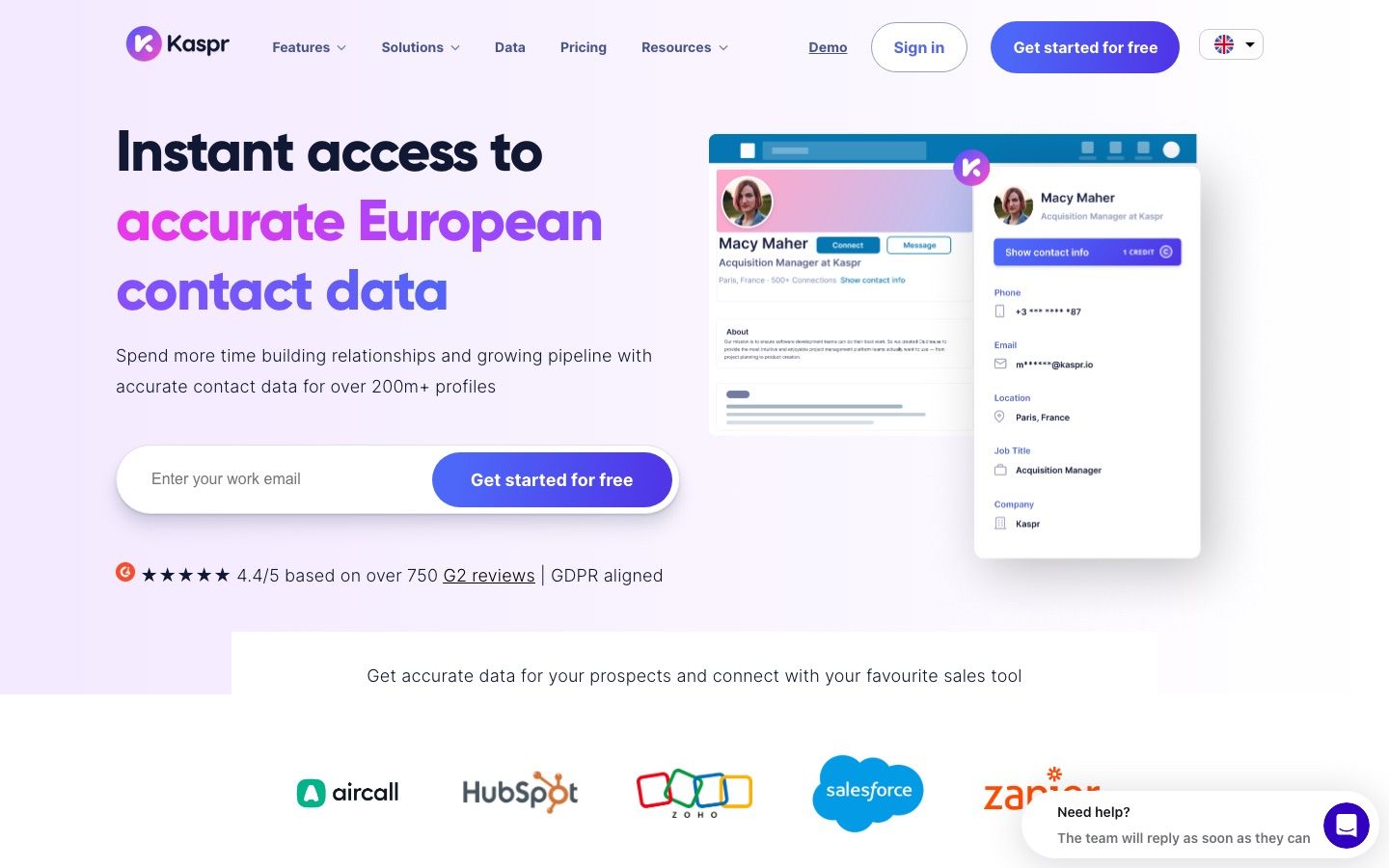
Kaspr is the European counterpart to Lusha: a LinkedIn-first extension with strong EU phone coverage, owned by Cognism. Paid plans include unlimited B2B email reveals, with phone credits as the metered resource.
Who it's for
SDRs prospecting European markets who need phone numbers the US-centric databases miss.
Where it fits
Profile-level reveals with a free tier (15 B2B emails and 5 phone credits a month). Starter lists at €45/month and Business at €79/month with the 25% annual discount applied; monthly billing runs €59 and €99. Paid plans include unlimited B2B emails, with 100 to 200 phone credits a month.
Tradeoffs
Phone credits cap the exact resource you buy it for, and like Lusha it reveals one profile at a time: bulk list building is not the model.
The 8 LinkedIn prospecting tools compared
| Tool | Best for | Entry price (verified 18 Aug 2026) | The catch |
|---|---|---|---|
| Swarmhit | Prospecting that feeds outreach directly | $29 per sender on annual billing, $39 monthly; database on free monthly credits then pay as you go | Database credits are metered |
| Sales Navigator | The targeting layer itself | US$119.99/mo (Core), $1,079.88/yr | No export, no contact data |
| Apollo | Database volume plus email sequencing | Free; paid from $49/seat/mo annual | Records age, verify before sending |
| Clay | Multi-provider enrichment workflows | Free; Launch from $185/mo | Learning curve, compounding credits |
| Evaboot | Clean Sales Nav exports with emails | From $9/mo (100 credits), monthly billing | Requires Sales Navigator, no phones |
| Wiza | Exports with phone number depth | $83/mo per user billed annually | Pricey for email-only needs |
| Lusha | On-demand contact reveals | Free tier; paid rates unverifiable behind bot wall | Credits get expensive at volume |
| Kaspr | EU phone coverage | Free tier; €45/mo with annual discount | Phone credits are the cap |
How do prospecting and automation tools fit together?
A working LinkedIn outbound system has three layers. Targeting defines who: Sales Navigator filters or a database query, refined with the techniques in our advanced LinkedIn search guide. Prospecting turns who into a list: exports, verified contacts, enrichment, the tools above. Execution turns the list into conversations: sequenced connection requests and messages within safe limits, which is the territory of our LinkedIn automation tools guide and the sending caps documented in our LinkedIn connection limits data.
The stack question is how many tools you tolerate between the layers. A Sales Navigator + Evaboot + CSV + sequencer chain works but leaks leads at every hand-off. Platforms that fuse the layers trade some best-of-breed depth for zero glue work. There is no universally right answer, only the honest count of hand-offs your team will actually maintain.
Conclusion
Start from your bottleneck. If targeting is weak, fix Sales Navigator technique before buying anything. If lists are dirty, Evaboot or Wiza solve it for the price of lunch. If enrichment is the gap, Apollo brings volume and Clay brings precision. And if the real problem is that found leads never become conversations, that is the argument for running prospecting and outreach on one platform. Whichever route you take, verify pricing on the vendor's page with the billing toggle visible: half the prices quoted around the web are the annual rate presented as monthly.
FAQ
What is the best LinkedIn prospecting tool?
It depends on the job. For prospecting that flows straight into outreach, Swarmhit. For pure targeting precision, Sales Navigator. For clean Sales Navigator exports, Evaboot at entry prices or Wiza when phone numbers matter. For database volume with sequencing, Apollo. For orchestrated multi-source enrichment, Clay. Match the tool to the layer that is actually broken in your motion.
What is the difference between prospecting tools and automation tools?
Prospecting tools find and qualify people: search, export, contact enrichment, list building. Automation tools execute outreach: connection requests, message sequences, follow-ups and reply management. Treat them as separate categories in your stack evaluation, because being excellent at one says nothing about the other. Some platforms span both layers; most tools specialize in one.
Is there a free LinkedIn prospecting tool?
Several tools have genuinely usable free tiers: Apollo grants 900 credits a year, Wiza gives 20 valid emails and 5 phone numbers, Kaspr 15 emails and 5 phone credits a month, and Clay 100 credits with 200-row tables. Combined with LinkedIn's free search, that is enough to prospect a small niche seriously before paying anyone.
Is Sales Navigator enough for prospecting?
No. It is the best targeting layer on the market, but it ships no email addresses, no phone numbers and no export path, by design. Every serious prospecting stack pairs it with an extraction or enrichment tool, which is why Evaboot, Wiza and Swarmhit all treat a Sales Navigator search as their input.
How do you export leads from LinkedIn Sales Navigator?
Sales Navigator has no export button, so you have three routes: manual copy work, an export tool like Evaboot or Wiza that converts a search into a CSV with verified emails, or a platform like Swarmhit that pulls the search results into campaigns through your own connected account within enforced daily caps. Our full guide to exporting LinkedIn contacts walks through each route.
Are LinkedIn prospecting tools safe and compliant?
Two separate risks. Account safety: anything acting through your LinkedIn session must stay within conservative daily limits; prefer tools that enforce ceilings for you. Data compliance: reputable vendors document GDPR and CCPA alignment (Lusha and Kaspr build their positioning on it), and business contact data processed for legitimate B2B purposes is a recognized lawful basis in most frameworks. Cookie-less scraping of LinkedIn without an account is a practice that violates LinkedIn's terms and that we do not support.

