

The best LinkedIn Sales Navigator alternatives in 2026 are Apollo, Cognism, ZoomInfo, Lusha, Clay, LeadIQ, Kaspr, UpLead, RocketReach, Evaboot and PhantomBuster. Sales Navigator Core runs $119.99 per month per license, or $1,079.88 a year, and Advanced runs $159.99 a month or $1,799.88 a year. Most people searching for an alternative are really asking one of two different questions.
Question one: can I get the same prospect data somewhere cheaper? Yes, and often better. Question two: can I replace what Sales Navigator does inside LinkedIn? Mostly no, and the honest lists are short about it. This guide separates the two, because buying the wrong category is how teams end up paying for both.
We build Cadency, outreach software for the layer after prospecting, so our view is practical: keep Sales Navigator when its relationship signals or InMail create pipeline; cancel it when you only need contact data. The ranking below follows that boundary, not the largest database claim.
- Sales Navigator sells search, saved leads, InMail and relationship signals inside LinkedIn. It does not give you email addresses or phone numbers.
- Most tools on this list sell exactly what Sales Navigator does not: contact data, outside LinkedIn, at a fraction of the seat price.
- Two entries here are companions, not replacements. Evaboot requires a Sales Navigator account to work at all, and PhantomBuster is an automation layer that usually runs on top of one.
- Apollo at $49 per seat is the closest thing to a true swap, because it bundles search, contact data and sequencing in one seat.
How much does LinkedIn Sales Navigator cost?
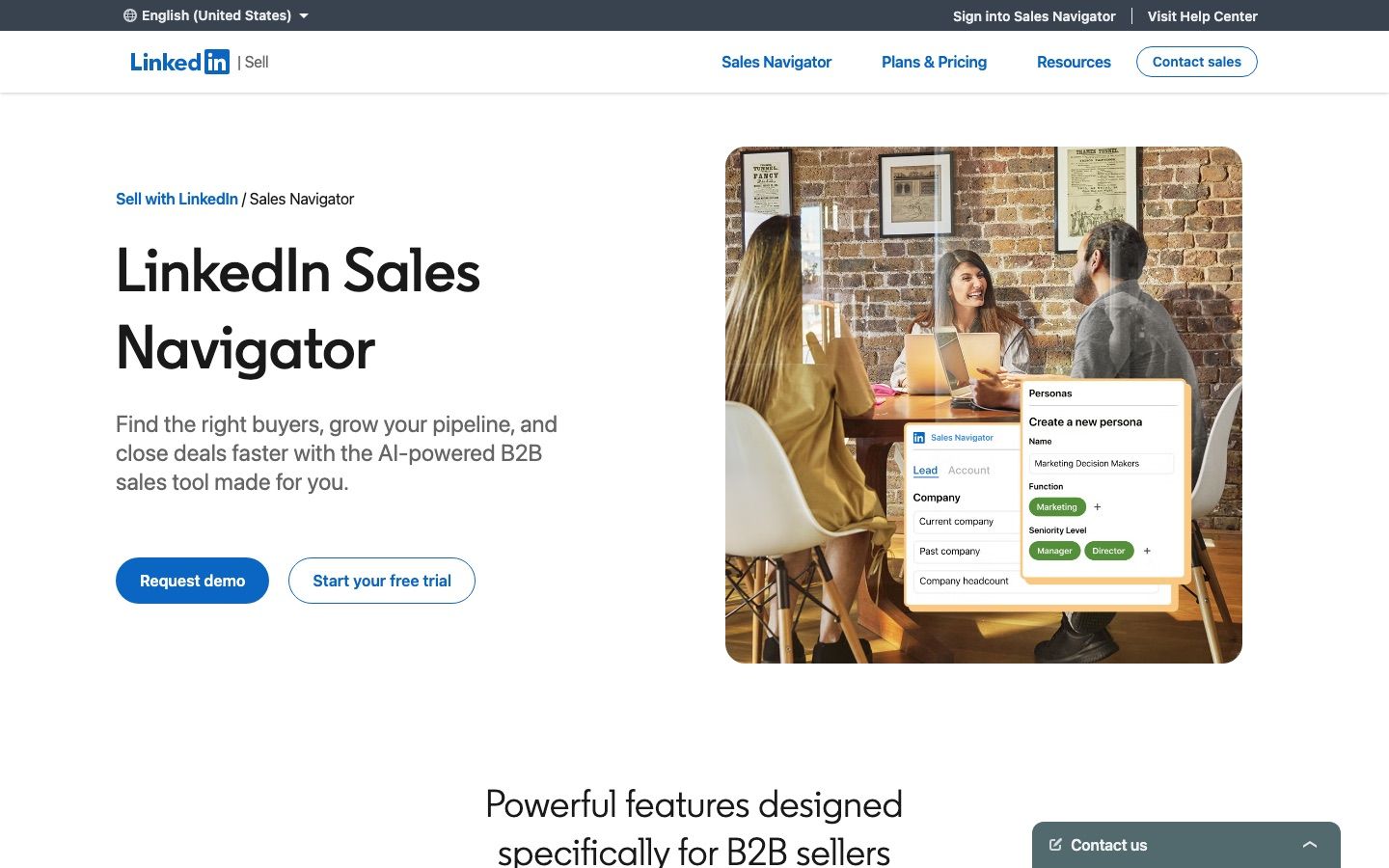
LinkedIn publishes the numbers. Core starts at $119.99 per month per license or $1,079.88 a year, which LinkedIn describes as a 25 percent saving on annual billing. Advanced starts at $159.99 a month or $1,799.88 a year. Advanced Plus is quoted, and it is the tier built around CRM integration. All three include 50 InMails a month.
What that buys is 50-plus search filters, saved lead and account lists, alerts when something changes at an account, and InMail to reach people you are not connected to. What it does not buy is a single email address or phone number, and that gap is the reason the alternatives market exists at all.
The InMail allowance deserves its own line in the maths, because it is the one thing on that list you cannot buy anywhere else. Fifty InMails a month is fifty messages to people who never accepted a connection request, and LinkedIn returns the credit whenever the recipient responds, accepts or declines within 90 days, so a well-targeted campaign recycles much of its allowance while a scattergun one burns it. If your outbound depends on reaching strangers who ignore connection requests, that allowance is most of what you are paying for, and no data vendor sells a substitute. Our guide to LinkedIn InMail covers when it is worth using at all.
So before you compare prices, be precise about which half you are replacing. If you cancel Sales Navigator and buy Apollo, you lose the in-LinkedIn search experience and the InMail allowance. If you keep it and add a data tool, you are paying twice on purpose, which is often the correct answer. Our comparison of LinkedIn prospecting tools covers where the seat still earns its place.
How do 11 LinkedIn Sales Navigator alternatives compare?
Published rates on 10 August 2026, annual pricing where the vendor offers it. The last column is the one to read first.
| Tool | Entry price | Model | Replaces Sales Navigator? |
|---|---|---|---|
| Sales Navigator Core | $119.99 per month per license | Per license | n/a |
| Apollo | Free, then $49 per seat annual | Seat plus credits | Closest to a full swap |
| Cognism | Quote-based | Credits, five seats included | Data only, at higher quality |
| ZoomInfo | Not published | Quoted per package | Data first, enterprise scale, sending only through an Engage add-on (checked 30 September 2026) |
| Lusha | Free, then $37.45 per month annual | Credits per reveal | Data only, cheapest reveals |
| Clay | Free, then from $167 per month | Credits across many providers | Data only, many sources |
| LeadIQ | Free, then $15 per month annual | Credits, slider-priced | Data only, plus job changes |
| Kaspr | Free, then 45 EUR per user annual | Phone credits per user | Data only, inside LinkedIn |
| UpLead | $74 per month annual | 1 credit per contact | Data only, verified |
| RocketReach | $33 per month annual | Lookups on monthly, exports on annual | Data only, pay per hit |
| Evaboot | $9 a month | Credits per lead exported | No, it requires a seat |
| PhantomBuster | $56 per month annual | Automation slots and hours | No, it automates on top |
Read the last column before the second. Nine of these sell contact data, which Sales Navigator does not sell at all, and one of them needs a Sales Navigator seat to function. Only one line in this table is a like for like swap.
What are the 11 best LinkedIn Sales Navigator alternatives?
1. Apollo.io
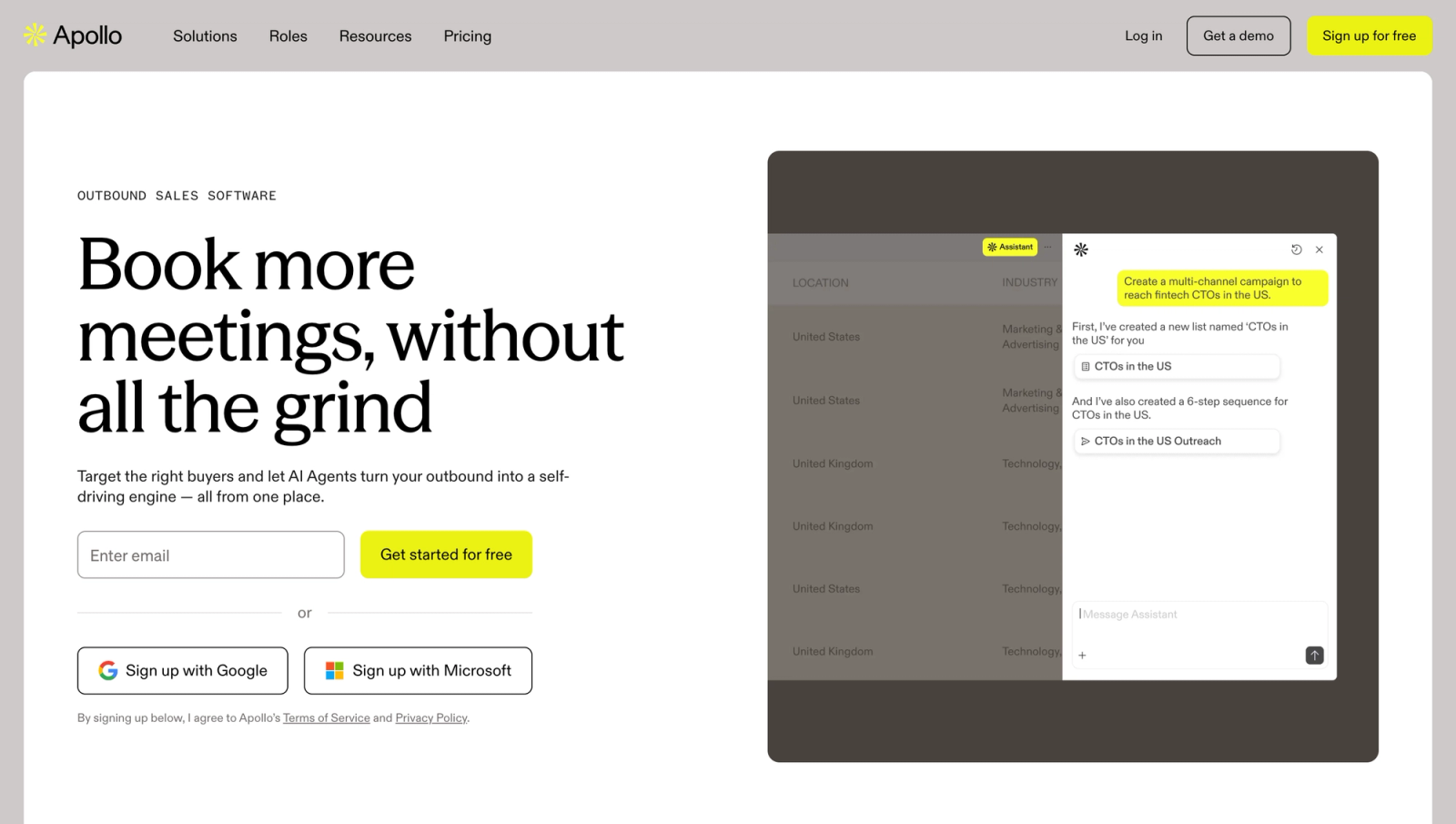
The only entry here that genuinely replaces most of what a Sales Navigator seat does, because it has its own search over a 240M+ contact database plus the emails and phone numbers LinkedIn withholds, plus a sequencer. It runs $49 per seat per month on annual billing for Basic, $79 for Professional and $119 for Organization with a three seat minimum; monthly is $65 and $99, and Organization is annual only. The free tier carries 900 credits per seat per year.
What you give up is the LinkedIn-native part: no InMail, no saved-lead alerts tied to LinkedIn activity, and search filters that are Apollo's rather than LinkedIn's. What you gain is contact data at a price where cancelling the $119.99 seat actually saves money.
One rule to read before you commit: credits are spent when you reveal an email (1 credit) or a phone number (8 credits), not on export (checked 30 September 2026), and its terms do not allow using these plans to power external products or resell the data.
Apollo.io: strengths and limits
Pros
- Own search over a 240M+ contact database with emails and phone numbers
- Built-in sequencer, so search, data and sending sit in one seat
- Basic at $49 per seat annual undercuts the $119.99 Sales Navigator seat
Cons
- No InMail and no saved-lead alerts tied to LinkedIn activity
- Credits are spent on reveals, 1 per email and 8 per phone number (checked 30 September 2026)
- Terms forbid powering external products or reselling the data
| Plan | Apollo.io | Sales Navigator |
|---|---|---|
| Free | $0, 900 credits per seat per year | Core $119.99 per month |
| Basic | $49 per seat annual ($65 monthly) | Advanced $159.99 per month |
| Professional | $79 annual ($99 monthly) | Advanced Plus: custom |
| Organization | $119 annual, 3 seat minimum |
2. Cognism
The answer when the reason you want out of Sales Navigator is that InMail is not working and you want to call people instead. Cognism's Diamond Data numbers are phone-verified (checked 30 September 2026), and its phone data is scrubbed against do-not-call registries across the US, Australia, the UK, France, Germany and other European countries. Cognism's pricing page lists Standard and Pro with five seats included, but does not publish a self-serve price.
With five seats bundled and no self-serve tier, it is not a cost-saving move against a $119.99 seat, it is a different strategy: fewer, better-targeted conversations on the phone instead of volume through the LinkedIn inbox. One credit reveals one contact, and re-viewing a contact you already revealed is free.
Cognism: strengths and limits
Pros
- Diamond Data numbers are phone-verified (checked 30 September 2026)
- Phone data scrubbed against do-not-call registries in the US, UK, EU and Australia
- Re-viewing a contact you already revealed is free
Cons
- No self-serve price published
- Standard and Pro bundle five seats, so it is not a cost-saving swap
| Plan | Cognism | Sales Navigator |
|---|---|---|
| Entry | Quote only, 5 seats included | Core $119.99 per month per license |
3. ZoomInfo
The enterprise data incumbent, and the one this guide cannot price. ZoomInfo does not publish a self-serve rate and its pricing page sits behind a human-verification wall we will not work around, so there is no number here. Any figure you see in a listicle is somebody's anecdote. Insist on a written quote with the seat count and credit grant spelled out.
On substance it is the same trade as Cognism at a larger scale: breadth of coverage and intent data, against price and contract length. We covered the head-to-head in our Apollo versus ZoomInfo breakdown.
ZoomInfo: strengths and limits
Pros
- Enterprise-scale breadth of coverage and intent data
- Search and contact data in one place, so the seat becomes optional
Cons
- No published self-serve rate, pricing page behind a human-verification wall
- Price and contract length are the trade
- Listicle figures are anecdotes, insist on a written quote
| Plan | ZoomInfo | Sales Navigator |
|---|---|---|
| Entry | Quote only, annual contract | Core $119.99 per month per license |
4. Lusha
The pragmatic pairing rather than the replacement: keep a free LinkedIn account, browse profiles, and let Lusha reveal the contact details Sales Navigator will not. A free tier gives 40 credits a month, then $37.45 a month on annual billing for 4,800 credits a year, $52.45 for Pro with 7,200 and two free seats, and $299.95 for Premium with 40,800 credits.
Webhooks and CSV enrichment start at Pro, and the API is rate-limited below it. Those annual prices, read on lusha.com on 30 September 2026, are a standing 25 percent off the monthly prices of $49.90, $69.90 and $399.90. Test the fill rate on your own accounts before you cancel anything, because coverage is a property of your segment rather than of the vendor.
Lusha: strengths and limits
Pros
- Reveals contact details while you browse profiles on a free LinkedIn account
- Free tier with 40 credits a month
- Pro adds webhooks, CSV enrichment and two free seats
Cons
- API is rate-limited below Pro
- The headline prices need annual billing; monthly is $49.90, $69.90 and $399.90 (checked 30 September 2026)
- Coverage depends on your segment, test fill rate first
| Plan | Lusha (checked 30 September 2026) | Sales Navigator |
|---|---|---|
| Free | $0, 40 credits a month | Core $119.99 per month |
| Annual entry tier | $37.45 annual ($49.90 monthly) | Advanced $159.99 per month |
| Pro | $52.45 annual ($69.90 monthly) | Advanced Plus: custom |
| Premium | $299.95 annual ($399.90 monthly) |
5. Clay
Clay is the alternative for teams whose real complaint is that no single source covers their market. It runs a waterfall across 150+ data providers, by its own count, retrying a contact against the next source when the first misses, and prices in credits from $167 a month on annual billing for Launch and $446 for Growth, with a free tier to learn on.
The cost of that design is that every result is metered, in Data Credits and Actions, so a broadly aimed waterfall shows up as spend, although a lookup that returns nothing is not charged, as read on Clay's pricing page on 30 September 2026. Clay suits teams who already know their ICP well enough to cap the waterfall. Our guide to the Clay alternatives covers where the model stops paying for itself.
Clay: strengths and limits
Pros
- Waterfall across 150+ data providers, retrying a miss against the next source
- Free tier to learn on
Cons
- Every result is metered in Data Credits and Actions, though misses are not charged (checked 30 September 2026)
- Needs a well-defined ICP to cap the waterfall
- Launch starts at $167 per month annual
| Plan | Clay | Sales Navigator |
|---|---|---|
| Free | $0 | Core $119.99 per month |
| Launch | $167 per month annual | Advanced $159.99 per month |
| Growth | $446 per month annual | Advanced Plus: custom |
6. LeadIQ
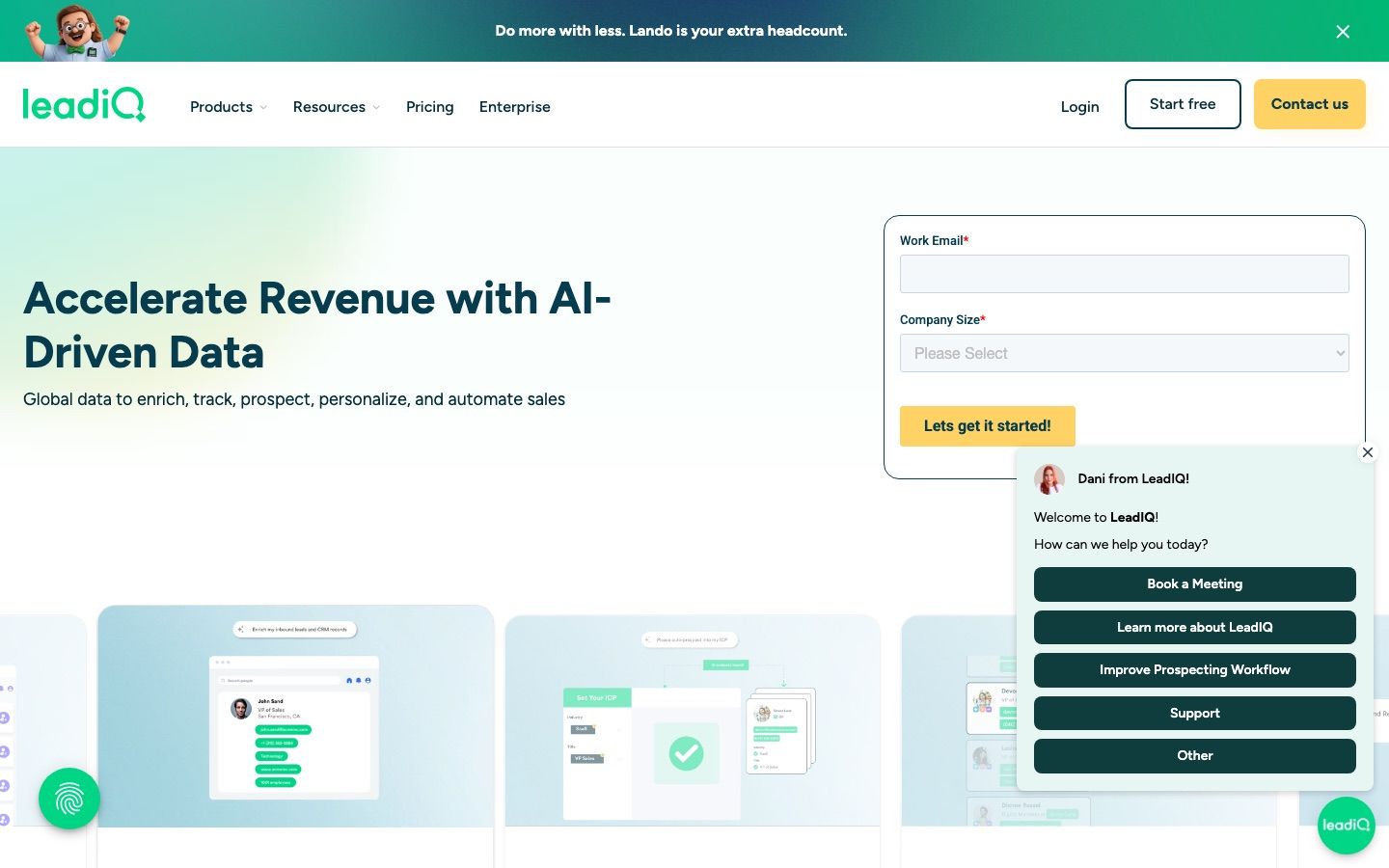
The lowest paid entry on this list and the most legible pricing: a free plan with 50 credits, then Pro from $15 a month on annual billing at the minimum volume or $20 monthly, set on a slider rather than a tier. One credit buys an email, ten buy a phone number, published up front.
Its distinctive feature maps well onto why people buy Sales Navigator in the first place: job-change tracking tells you when someone you already know has moved, which is the same relationship signal LinkedIn alerts you about, delivered where your outreach lives.
LeadIQ: strengths and limits
Pros
- Lowest paid entry, Pro from $15 a month annual
- Credit costs published up front: one for an email, ten for a phone number
- Job-change tracking mirrors the relationship signal Sales Navigator alerts on
Cons
- Slider pricing, so $15 is the minimum volume only
- No in-LinkedIn search experience or InMail
| Plan | LeadIQ | Sales Navigator |
|---|---|---|
| Free | $0, 50 credits | Core $119.99 per month |
| Pro | From $15 per month annual ($20 monthly), slider priced | Advanced $159.99 per month |
7. Kaspr
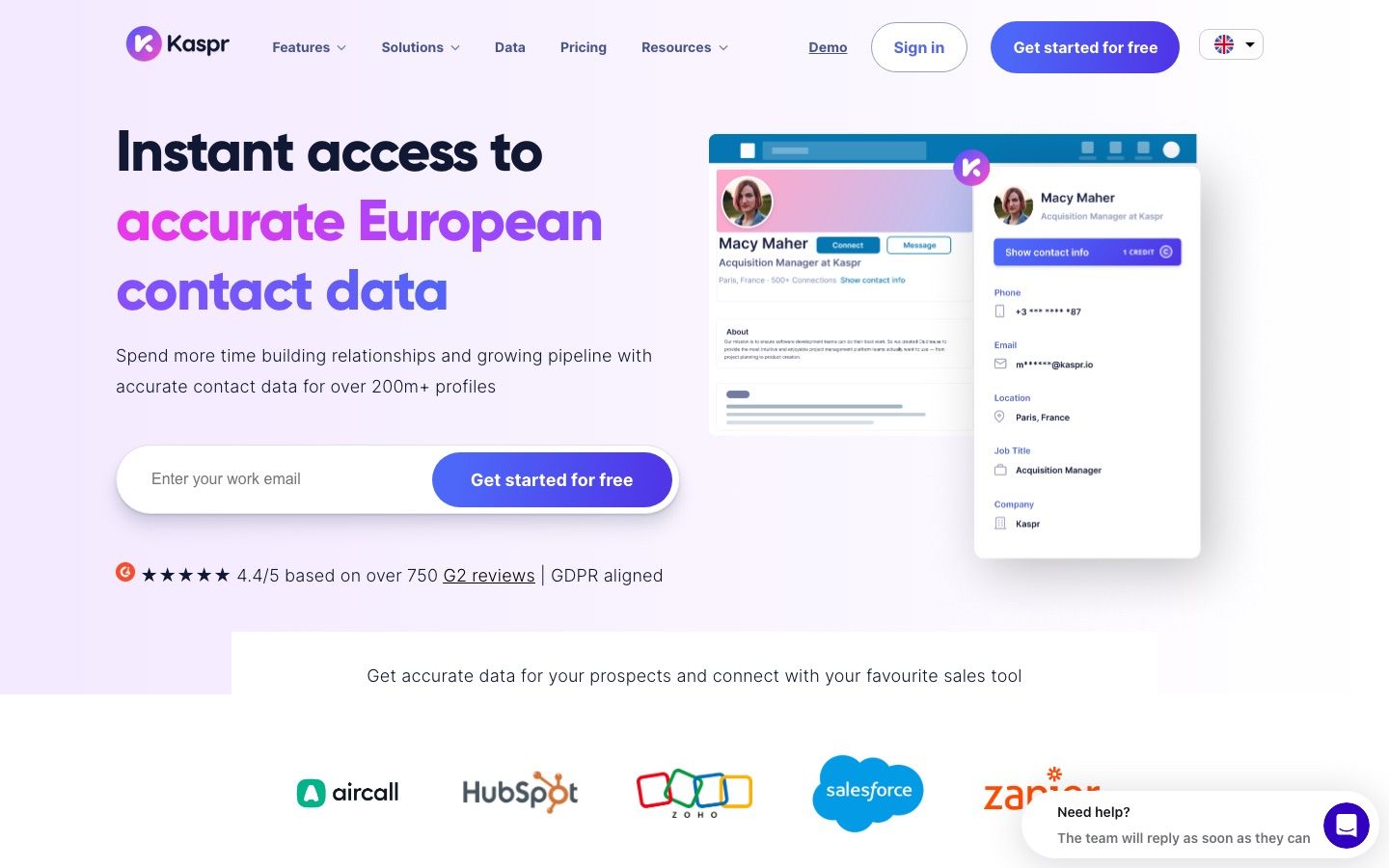
The tool for people who like working inside LinkedIn and only want the missing contact details. A free tier gives 15 B2B email credits, 5 phone credits and 5 direct email credits a month. Starter is 59 EUR per user per month or 45 EUR on annual billing, with 1,200 phone credits a year. Business is 99 EUR, or 79 EUR annual, with 2,400 phone credits and API access on request.
Worth knowing: Kaspr is owned by Cognism, and it works on standard LinkedIn on every plan, inside Sales Navigator from Starter and Recruiter Lite from Business. So it is at least as often a companion to the seat as a reason to cancel it.
Kaspr: strengths and limits
Pros
- Works inside standard LinkedIn on every plan, Sales Navigator from Starter
- Free tier with 15 email, 5 phone and 5 direct email credits a month
- Owned by Cognism
Cons
- Often a companion to the seat rather than a reason to cancel it
- API access only on request, with a limited version on Starter (checked 30 September 2026)
- Recruiter Lite support only from Business
| Plan | Kaspr | Sales Navigator |
|---|---|---|
| Free | 15 email, 5 phone, 5 direct email credits a month | Core $119.99 per month |
| Starter | 45 EUR per user annual (59 EUR monthly) | Advanced $159.99 per month |
| Business | 79 EUR annual (99 EUR monthly) | Advanced Plus: custom |
8. UpLead
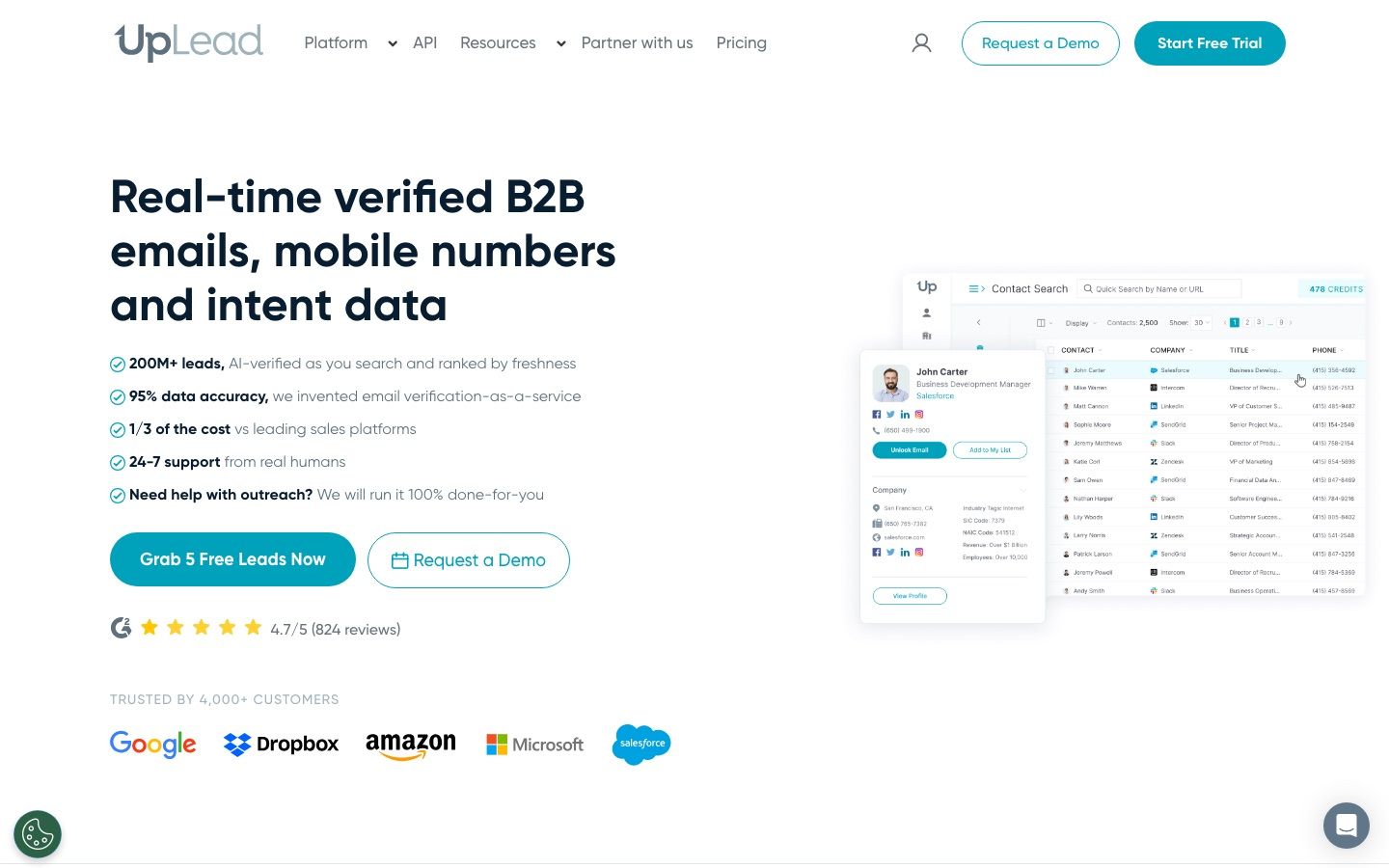
UpLead checks a contact in real time as you export it and credits you back for a bad record. A 7 day trial gives 5 credits, then Essentials is $99 a month or $74 on annual billing for 170 credits, and Plus is $199 or $149 annual for 400 credits. Professional is annual-only, quoted, and carries full API access and bi-directional CRM sync.
At 170 credits for $74 it is expensive per contact, which is the point: it targets low-volume, high-value outbound where one wrong number costs more than the month.
UpLead: strengths and limits
Pros
- Real-time verification on export, with credits refunded for bad records
- Professional tier carries full API access and bi-directional CRM sync
Cons
- Expensive per contact: 170 credits for $74 on Essentials
- Trial is 7 days with only 5 credits
- Professional is annual-only and quoted
| Plan | UpLead | Sales Navigator |
|---|---|---|
| Trial | 7 days, 5 credits | Core $119.99 per month |
| Essentials | $74 annual ($99 monthly), 170 credits a month | Advanced $159.99 per month |
| Plus | $149 annual ($199 monthly), 400 credits | Advanced Plus: custom |
9. RocketReach
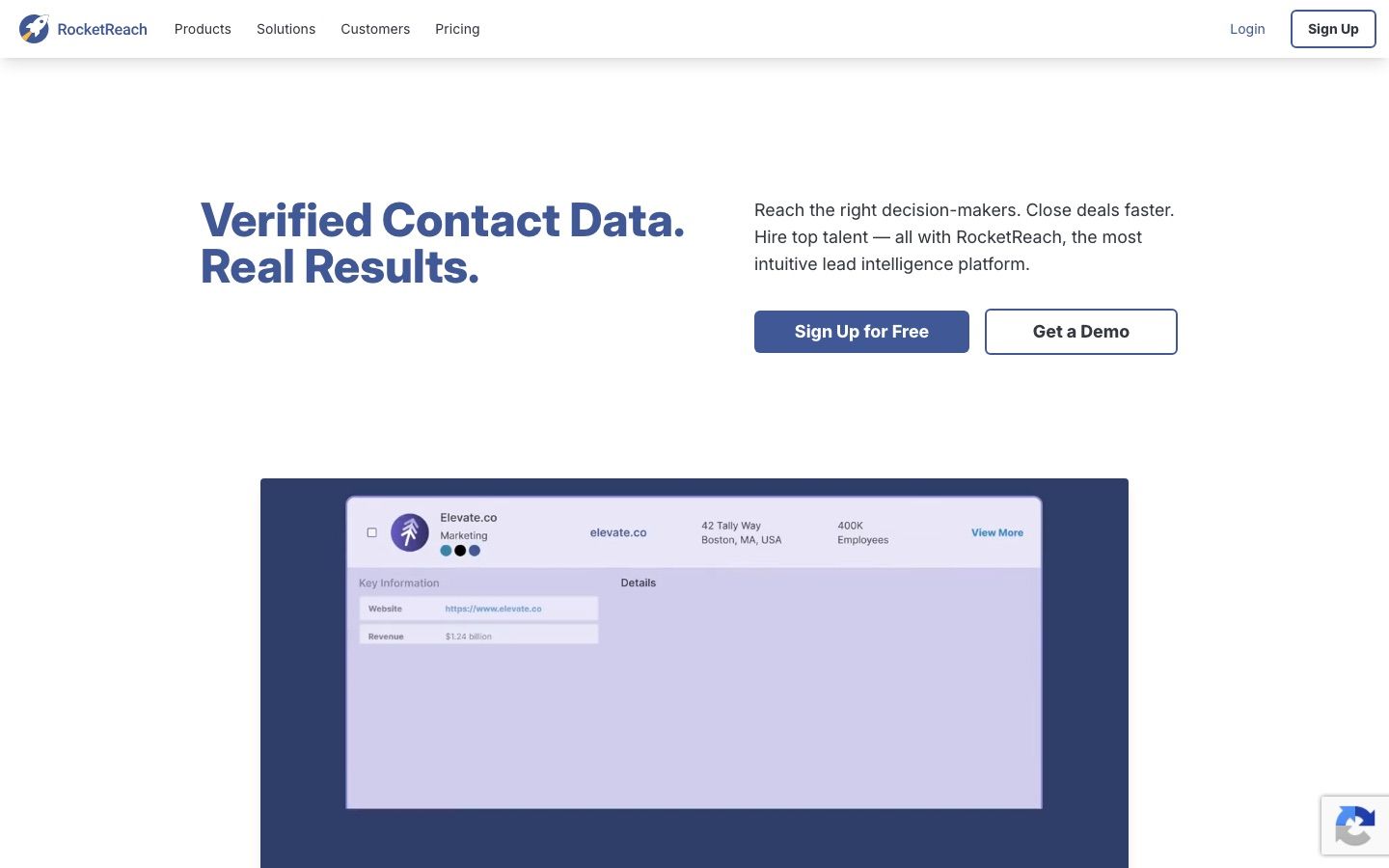
The one tool here that does not bill you for a failed lookup: on free, monthly and legacy plans a lookup is charged only when RocketReach finds and verifies an email or phone number. Essentials is $33 a month on annual billing ($399 a year), or $69 monthly, for 100 lookups; Pro adds phone numbers at $75 annual ($119 monthly); Ultimate is $142 annual ($209 monthly). Annual plans do not meter lookups at all and cap exports instead, at 1,200 a year on Essentials and 20,000 on Ultimate.
For someone deciding whether to keep a Sales Navigator seat, that model is unusually useful as a test: run your target list through it and the hit rate tells you whether a contact-data tool can carry your segment at all, without paying for the answer.
RocketReach: strengths and limits
Pros
- Free, monthly and legacy plans charge only for a found and verified lookup
- Essentials at $33 annual is among the cheapest data tools here
- Useful hit-rate test for whether a data tool can carry your segment
Cons
- Phone numbers only from Pro
- Annual plans cap exports instead, 1,200 a year on Essentials
| Plan | RocketReach | Sales Navigator |
|---|---|---|
| Free | 5 lookups | Core $119.99 per month |
| Essentials | $33 annual ($399 a year, $69 monthly), 100 lookups a month | Advanced $159.99 per month |
| Pro | $75 annual ($899 a year, $119 monthly) | Advanced Plus: custom |
| Ultimate | $142 annual ($1,699 a year, $209 monthly) |
10. Evaboot
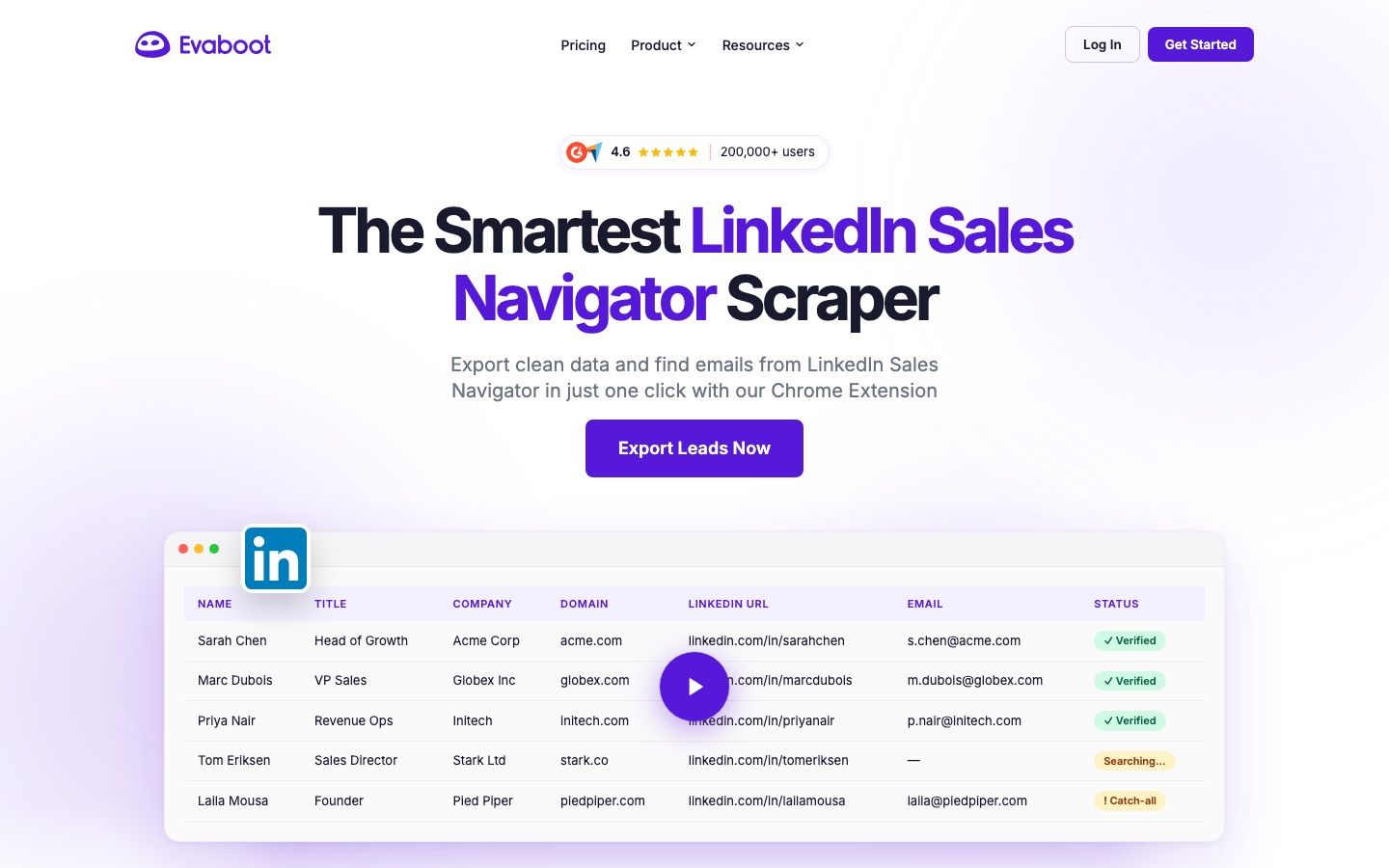
Include it honestly: Evaboot is not a Sales Navigator alternative, it is a Sales Navigator accessory, and its own FAQ says it needs a Sales Navigator account and does not work on free LinkedIn or on Recruiter. It exports and cleans a Sales Navigator search into a usable list, finds and verifies emails, and prices on a slider from $9 a month for 100 credits, with a yearly toggle that saves two months.
The credit maths is published: one lead or account exported costs one credit, one email found and verified costs one, verification alone costs half a credit, and a lead with a verified email costs two. Evaboot says it uses no database and extracts live, providing professional emails only. If your complaint about Sales Navigator was that the data is trapped inside it, this is the $9 answer, not the $49 one.
Evaboot: strengths and limits
Pros
- Exports and cleans a Sales Navigator search into a usable list
- Finds and verifies emails, with published per-credit costs
- From $9 a month, yearly toggle saves two months
Cons
- Requires a Sales Navigator account, no free LinkedIn or Recruiter
- An accessory, not a replacement
- Professional emails only, no database
| Plan | Evaboot | Sales Navigator |
|---|---|---|
| Slider | From $9 per month for 100 credits | Requires Sales Navigator |
| Yearly | Yearly toggle saves two months | Requires Sales Navigator |
11. PhantomBuster
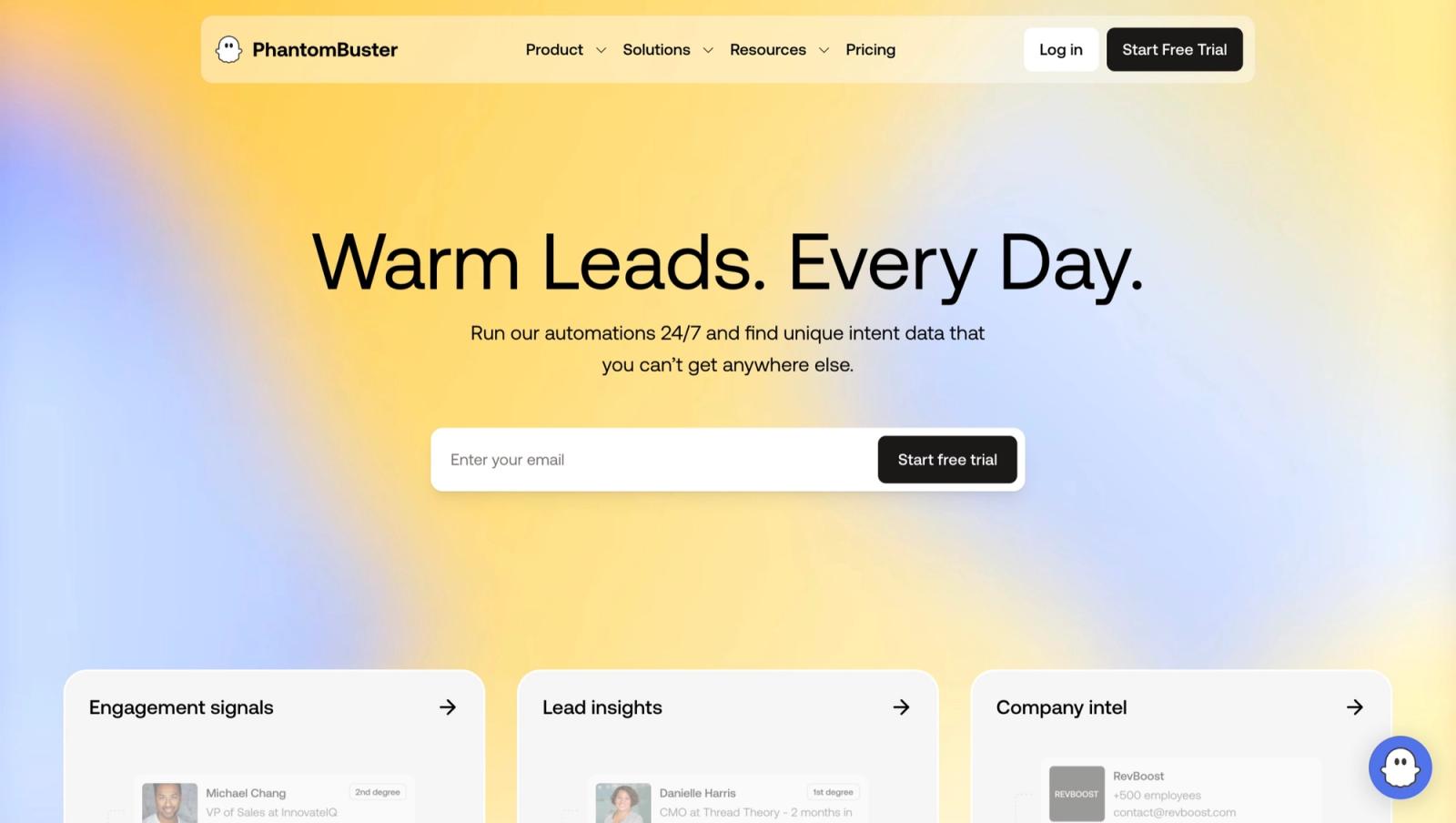
Also a companion rather than a substitute. PhantomBuster runs cloud automations against LinkedIn and other platforms, and its pricing is shaped around slots and execution hours rather than contacts: a free trial with 5 automation slots, 2 hours of execution and exports capped at 10 rows, then Start at $56 a month on annual billing or $69 monthly, Grow at $128 annual or $159 monthly with 15 slots and 80 hours, and Scale at $352 annual or $439 monthly with 50 slots and 300 hours.
Every tier now advertises an MCP server, which matters if you want an AI agent driving the workflow. The trade is that you are renting compute and assembling the workflow yourself, and that automations pointed at LinkedIn carry account risk that a data vendor does not.
PhantomBuster: strengths and limits
Pros
- Cloud automations against LinkedIn and other platforms
- MCP server on every tier for AI agent workflows
- Free trial with 5 slots and 2 hours of execution
Cons
- A companion, not a substitute for the seat
- You rent compute and assemble the workflow yourself
- Automations pointed at LinkedIn carry account risk
| Plan | PhantomBuster | Sales Navigator |
|---|---|---|
| Trial | Free, 5 slots, 2 hours, exports capped at 10 rows | Core $119.99 per month |
| Start | $56 annual ($69 monthly) | Advanced $159.99 per month |
| Grow | $128 annual ($159 monthly), 15 slots, 80 hours | Advanced Plus: custom |
| Scale | $352 annual ($439 monthly), 50 slots, 300 hours |
Does Cadency replace LinkedIn Sales Navigator? No, it is outreach with data built in
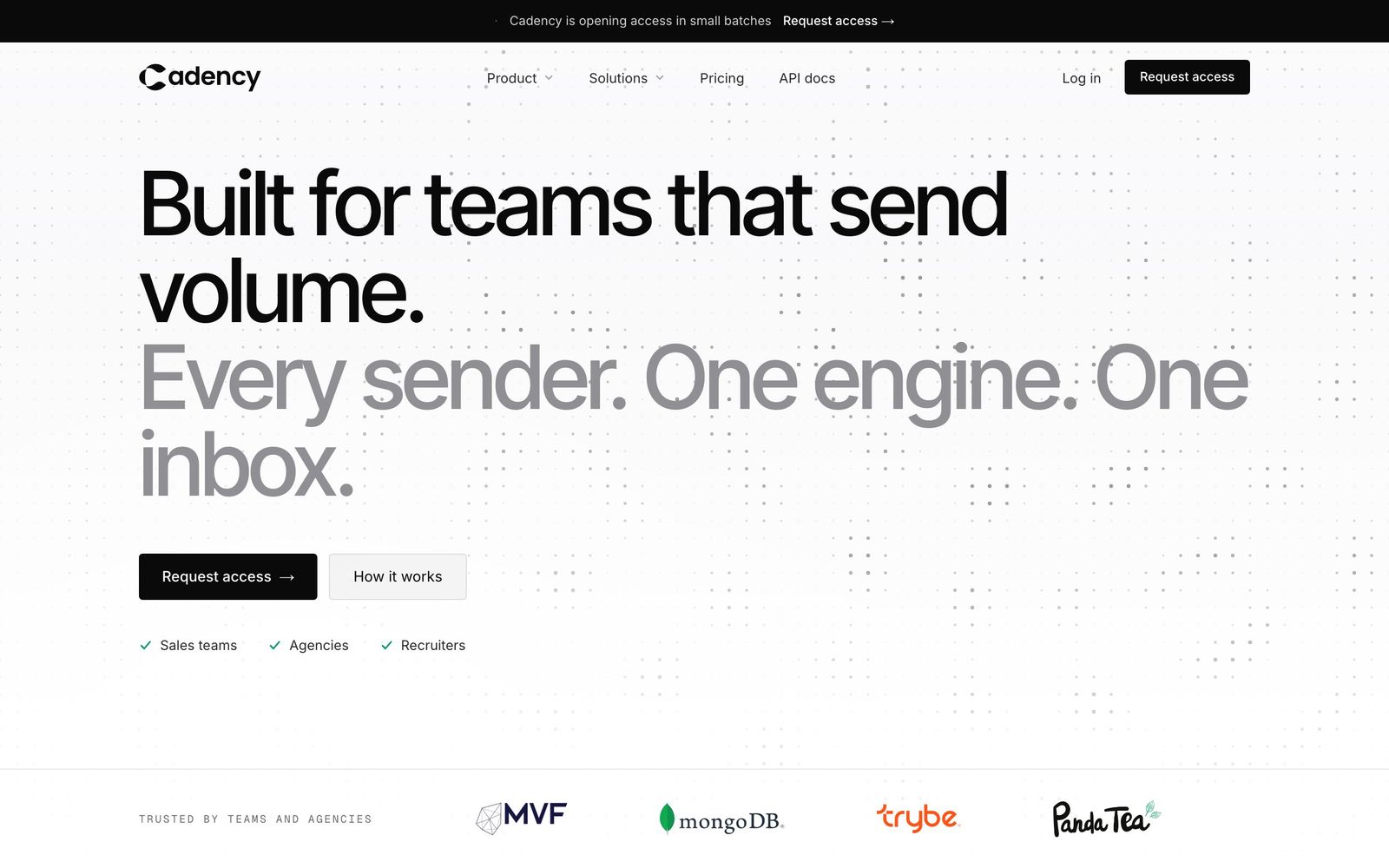
Cadency, built on Swarmhit, is not a Sales Navigator replacement either, and it would be a poor one. Sales Navigator finds people. Cadency runs the LinkedIn and email sequence that turns a found person into a conversation: one campaign across every LinkedIn sender and every mailbox, one sender per lead, with every reply in one unified inbox. Swarmhit itself is the outreach API for developers who build their own product.
Its native people and company database, with waterfall enrichment paid per verified hit, exists so a campaign can be built without leaving the tool, and its Sales Navigator and CSV imports bring in a search you already built or a list from an exporter. It is not a data API or a contact-verification vendor, and it does not resell the underlying data.
Cadency automates only the LinkedIn accounts connected to it: each sender runs in the cloud under its own ceilings and pacing, on a dedicated proxy, with checkpoint handling. That is the honest model, and any tool promising LinkedIn data without an account attached is describing something else. Cadency is not the cheap option: plans start at $199 a month with 5 LinkedIn senders included, or $139 a month on annual billing, and access is private, by request.
Which LinkedIn Sales Navigator alternative should you choose?
Four situations cover almost every version of this question:
- You want the same job done cheaper. Apollo, at $49 a seat, is the only tool here that covers search, data and sending at once.
- You want contact details and you are happy browsing LinkedIn yourself. Kaspr or Lusha, from 45 EUR or $37.45 a month, and keep the free LinkedIn account.
- You want your existing Sales Navigator lists out of LinkedIn. Evaboot at $9 a month, and keep the seat, because Evaboot needs it.
- You want higher connect rates on the phone, not lower cost. Cognism or ZoomInfo, and expect a five-figure conversation.
| What you want to replace | Best first option | What you still lose or keep |
|---|---|---|
| Search, contact data and outreach | Apollo | You lose LinkedIn-native signals and InMail |
| Contact details while browsing LinkedIn | Lusha or Kaspr | Keep a free LinkedIn account for browsing |
| Export existing Sales Navigator searches | Evaboot | You must keep the Sales Navigator seat |
| Verified phone data | Cognism or ZoomInfo | This changes the channel and usually requires a sales quote |
| Automate a LinkedIn workflow | PhantomBuster | It is a companion with account risk, not a replacement |
Whichever way it goes, the seat and the data are separate purchases and pretending otherwise is what makes these comparisons confusing. Run the test on 200 accounts you actually sell to before anything gets cancelled.
FAQ
How much is LinkedIn Sales Navigator per month?
LinkedIn lists Core at $119.99 per month per license or $1,079.88 a year, and Advanced at $159.99 a month or $1,799.88 a year. Advanced Plus is quoted based on team size, CRM integration and onboarding. All three include 50 InMails a month, LinkedIn notes that the figures may exclude VAT, GST and promotional discounts, and it publishes separate rates in AUD, CAD, EUR and GBP.
Is there a free alternative to Sales Navigator?
Not for the search experience, no. For the contact data half, several tools have real free tiers: Lusha gives 40 credits a month, Kaspr 15 email and 5 phone credits, LeadIQ 50 credits and Apollo 900 credits per seat per year. Combined with a free LinkedIn account and its standard search, that covers a surprising amount of low-volume prospecting.
What is the cheapest Sales Navigator alternative?
Evaboot at $9 a month is the cheapest tool on this list, but it requires a Sales Navigator seat, so it cannot replace one. Among the data tools, LeadIQ at $15 a month and RocketReach at $33 are the cheapest, and Apollo at $49 is the cheapest that covers search, data and outreach together.
Can I export leads from Sales Navigator?
Not natively into a spreadsheet. Sales Navigator lets you save leads and accounts into lists inside the product, and getting them out is what tools like Evaboot exist for. Bear in mind LinkedIn's User Agreement forbids software that scrapes or copies data outside what LinkedIn permits, so check what any exporter is doing on your account.
Do I need Sales Navigator if I use a contact database?
Often not. If you buy Apollo, Cognism or ZoomInfo, you get search and contact data in one place and the Sales Navigator seat becomes a convenience rather than a necessity. Teams keep it when the LinkedIn relationship signals, InMail allowance or the account-change alerts drive real pipeline, which is a genuine reason and worth checking before you cancel.
What is the verdict?
Sales Navigator at $119.99 a month is expensive for what it withholds and cheap for what it shows you about accounts you already care about. If the goal is contact data, almost everything on this list beats it on price. If the goal is the in-LinkedIn workflow, nothing here replaces it, and the cheapest honest answer is to keep the seat and add a $9 exporter or a 45 EUR reveal tool beside it.
Then keep the outreach layer separate from both. Our guide to LinkedIn prospecting tools covers that half, and the LinkedIn automation safety rules are worth reading before any automation touches the account.
Whichever seat or data tool you keep, the outreach still has to run somewhere. For teams sending from several LinkedIn and email accounts, our pick is Cadency, which imports a Sales Navigator search or a CSV and runs it as one campaign across every LinkedIn sender and mailbox. Cadency began as our internal test bed for the Swarmhit engine and was never meant to be public, but we kept it running for the sales teams, recruiters and agencies who asked for it.


