

The best LinkedIn automation tools in 2026 are Cadency and HeyReach for teams running many LinkedIn accounts, Expandi and Skylead for cloud campaigns per seat, Dripify and La Growth Machine for small teams mixing LinkedIn and email, Waalaxy, Dux-Soup and Linked Helper for one person on a budget, and lemlist or PhantomBuster when LinkedIn is one step in a wider workflow. What separates them is less the feature list than two questions: where the tool runs, and how it keeps the account under LinkedIn's radar.
Price is the other question, and it moves more than the feature lists suggest. At one account, Linked Helper costs $15 a month and lemlist $109. At ten accounts, per-seat pricing turns a $99 tool into a $990 bill, while plans that include several senders start to win. We read every price on the vendor's own page between 26 September and 8 October 2026 and give the date next to each one.
Which LinkedIn automation tool should you choose?
| If you are | Pick | Why |
|---|---|---|
| A team or agency with 2 to 20 LinkedIn senders | Cadency | One campaign runs across every sender and mailbox, each sender under its own ceiling |
| An agency rotating 25 or more accounts | HeyReach | Its Agency plan brings the cost to about $40 per sender at 25 senders and $28 at 50 |
| An agency that wants per-seat cloud campaigns with dedicated IPs | Expandi | Country-based IP per account, shared campaigns and a global inbox |
| A rep who wants LinkedIn and email in one sequence | Skylead or Dripify | Both run the two channels in one flow, priced per seat |
| A team that also runs calls and X | La Growth Machine | Per-identity plans that cover LinkedIn, email, calls and, on the top tier, X |
| A founder who wants a CRM and a post scheduler in the same tool | Meet Alfred | Campaigns, a LinkedIn CRM and content scheduling in one subscription on the Business plan |
| One person starting out | Waalaxy | A low entry price and the easiest first campaign |
| A recruiter or freelancer who wants local control | Dux-Soup or Linked Helper | Desktop software on your own machine, with low monthly prices |
| A team whose pipeline runs on email | lemlist | Email-first sequences with LinkedIn steps as supporting touches |
| A growth team that scrapes and chains automations | PhantomBuster | A library of single-task automations billed by execution time |
How do the 12 LinkedIn automation tools compare?
| Tool | Where it runs | Many accounts in one campaign | Channels | Entry price, monthly billing |
|---|---|---|---|---|
| Cadency | Cloud, dedicated proxy per sender | Yes | LinkedIn and email | $89 a month with 2 LinkedIn senders |
| HeyReach | Cloud, proxy per sender on Growth | Yes | LinkedIn, email through Instantly or Smartlead | $79 per sender, or $999 for 25 senders |
| Expandi | Cloud, country-based dedicated IP | Yes, shared campaigns | LinkedIn and email | $99 per seat |
| Skylead | Cloud | Per seat | LinkedIn and email | $100 per seat |
| Dripify | Cloud, dedicated local IP per account | Per user | LinkedIn and email | $79 per user |
| La Growth Machine | Cloud, mobile proxies | Per identity | LinkedIn, email, calls, X | €60 per identity |
| Meet Alfred | Cloud | Per user | LinkedIn; email and X on Business and Teams | $59 per user |
| Waalaxy | Cloud, extension retired in 2026 | Per user | LinkedIn, email on Business | €39 per user, or €19 billed yearly |
| Dux-Soup | Desktop app or Dux-Soup's cloud | Per seat | $55 per seat, $99 in the cloud | |
| Linked Helper | Desktop software on your computer or server | Per license | $15 per license, $29.90 with cloud storage | |
| lemlist | Cloud, email-first; LinkedIn through a Chrome extension | No | Email, LinkedIn, calls, WhatsApp | $109 per user for LinkedIn steps |
| PhantomBuster | Cloud | By automation slots | LinkedIn and other sources | €69 a month |
What do LinkedIn automation tools cost at 1, 5, 10 and 25 accounts?
The per-account prices above only tell half the story, because several vendors change the rate or the plan as you add accounts. We computed the monthly bill on monthly billing from each pricing page, read on 8 October 2026 (Cadency's row on 20 October 2026):
| Tool | 1 account | 5 accounts | 10 accounts | 25 accounts |
|---|---|---|---|---|
| Cadency | $89 | $199 | $394 | $824 on Scale |
| HeyReach | $79 | $395 | $590 | $999 on Agency, with your own proxies |
| Skylead | $100 | $500 | $1,000 | $999 on the Agency promotion |
| Expandi | $99 | $495 | $990 | $2,475 at list price |
| Dripify, Pro | $79 | $395 | $790 | $1,975 |
| Meet Alfred | $59 | $395 on Teams | $790 | $1,975 |
| La Growth Machine | €60 | €600 on Pro | €1,200 | €3,000 |
| Waalaxy, Pro | €39 | €195 | €390 | €975 |
| Dux-Soup, local | $55 | $275 | $550 | $1,375 |
| Linked Helper, Standard local | $15 | $75 | $135 | $300 |
| lemlist, Multichannel | $109 | $545 | $1,090 | $2,725 |
A few rules are hidden in those numbers. HeyReach bills every sender at $59 once you reach 10, so 9 senders cost $711 and 10 cost $590, and its $999 Agency plan beats Growth from 17 senders, at the price of supplying your own proxies. Cadency's Scale plan, $699 with 20 senders, is cheaper than Small Team from 18 senders. Skylead's Agency promotion makes 25 seats cost a dollar less than 10 regular seats, for the first year. Linked Helper takes 10 percent off from 10 licenses and 20 percent from 20 when they are bought together, while Expandi and Dripify send anyone above 10 seats to sales without a published discount. Meet Alfred's Individual and Business plans hold one seat each, so any team means Teams, at 3 seats minimum. Waalaxy shows euros inside the euro zone and a cheaper dollar grid, from $19, elsewhere, so check the page from where you will pay. Dripify's rows were re-read on 21 October 2026.
How do these tools keep a LinkedIn account safe?
Through three controls: the address each account connects from, the daily caps, and how a new account is ramped up. LinkedIn watches for behaviour that does not look human, such as too many actions, too regular a rhythm, a login from a new place or several accounts on one IP. This is what each vendor documents:
| Tool | IP for each account | Daily caps | Automatic warm-up | Runs with your computer off |
|---|---|---|---|---|
| Cadency | Dedicated residential proxy in the account's country | Enforced per action, you can lower them | Yes | Yes |
| HeyReach | Dedicated residential proxy on Growth, your own on Agency | You set them, 25 invitations a day by default and 40 at most, with 200 a week enforced | No, warm up by hand first | Yes |
| Expandi | Dedicated data-centre IP in a country you choose | You set ranges or pick a locked safe preset | Yes, a 14-day ramp | Yes |
| Skylead | Proxy from the country you first log in from | You set ranges, with 20 to 25 invitations a day suggested on free LinkedIn accounts | Yes, a 3-week warmup mode | Yes |
| Dripify | Dedicated IP in your location | Plan maximums of 75 invitations and 100 or more messages a day, the same on Pro and Advanced | Manual ramp, automatic pacing on Advanced | Yes |
| La Growth Machine | 5G mobile proxies | You set them, and activity slows for 24 hours after a restriction | Manual ramp advised | Yes |
| Meet Alfred | Dedicated IP per account | Defaults by LinkedIn plan, 30, 60 or 100 connections a day, editable | Not published | Yes |
| Waalaxy | Shared fixed VPN IP, up to 5 users per IP | Set by Waalaxy and randomised, you can only lower them | No, warm up by hand first | Yes |
| Dux-Soup | Your own machine locally, not published in the cloud | Defaults of 20 invitations and 50 messages a day, editable | No | Only on the cloud edition |
| Linked Helper | Your own IP, or a proxy you buy | You set them | Not published | No |
| lemlist | Not published | You set them, with 20 invitations a day suggested | For invitations only | No, LinkedIn steps need its Chrome extension |
Two columns separate the tools more than the others. On caps, Cadency, Dripify, Waalaxy and Expandi stop you above their own maximums and HeyReach enforces a weekly ceiling, while on the rest the published numbers are defaults or advice you can override, which means the pacing is yours. On addresses, Waalaxy is the only one on this list that documents a shared IP. Desktop tools such as Linked Helper and Dux-Soup's local edition keep the LinkedIn session on your own computer, which some teams prefer, but the computer has to stay on. Extensions are the riskiest route when pushed hard, and lemlist still needs one for LinkedIn steps; our guide to LinkedIn Chrome extensions explains why.
None of these architectures is risk-free, because every tool here automates a real account, which LinkedIn's user agreement does not allow. Our guide on whether LinkedIn automation is safe covers what the rules say and what actually gets accounts restricted.
Which tools are built for many LinkedIn senders?
Past a handful of accounts, the hard part is no longer writing a sequence. It is keeping a dozen accounts healthy, making sure two of them never contact the same person, and making sure somebody answers the reply. Cadency, HeyReach and Expandi were designed for that job, and Skylead covers part of it on its agency plans with one Unibox for every client conversation.
1. Cadency
Cadency is outreach software for teams that send volume on LinkedIn and email, built on the Swarmhit Smart API. Its core idea is that a campaign does not belong to a sender: you connect every LinkedIn account and every Google or Microsoft mailbox your team owns, and one campaign runs across all of them, with exactly one sender assigned to each lead. Replies from both channels land in one shared inbox as one thread per lead, and only conversations that started in Cadency are tracked, so the rest of a rep's LinkedIn inbox stays private.
How it protects accounts: it runs on Cadency's infrastructure, never on your laptop, each sender gets a dedicated residential proxy in its own country, activity is paced, ceilings apply per sender rather than per campaign, and checkpoints are handled instead of failing silently. AI-drafted comments wait for a person to approve them before they go out.
Price: as of 20 October 2026, Essential is $89 a month with 2 LinkedIn senders and 100,000 emails a month, and Small Team is $199 a month with 5 LinkedIn senders included and $39 for each extra sender. Scale is $699 a month with 20 senders and $25 for each extra, and annual billing takes 30 percent off. Small Team includes 100,000 emails a month and Scale 500,000. Mailboxes, teammates and workspaces are unlimited, and an API, webhooks and an MCP server come with every plan. Essential starts with a free trial; for Small Team and Scale, you talk to sales.
Best for: sales teams, agencies and recruiters with 5 to 20 senders, the range where per-seat tools get expensive and agency flat fees have not started. A solo rep with one profile will pay for capacity they cannot use.
Run one campaign across every LinkedIn sender
Cadency gives each sender a dedicated proxy and its own ceiling, rotates leads across your team and keeps every reply in one inbox.
From $89 a month with 2 LinkedIn senders.
2. HeyReach
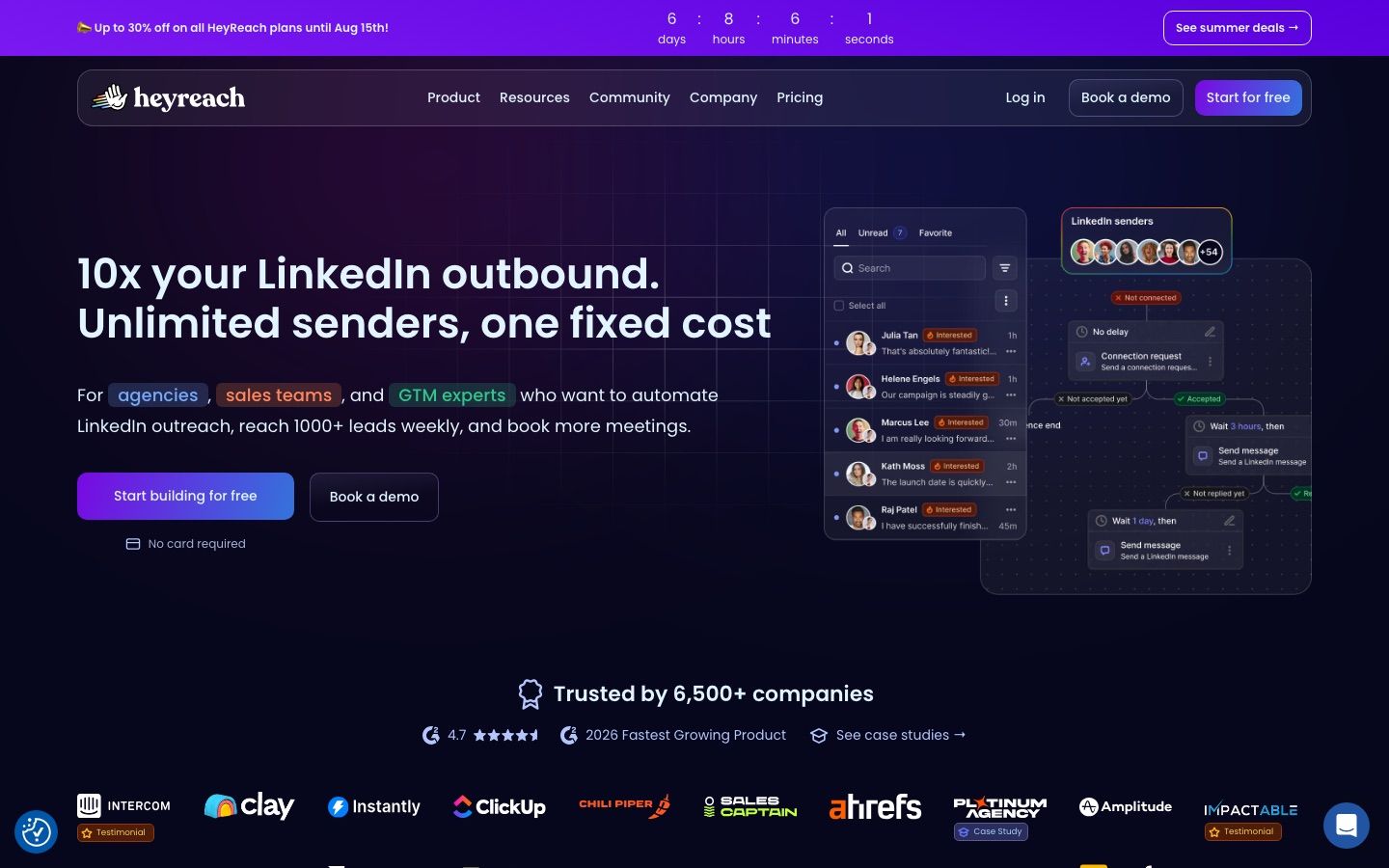
HeyReach is the name agencies reach for when the conversation turns to rotation. One campaign spreads its volume across every connected LinkedIn account, the Unibox collects every conversation in one view, and client workspaces keep each client's senders and data apart. Billing is per sender, never per user, so teammates and clients cost nothing.
How it protects accounts: on the Growth plan each sender gets a dedicated residential proxy. On the flat agency tiers you bring your own proxies by default, or arrange HeyReach's custom proxy option on a call.
Price: as read on 21 October 2026, Growth is $79 per sender a month, or $64 on annual billing as the page displays it, and every sender drops to $59 once you reach 10. Agency is $999 a month for 25 senders or $1,399 for 50, and Unlimited is $2,999 with a fair-use cap of 300 senders.
Best for: agencies rotating 10 or more accounts, LinkedIn only. HeyReach does not send email itself. Multichannel means connecting Instantly or Smartlead on a second bill. Our HeyReach review goes deeper.
3. Expandi
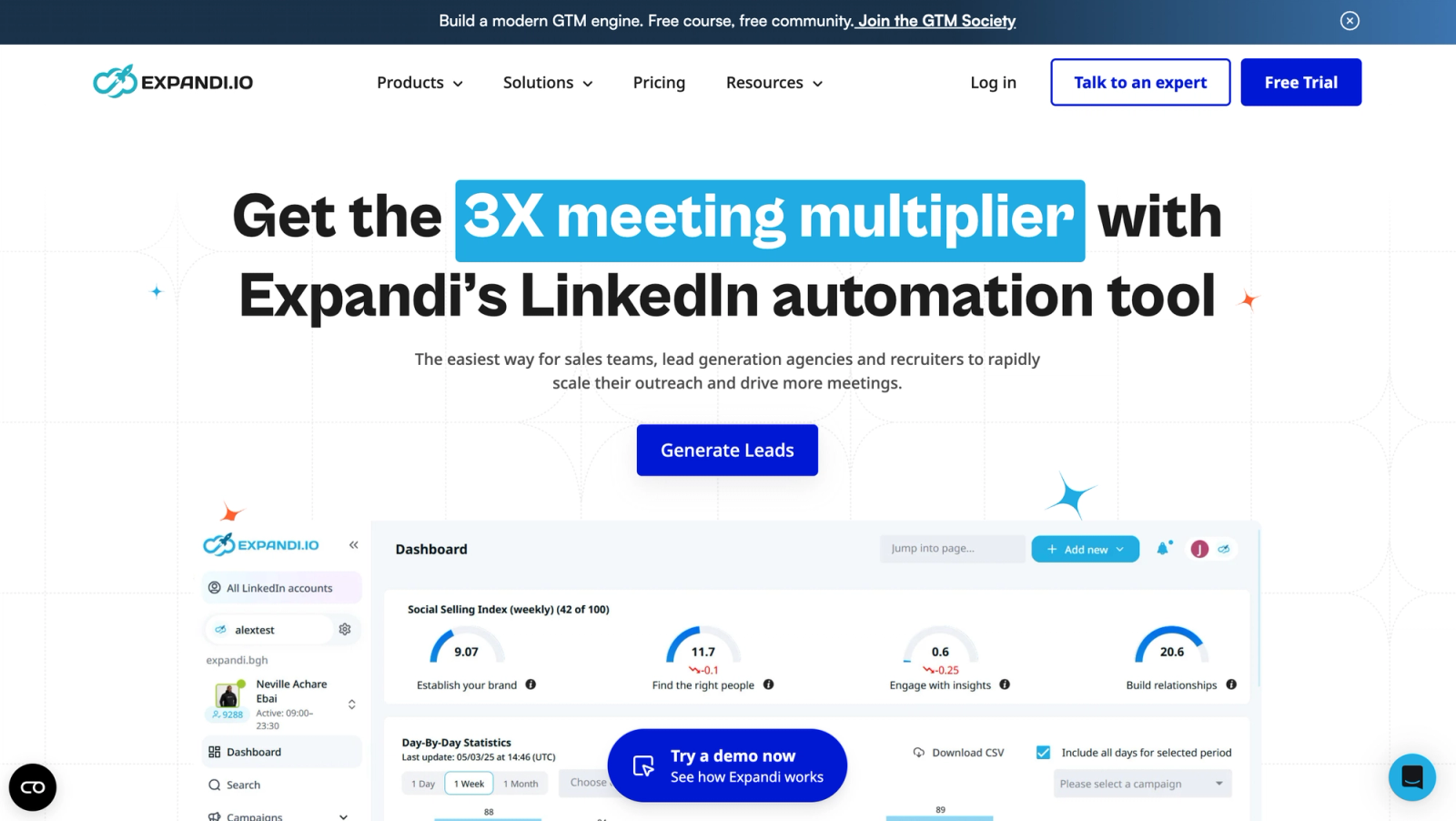
Expandi built its reputation on cloud automation that exposes its safety settings instead of hiding them. Each account gets a dedicated data-centre IP in a country you choose, daily limits and warm-up behaviour are part of the setup, and campaign templates make the fifth account behave like the first. A global inbox gathers replies from every account, shared campaigns spread one campaign across several of them, and email steps run from a mailbox connected over SMTP.
Price: as read on 30 September 2026, Business is $99 per seat a month, or $79 on annual billing, where a seat is one LinkedIn account. From 10 seats, Expandi offers custom agency pricing through its sales team.
Best for: agencies and campaign managers who want the same, controlled setup on every account and will use the depth they pay for. Our Expandi review covers the plan in detail.
4. Skylead

Skylead is for teams that already run more than one channel. Its Smart Sequences branch between LinkedIn and email inside one flow, so a lead who ignores a connection request can get an email a few days later without anyone wiring two tools together. Personalisation goes further than most, with image and GIF personalisation, Spintax and custom variables, plus a smart inbox, an API and webhooks.
Price: as read on 30 September 2026, $100 per seat a month, and the Agency plan is $999 a month for 25 seats or $1,999 for unlimited seats, both shown as a first-year promotion. Enrichment credits are sold as an add-on.
Best for: one to a few reps who want both channels per seat, before the sender count where a pooled plan pays off.
Which tools fit one rep or a small team?
At one to three accounts, rotation and client workspaces are overhead. What matters is a fast first campaign, visible daily controls and a price that does not need a spreadsheet.
5. Dripify
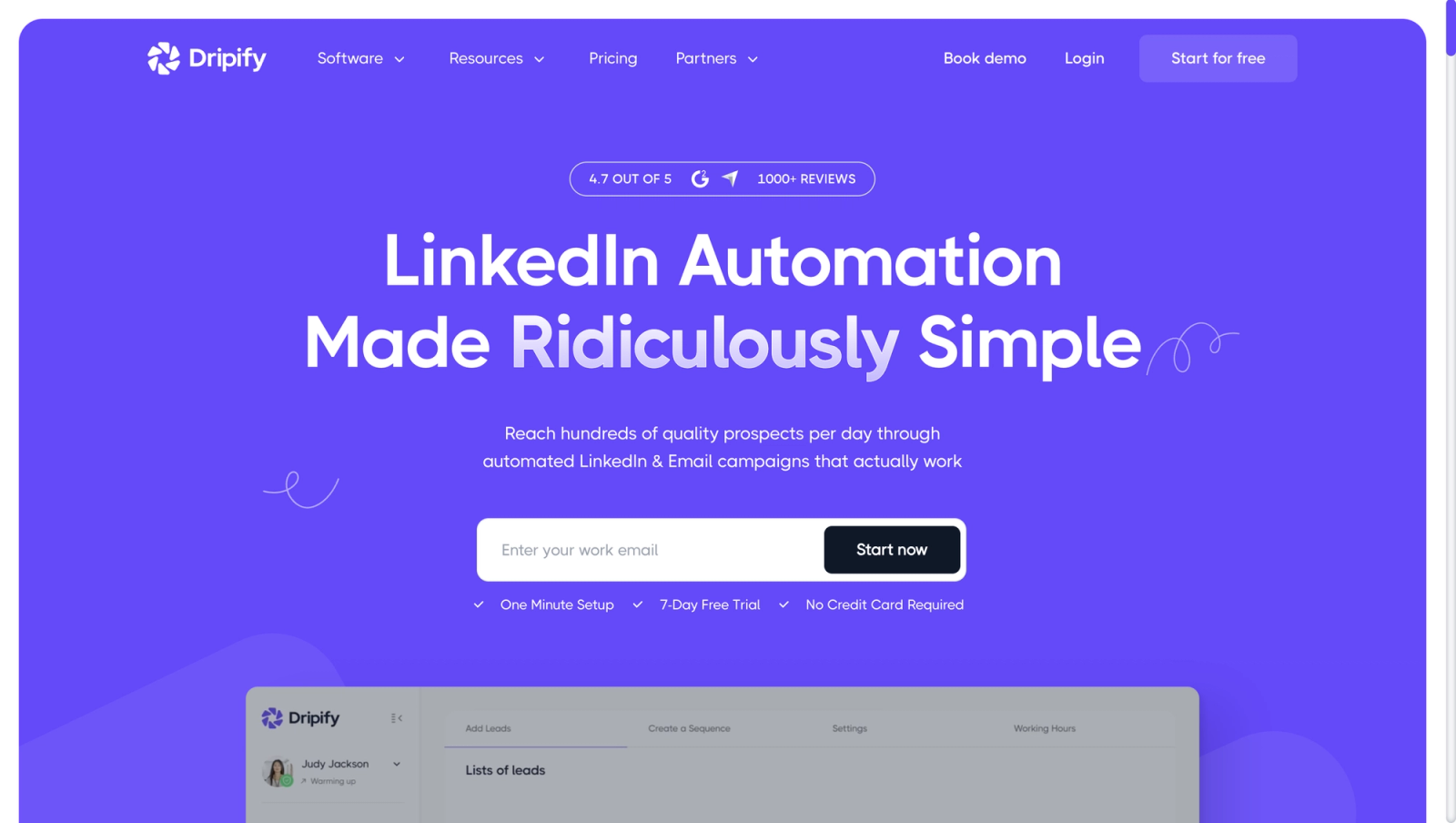
Dripify sits in the sensible middle: more structured than the extensions, much lighter than the multichannel suites. Both self-serve plans mix LinkedIn and email steps with unlimited campaigns. Pro includes a dedicated inbox and CRM sync through HubSpot, Zapier and webhooks, and Advanced adds multi-team management, lead tagging, step analytics, A/B testing and the activity control that paces each account from its own history.
Price: as read on 21 October 2026, Pro is $79 per user a month and Advanced $99, or $59 and $79 on annual billing; the Basic plan is no longer listed. Both plans share the same daily quotas, 75 connection requests and 100 or more messages.
Best for: small SDR teams where a manager wants consistent habits across reps. Every LinkedIn account needs its own seat. Our Dripify review has the full breakdown.
6. La Growth Machine
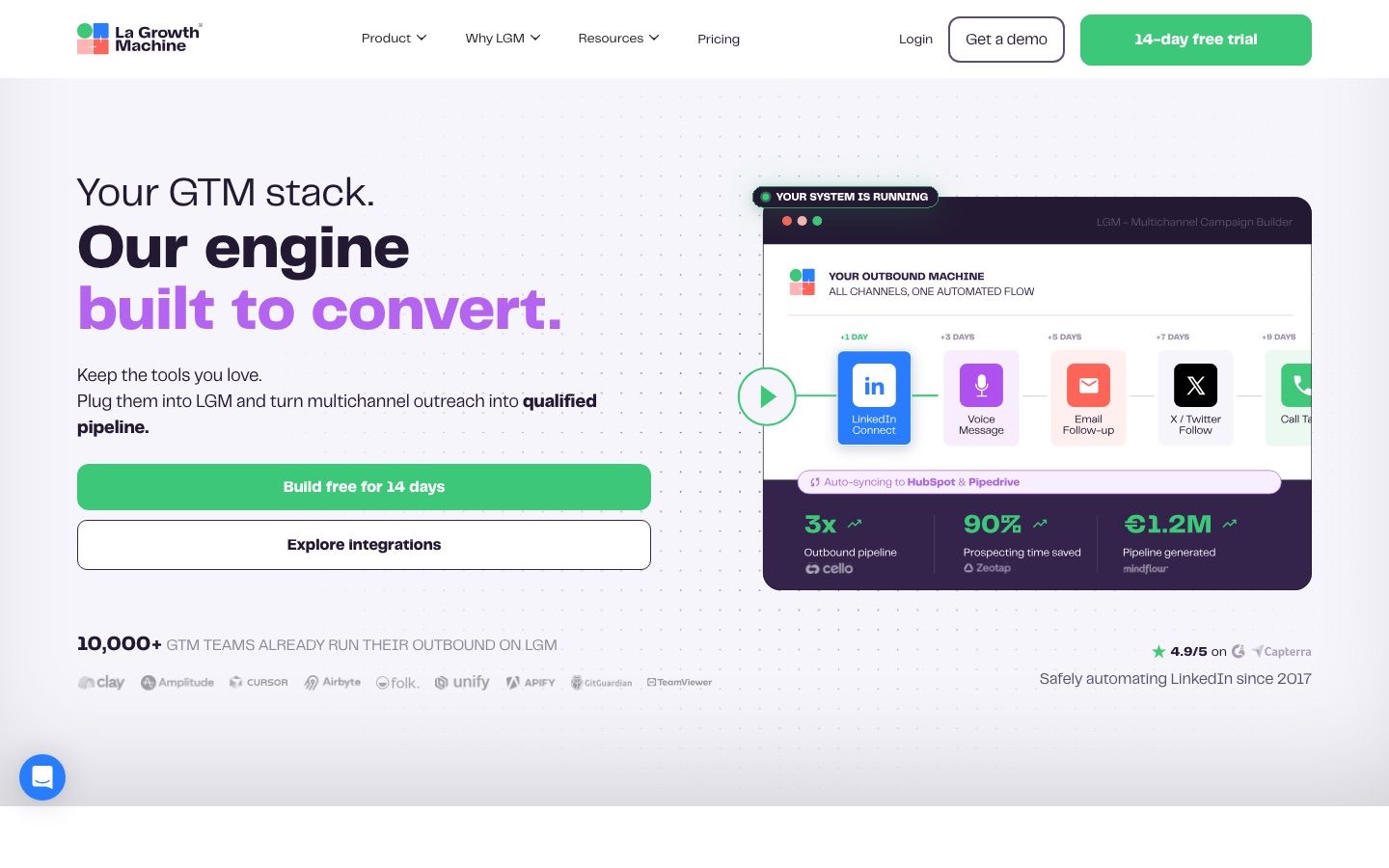
La Growth Machine treats LinkedIn as one channel in a sequence rather than a silo. LinkedIn, email, calls and X sit in one workflow, with enrichment, a unified inbox on Pro and AI voice messages. It runs in the cloud and says it protects each identity with dedicated mobile proxies and sending limits based on real usage data.
Price: as read on 8 October 2026, Basic is €60 per identity a month on monthly billing and Pro €120, or €50 and €100 billed annually. The top tier, shown to some visitors as Ultimate at €180 a month or €150 billed annually and to others as a contact-sales Enterprise plan, adds X and CRM sync with HubSpot and Pipedrive. Basic caps you at 3 identities, and Basic and Pro come with a 14-day free trial.
Best for: teams that think in sequences across channels. If you only need LinkedIn, it is more tool than you need.
7. Meet Alfred

Meet Alfred suits the founder or two-person team that would rather not assemble a stack yet. One cloud subscription covers LinkedIn campaigns, a built-in LinkedIn CRM and a smart inbox. The Business and Teams plans add email and X steps, Sales Navigator support and a post scheduler. X campaigns are marked as under maintenance in its help center.
Price: as read on 8 October 2026, Individual is $59 per user a month, Teams $79 per user with a 3-seat minimum and Business $99, or $35, $47 and $59 on annual billing.
Best for: one person who runs prospecting, follow-up and posting alone. Teams with stricter processes usually outgrow an all-in-one and move to a tool that goes deeper in one lane.
8. Waalaxy
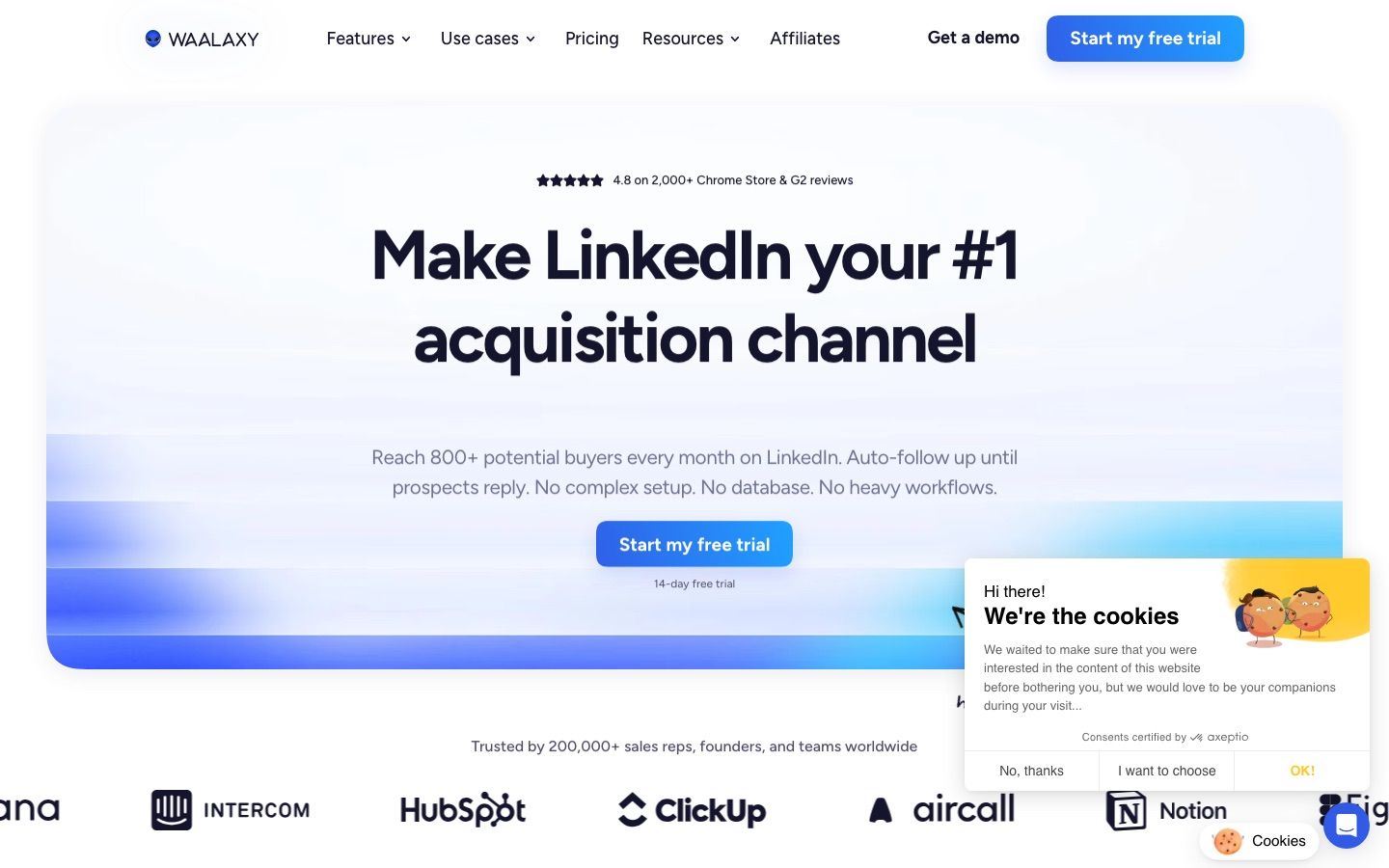
Waalaxy is the easiest first step for a solo operator. The interface is friendly, ready-made sequences cover the basics, and CRM sync comes on every plan. It now runs entirely in the cloud after retiring its Chrome extension in 2026, so campaigns keep running with the browser closed.
Price: as read on 8 October 2026, Pro is €39 per user a month on monthly billing with 300 invitations a month, Advanced €99 with 800, and Business €139, also with 800 and the only tier with email. Yearly billing roughly halves that to €19, €49 and €69 a month, and new accounts start with a 14-day trial, since the free Freemium mode no longer runs any automation.
Best for: one person running first campaigns. Once you add senders or need real reply routing, you will outgrow it. Our Waalaxy review looks at each tier.
Which tools run from your own computer?
These two keep the automation on your own machine. They are among the cheapest options here, and they leave more of the pacing to you.
9. Dux-Soup
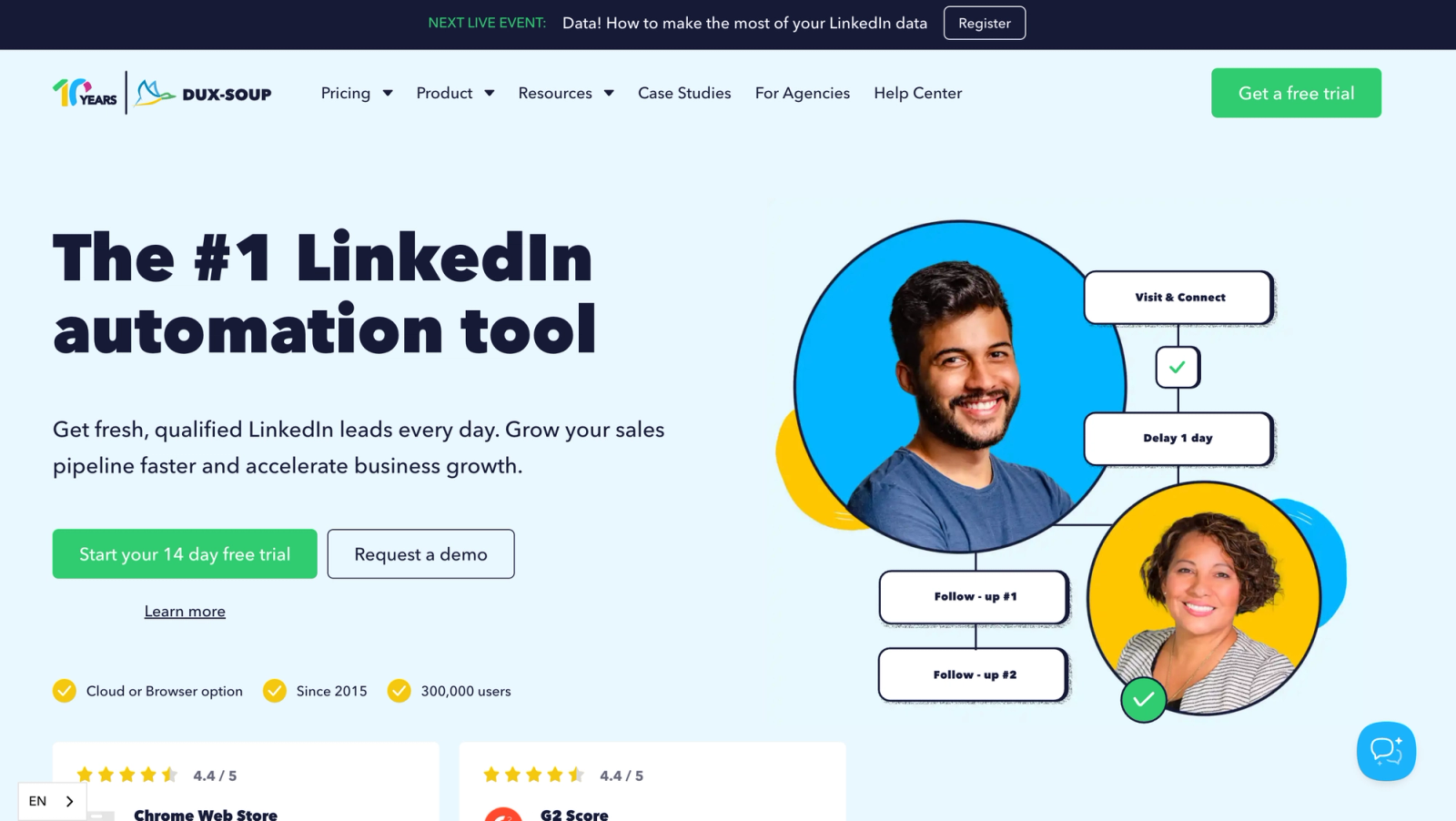
Dux-Soup has been around long enough that many operators have inherited a campaign built on it. Today it ships as STACKED local, a desktop app for Mac and Windows, or STACKED cloud on Dux-Soup's own servers. Its support centre lists the old Chrome extensions as deprecated. Campaigns draw on up to 12 LinkedIn actions, with CSV export and HubSpot, Pipedrive and Salesforce connections.
Price: as read on 30 September 2026, STACKED local is $55 per seat a month, or $41.25 billed annually, and STACKED cloud is $99, or $74.17 billed annually.
Best for: freelancers, recruiters and small lead-generation shops that want predictable basics. On the local edition, campaigns run only while that computer stays switched on and awake.
10. Linked Helper
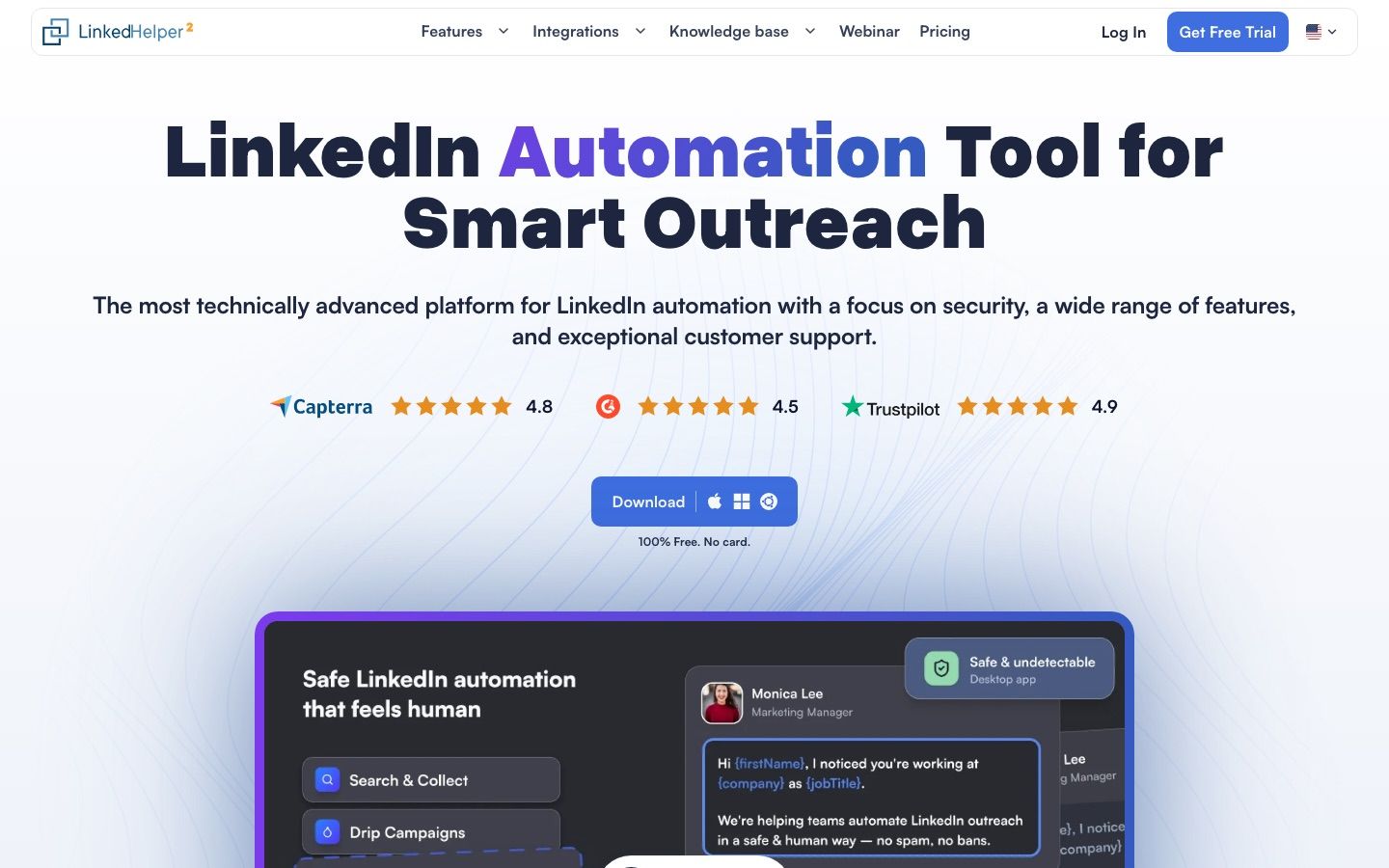
Linked Helper is desktop software, not an extension, and that is its whole pitch on safety: your LinkedIn session lives on your own computer or server and never on the vendor's. Its campaign builder offers more than 30 action types, from invitations and message sequences to group and event messaging, profile scraping and email finding, with native connections to HubSpot, Salesforce, Pipedrive and others. The Cloud option changes where your workspace data is stored and roughly doubles the license price. The automation still runs on your machine, which has to stay on.
Price: as read on 8 October 2026, a license with local data storage is $15 a month for Standard and $45 for Pro on a one-month term, or $8.25 and $24.75 a month on a 12-month term. With cloud data storage it is $29.90 and $59.90, or $16.50 and $33. Buying licenses together for one workspace takes 10 percent off from 10 licenses and 20 percent from 20. The pricing page currently shows some visitors only the local option and others only the cloud one. A 14-day trial of the Pro plan needs no card.
Best for: budget-minded operators comfortable running software on a computer or a server. Pacing and session care are yours to manage.
Which tools treat LinkedIn as one step among others?
For these two, LinkedIn supports a wider motion. That is the right shape when email or data carries the pipeline, as long as you do not expect the account machinery of the LinkedIn-first platforms.
11. lemlist
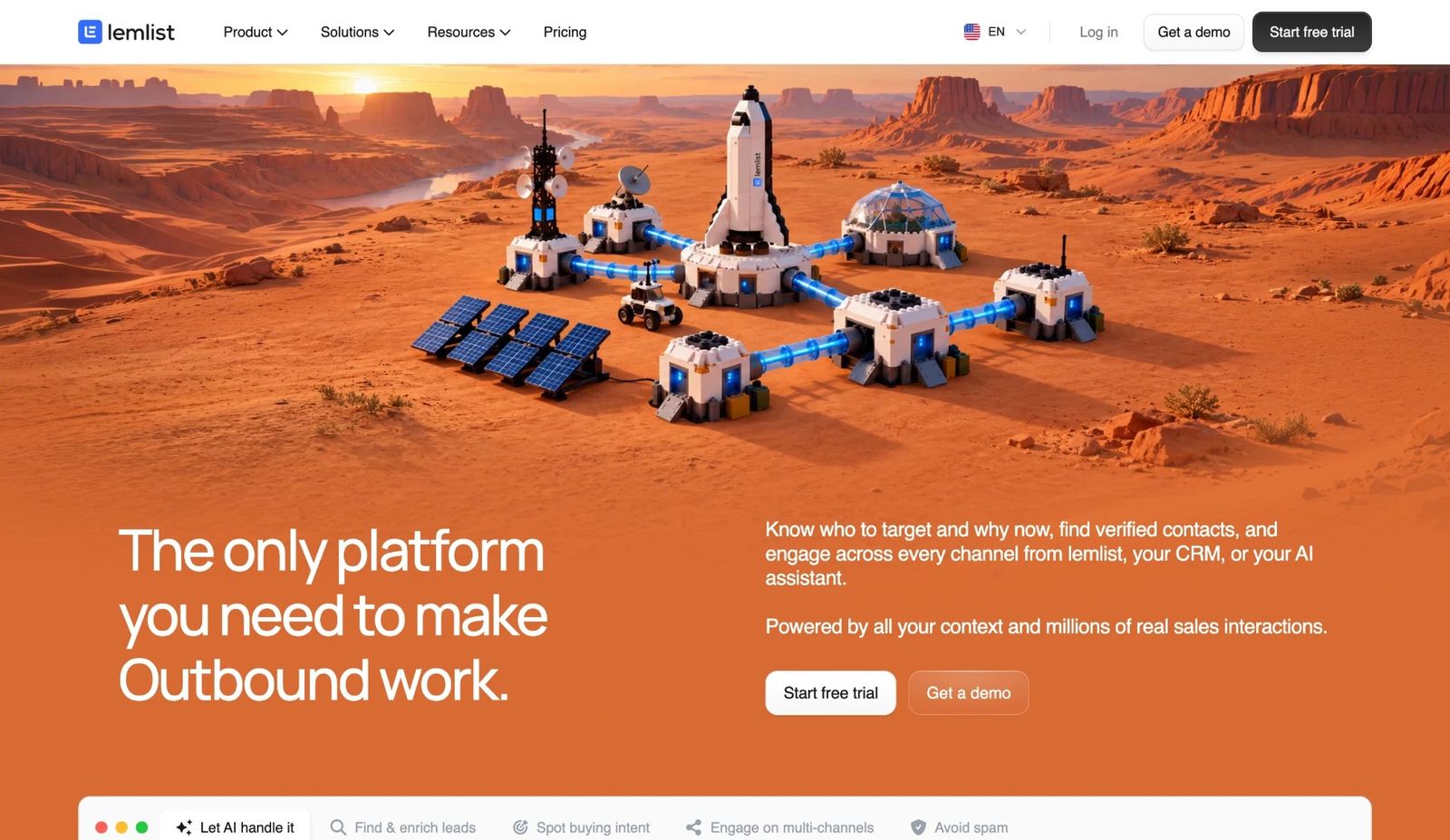
lemlist is built around cold email: deliverability tooling, warm-up and personalised images are the core. Around that sit a large lead database, email and phone finders and sequences that mix email, LinkedIn steps, calls, WhatsApp and SMS. The LinkedIn steps, visits, invitations and messages, exist to make the emails land warmer.
Price: as read on 8 October 2026, LinkedIn steps need the Multichannel plan at $109 per user a month, or $87 on annual billing, with one LinkedIn account per seat. The Email plan, from $69 a month for 50,000 emails with unlimited users, has no LinkedIn steps.
Best for: teams whose pipeline runs on email. Each seat connects a single LinkedIn account, and lemlist documents sender rotation for mailboxes rather than for a pool of LinkedIn accounts. See our lemlist review.
12. PhantomBuster
PhantomBuster bills like the automation toolbox it is. Each Phantom does one task, such as scraping a Sales Navigator search, visiting profiles or sending invitations, and Workflows chain them together. The same model covers Instagram, Google Maps and the open web. It runs in the cloud, so a launched automation keeps running with your browser closed.
Price: as read on 30 September 2026, Start is €69 a month on monthly billing with 5 slots and 20 hours of execution time, Grow €159 with 15 slots and 80 hours, and Scale €439 with 50 slots and 300 hours. When execution time runs out, automations pause until the next cycle instead of billing overage. A 14-day trial includes 2 hours of execution time.
Best for: growth teams that scrape, enrich and chain small automations. Its pricing page lists LinkedIn outreach campaigns and multiple connected LinkedIn accounts on every plan, but no unified inbox or sender rotation. Our PhantomBuster review explains the slot math.
What should you check before you buy a LinkedIn automation tool?
Run these five checks during the trial, in this order:
- Where do the limits live? A tool should cap each account's daily actions on its side, not only suggest numbers. LinkedIn does not publish most of its own thresholds, so treat any tool that promises "unlimited" sending as a red flag. Our guide to LinkedIn connection limits separates the published figures from the folklore.
- What does each account look like to LinkedIn? Ask whether every account gets its own IP and in which country, and whether the tool ramps new accounts up slowly.
- Can one campaign use several accounts? If you will ever run more than three senders, check for rotation and a shared inbox now, not after a migration.
- Where do replies go? A reply nobody sees is a lost meeting. Check the inbox, the notifications and how replies reach your CRM through native integrations, webhooks or an API.
- What is the real unit of price? Per user, per seat, per identity, per sender or per slot all behave differently at scale, and credits for enrichment or AI often sit on top.
If an account does get restricted while you test, our guide to a restricted LinkedIn account covers the recovery.
Where do Sales Navigator and Apollo fit?
Neither is an automation tool, and both often sit next to one. Sales Navigator is LinkedIn's own targeting layer: lead and account filters, saved searches that refresh, job-change alerts and InMail. Apollo combines a B2B database with email sequencing and only assists on LinkedIn. Most working stacks pair a targeting layer like these with one of the 12 execution tools above, and several of those tools import Sales Navigator searches directly. Our guide to LinkedIn prospecting tools covers the targeting side, and Sales Navigator pricing breaks down what each plan costs.
And if you are building outreach into your own product rather than buying a tool, the LinkedIn API endpoints of the Swarmhit Smart API expose the same actions, with per-sender limits enforced on the server.
FAQ
What is the best LinkedIn automation tool in 2026?
It depends on how many LinkedIn accounts will send. For one account, Waalaxy is the easiest start, and Linked Helper, from $15 a month with local data storage, or Dux-Soup suit people who want desktop software. For a small team mixing LinkedIn and email, Dripify or Skylead. For 2 to 20 senders in one campaign, Cadency, from $89 a month with 2 senders. For agencies rotating 25 or more accounts on a flat fee, HeyReach. For email-led outbound, lemlist.
Is there a free LinkedIn automation tool?
Not a lasting one among the serious options. Waalaxy's free Freemium mode runs no automation, so real use starts with its 14-day trial. La Growth Machine and PhantomBuster offer 14-day trials, Linked Helper a 14-day Pro trial without a card, and Expandi, Dripify and Skylead 7-day trials. For real campaigns, the cheapest paid entry on this list is Linked Helper Standard with local data storage at $15 a month. Waalaxy Pro costs €39 a month, or €19 billed yearly.
How much do LinkedIn automation tools cost?
Most charge between $15 and $100 per LinkedIn account a month on monthly billing. Linked Helper starts at $15 with local data storage or $29.90 with cloud storage, Waalaxy at €39 (€19 billed yearly), Dux-Soup at $55, Meet Alfred at $59, Dripify at $79 per user, HeyReach at $79 per sender, Expandi at $99 and Skylead at $100 per seat. Multi-sender plans change the math: Cadency includes 2 senders for $89 a month and 5 for $199, and HeyReach's Agency plan covers 25 for $999.
Can one LinkedIn automation tool run several accounts?
Yes, but only some of them run several accounts inside one campaign. Cadency, HeyReach and Expandi rotate leads across connected accounts and gather replies in one inbox. Most other tools on this list price per seat or per user and run each LinkedIn account's campaigns side by side, with team features such as shared templates or deduplication at best. If you plan to grow past three senders, choose a tool with rotation from the start.
Do LinkedIn automation tools work with Sales Navigator?
Most of them do. Cadency, HeyReach, Expandi, Dripify, Waalaxy, La Growth Machine and Linked Helper can import leads from a Sales Navigator search or list, and PhantomBuster has automations built around Sales Navigator. Some actions, such as InMail, need the connected account to hold the matching LinkedIn subscription, so check which seat type each sender has before planning a campaign around those steps.
Which LinkedIn automation tools also send email?
Cadency, Expandi, Skylead, Dripify, La Growth Machine, Meet Alfred's Business and Teams plans and Waalaxy's Business plan run email steps in the same sequence as LinkedIn. lemlist is email-first and adds LinkedIn steps on its multichannel plan. HeyReach sends on LinkedIn only and adds email through Instantly or Smartlead, and Dux-Soup, Linked Helper and PhantomBuster focus on LinkedIn and data rather than sending email.


