

You already know where your buyers are. They're on LinkedIn, checking profiles, switching jobs, commenting on posts, and evaluating vendors before they ever reply to an email. The hard part isn't access. The hard part is turning LinkedIn into a repeatable outbound channel without burying your team in manual work or tripping account restrictions.
That tension is why so many teams get stuck. Manual prospecting is clean but slow. Automation saves time but gets dangerous fast when it's built around volume instead of judgment. A lot of teams learn that the expensive way. They buy a tool for templates and sequences, then realize the actual bottlenecks are sender management, reply routing, CRM hygiene, and account safety.
LinkedIn is also too important to treat casually. It's where B2B buyers already spend their time, and it's the most direct channel for starting conversations with them. That's why the category has exploded. But more tools doesn't automatically mean better outcomes.
The shortlist below focuses on what matters when you're running outbound. Can the tool support multiple senders without chaos? Can it keep accounts healthy? Can it push data cleanly into the CRM your team already lives in? That's the difference between a nice demo and a system that keeps producing meetings.
What is LinkedIn automation?
LinkedIn automation is software that executes outreach for you: connection requests, message sequences, follow-ups, and reply routing, run within safe daily limits and synced to your CRM. It is the execution layer of LinkedIn prospecting. Targeting tools like Sales Navigator find the right people; automation tools start and manage the conversations at scale. This list covers that execution layer, with Sales Navigator and Apollo included because most stacks pair a targeting layer with an automation tool.
1. Swarmhit
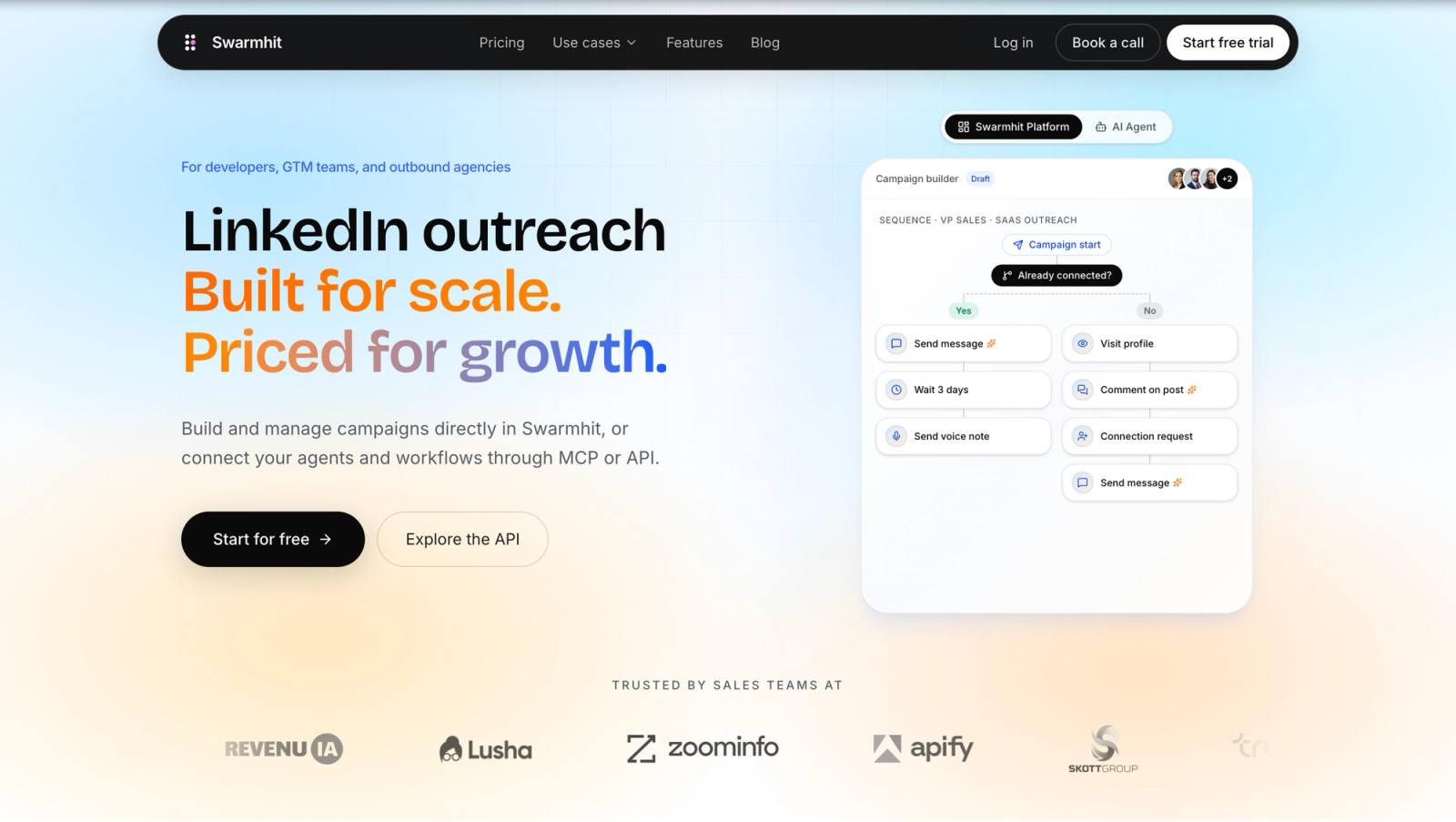
Swarmhit is the tool I'd put in front of an agency, a RevOps team, or a founder who already knows the problem isn't just sending messages. It's managing a scalable LinkedIn motion without losing control of sender health, lead quality, and pipeline visibility. That's a different job than basic automation.
The platform combines prospect discovery, sequencing, and unified inbox management in one system. You can search a large LinkedIn profile dataset with filters, ingest Sales Navigator URLs, rank prospects by fit and intent, rotate outreach across multiple senders, and route replies back into one place. That matters when one campaign is being touched by sales, ops, and client services at the same time.
Why Swarmhit stands out
Most LinkedIn prospecting tools talk about personalization and cadence building. Swarmhit puts more weight on the ugly operational layer that usually breaks first. Dedicated proxies, auto-warmup, live account health checks, smart limits, and sender rotation are built around the assumption that outreach has to keep running next week, not just look good in a screenshot today.
One of the clearest signals in the market is that high-volume blasting is losing ground. LinkedIn keeps tightening enforcement, connection requests are effectively capped around 100 per week per account, and accounts that race past human-like limits get restricted. That's why safety controls and signal quality matter more than raw throughput.
Practical rule: If a tool's main promise is "send more," you're probably looking at the wrong layer of the stack.
Swarmhit is also unusually strong on workflow flexibility. Teams can connect their own accounts or use vetted brand ambassadors, which is useful when an agency needs scale without forcing every campaign through one founder profile. For sales teams specifically, the Swarmhit sales teams workflow shows how that model supports multi-sender outreach without turning reporting into a mess.
Best fit
Swarmhit fits teams that care about all four of these at once:
- Account safety: Dedicated proxies, warm-up, caps, and health monitoring reduce avoidable risk.
- Multi-sender control: Agencies and larger outbound teams can spread activity across real profiles instead of overloading one account.
- Clean data flow: An open API and webhooks push replies and campaign events wherever your pipeline lives, so outreach never turns into a side spreadsheet.
- Data built in: a 1B+ contact database covering 60M companies, refreshed weekly, with free monthly credits, so prospecting starts inside the platform instead of with a CSV from another subscription.
The trade-off is simple. If you're a solo rep sending a few messages a day, Swarmhit may be more system than you need. If you're running serious outbound across multiple senders, it's built for the problems that show up after launch.
$39/mo
per sender on Swarmhit, no seat bundles or platform tiers
Test Swarmhit on your next campaign
Find prospects in a 1B+ contact database, launch a multi-sender sequence, and handle every reply from one inbox.
$39/month per sender
2. LinkedIn Sales Navigator
Sales Navigator is still the safest place to start because it's native to LinkedIn and it solves the first outbound problem better than almost anything else. Finding the right people. If your targeting is weak, no automation layer will save you.
Its strength is precision. Advanced lead and account filters, saved lists, alerts for job changes and company activity, CRM integrations, and warm-intro visibility on higher tiers make it the backbone of a lot of serious prospecting motions. Even teams using other linkedin prospecting tools often use Sales Navigator as the source of truth for list quality.
Why teams still start here
I wouldn't choose Sales Navigator if the main goal is scaled messaging. That's not what it's for. I would choose it if your team needs cleaner targeting, stronger account mapping, and better timing signals before any sequence starts.
That matters even more now because prospecting performance is shifting toward trigger-based outreach rather than static list uploads. Generic messages to stale lists usually underperform. Timely outreach to the right contact after a role change, hiring push, or company event tends to produce better conversations.
The safest automation strategy starts with better judgment, not better scripts.
The limitations are clear. Messaging scale is constrained, InMail isn't a true outbound engine for many organizations, and the pricing can feel opaque depending on plan and region. But for recruiters, founders doing founder-led sales, and account executives running careful ABM plays, LinkedIn Sales Navigator is often the right foundation.
3. Apollo.io
Apollo.io is less of a pure LinkedIn tool and more of an all-in-one outbound workspace that happens to pair well with LinkedIn research. That's why a lot of teams like it. It reduces tool sprawl.
The Chrome extension makes LinkedIn browsing faster, and the broader platform handles enrichment, sequencing, dialer workflows, analytics, and CRM-connected execution. If your team wants one operating layer for list building and outreach across multiple channels, Apollo is a practical choice.
Where Apollo fits best
Apollo works best when LinkedIn is one part of the motion rather than the entire motion. SDR teams often use it to move from profile research into contact enrichment and outbound execution without bouncing across five tabs. For ops leaders, that consolidation has real value because data, activity, and attribution stay closer together.
Its trade-offs show up in complexity and pricing mechanics. Credits, enrichment limits, and add-ons can make the actual cost harder to predict than the headline plan suggests. And its LinkedIn actions tend to be more assistive than fully automated, which is often intentional.
- Best for growing teams: Apollo gives smaller sales teams a way to centralize sourcing, data, and outreach.
- Best for hybrid workflows: Reps who prospect on LinkedIn but book meetings through email and phone usually adapt to Apollo quickly.
- Less ideal for LinkedIn-first agencies: If your whole business depends on multi-account LinkedIn execution, Apollo isn't the sharpest tool for that specific job.
The upside is versatility. The downside is that versatility can feel heavy if all you really need is a focused LinkedIn outbound engine. You can explore it directly at Apollo.io.
4. Expandi
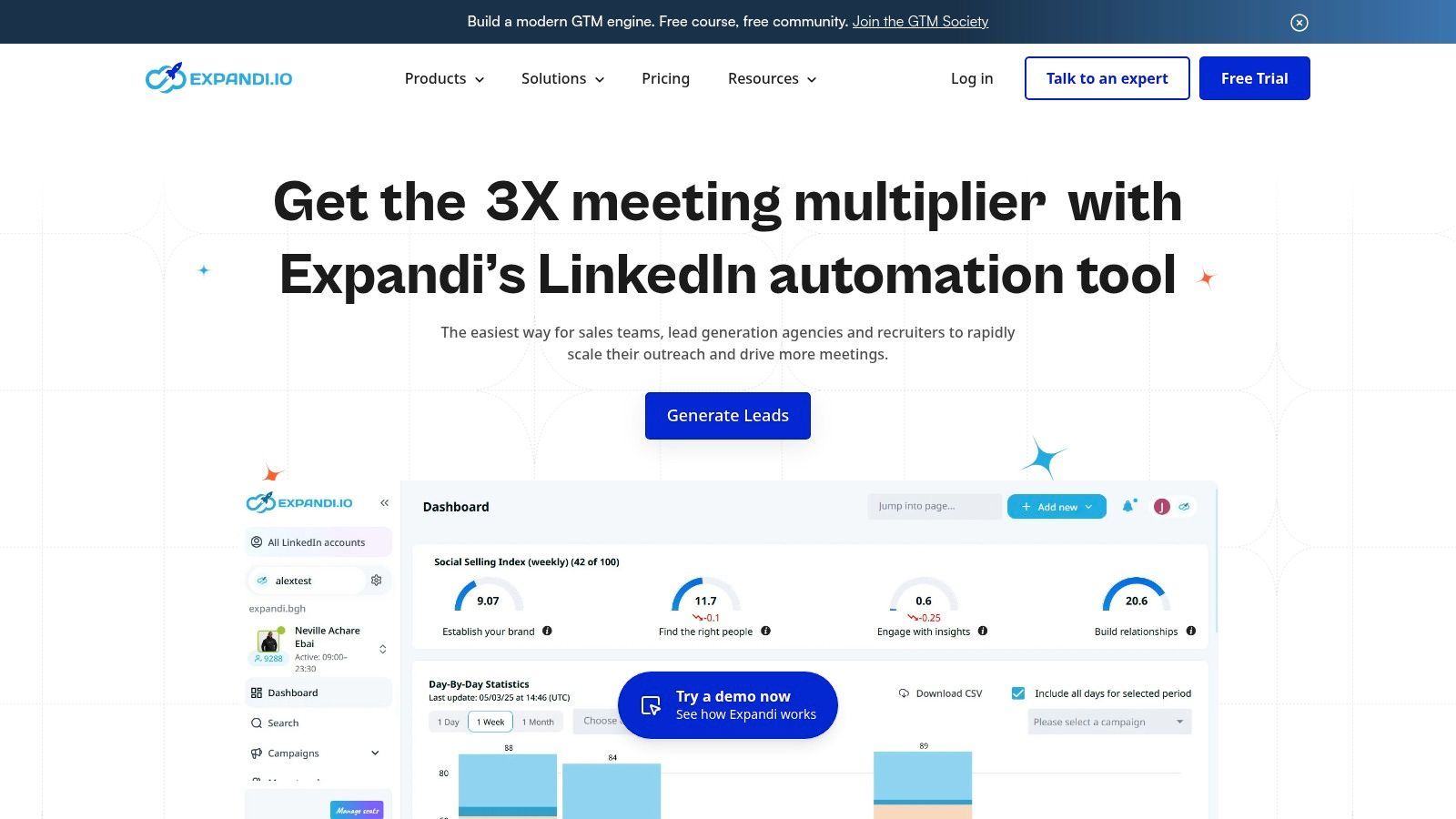
Expandi has been a popular option for teams that want cloud-based LinkedIn automation with visible safety guardrails. That's the key appeal. It doesn't pretend risk disappears, but it does make throttling, warm-up behavior, and infrastructure choices part of the product instead of an afterthought.
For agencies and always-on outbound teams, that focus is useful. Campaign templates, sequencing, daily limits, and dedicated country-based IP support make it easier to standardize operations across accounts.
On pricing, Expandi's Business plan is $99/mo per seat, or $79/mo on annual billing, where a seat is one automated LinkedIn account. Running 10 or more accounts moves you to custom Agency pricing. That makes it one of the pricier single-account options here, so the real question is whether you'll use the depth you're paying for.
What Expandi gets right
Expandi is strongest when you already know your ICP and message angle. The platform gives you a stable environment for running campaigns, but it won't rescue weak targeting or generic copy. Teams that treat it like a volume machine usually run into the same problems they'd have anywhere else.
Recent industry content has acknowledged the need to use LinkedIn automation more safely and keep humans in the loop, but it still leaves a gap around practical operating models for agencies and multi-sender teams that need scale without account disruption. That underserved compliance angle is one reason buyers still have to think beyond feature checklists when choosing linkedin prospecting tools, as noted in this analysis of safer automation angles for agencies.
Safety features help. Safe operating behavior matters more.
The main caution with Expandi is familiar. It's still third-party automation on top of LinkedIn, so setup discipline matters. If you push it too hard, stack too many automations, or recycle thin personalization, the tool can't protect you from bad decisions. You can review the platform at Expandi, or see how Swarmhit compares to Expandi on price and features.
5. La Growth Machine (LGM)
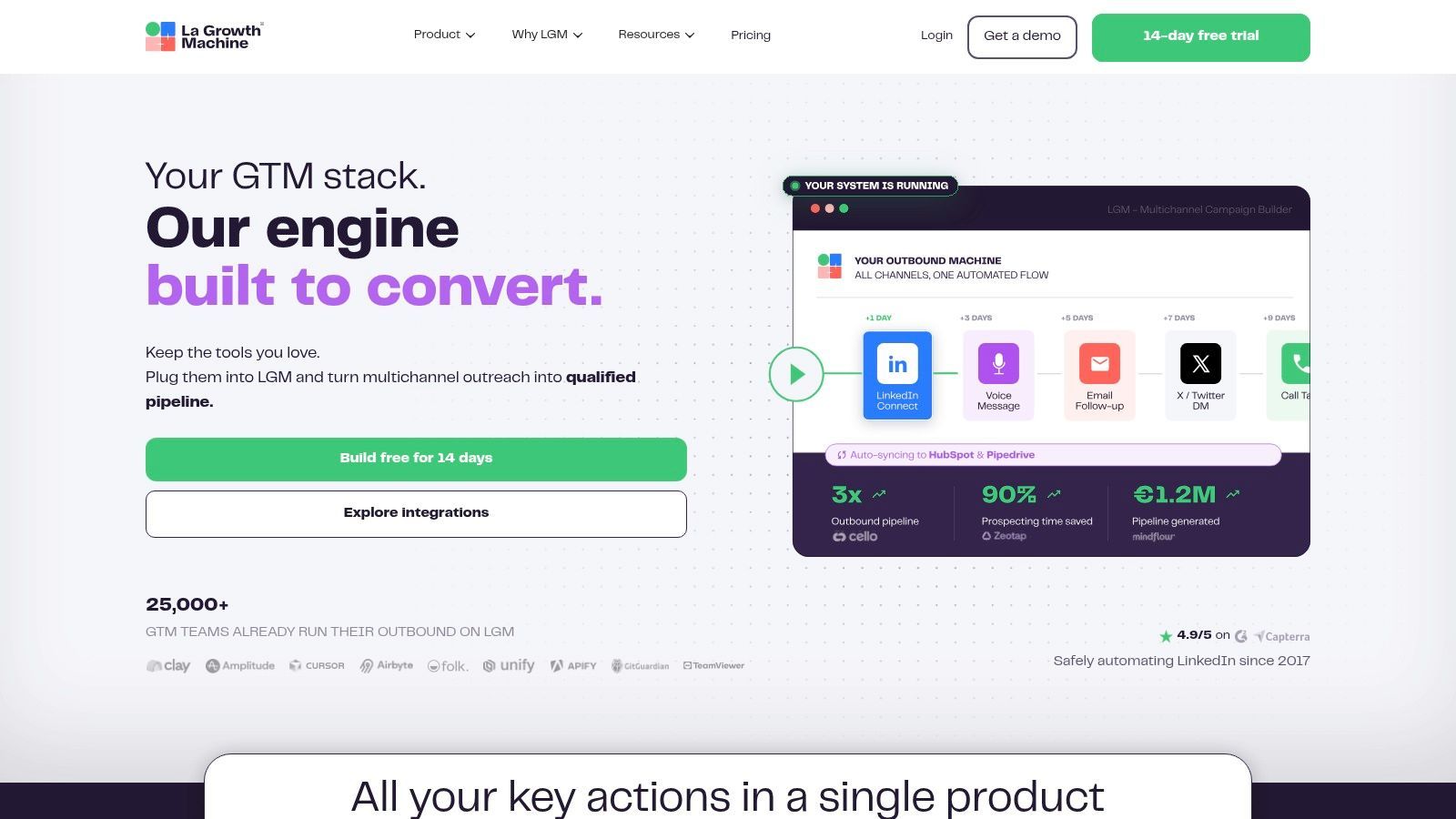
La Growth Machine is built for teams that don't want LinkedIn sitting in its own silo. It combines LinkedIn, email, X, calls, enrichment, and inbox management into one multichannel workflow. For some GTM teams, that's exactly the right shape. Buyers don't live in one channel, so your prospecting system probably shouldn't either.
Where LGM stands out is orchestration. You can run cross-channel sequences, manage replies from a centralized inbox, and layer enrichment into the process without stitching everything together manually.
Who should choose LGM
LGM is a strong fit for agencies, outbound teams, and founders who already think in sequences instead of channels. If your playbook is "connect on LinkedIn, follow up by email, nudge with another touch, and route replies centrally," it lines up well with how modern prospecting works.
That said, multichannel flexibility comes with more configuration overhead. Teams that just want basic LinkedIn automation often find LGM heavier than necessary. Per-identity pricing and extra enrichment usage can also add up once multiple reps or client accounts are involved.
If you're deciding between a dedicated LinkedIn scaling platform and a broader multichannel system, the question isn't which interface looks nicer. It's whether your bottleneck is channel coordination or LinkedIn-specific execution.
For teams that need the broader setup, La Growth Machine is a serious option.
6. Waalaxy
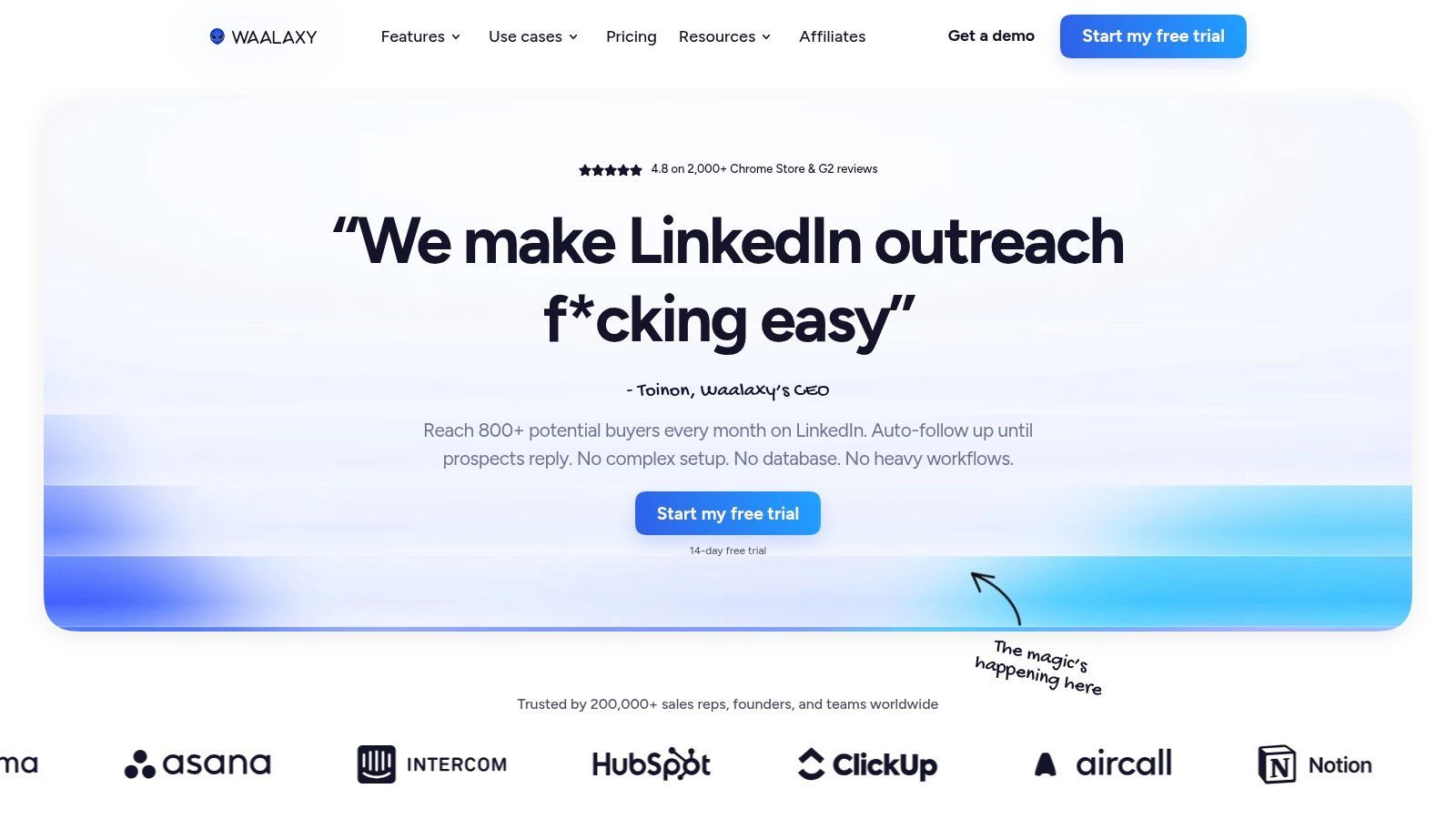
Waalaxy is one of the easier tools to recommend to solo operators and small teams because it lowers the barrier to getting started. The interface is approachable, the sequencing is straightforward, and the upgrade path into multichannel outreach is easy to understand.
That matters more than people admit. A tool doesn't have to be the most advanced in the category if it gets adopted quickly and keeps reps moving. Waalaxy tends to do that well.
Why small teams like it
The biggest benefit is simplicity. Prebuilt sequences, follow-up automation, team collaboration features, analytics, and integrations with platforms like Zapier, Make, and n8n cover the basics without forcing users into a heavy setup process.
Pricing starts at €19/user/mo for the Pro plan (300 invites a month), with Advanced at €49 and Business at €69 for higher volumes and multichannel. The old free plan is gone; you now get a 14-day free trial, and quarterly or annual billing carries meaningful discounts.
The drawback is that simplicity has limits. Advanced personalization is more templated than strategic, and smaller tools often rely more heavily on the user to define safe operating habits. If your team is moving into multi-sender campaigns, client delivery, or deep CRM process control, you'll likely outgrow it.
- Good entry point: Waalaxy is friendly for first outbound campaigns.
- Good for smaller teams: Startups and founder-led sales teams can get campaigns live without much ops support.
- Less ideal for scaled agency delivery: Once account safety and reply routing become operational priorities, you'll want more control.
If you're weighing it against a platform designed for deeper scaling, this Waalaxy comparison helps clarify where each one fits. You can also check the platform itself at Waalaxy.
7. Skylead
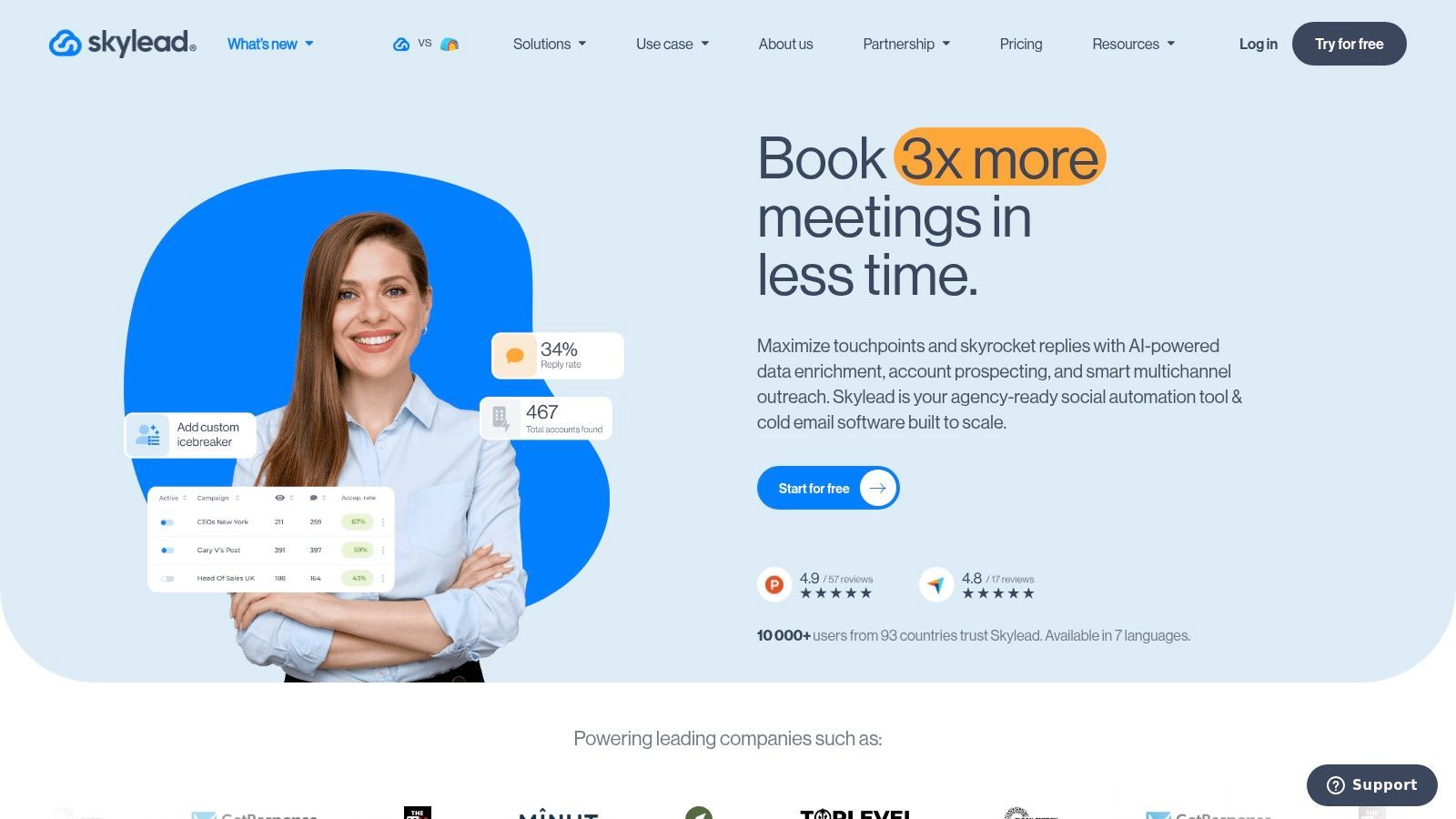
Skylead appeals to teams that want LinkedIn and email working together inside one prospecting engine. Its Smart Sequences approach is the practical selling point. You can coordinate touches across channels without duct-taping separate systems together.
The platform also leans into personalization. Image and GIF personalization, custom variables, inbox management, API access, webhooks, and CRM connectivity via API, webhooks, and MCP give teams more room to build nuanced workflows than many lighter tools offer.
Where Skylead earns its keep
Skylead makes sense when your outbound team already believes one channel isn't enough. A lot of buyers won't respond on LinkedIn first, but they will recognize your name when your email lands later. Tools that support that sequencing cleanly can improve workflow quality even when message quality still does most of the heavy lifting.
Pricing is a flat $100/mo per seat for the all-in-one plan, with white-label and annual options on custom quotes. Budget for email data credits on top once you scale finder and verification usage.
The broader shift in outbound matters here too. Buyers respond to well-timed, signal-aware touches, not to more volume in a single channel. The winning setup isn't just "more touches." It's better-timed touches in the right channel for each prospect.
Skylead's trade-offs are mostly around complexity and pricing clarity. It can require more setup than simpler tools, and total cost can rise once you add seats and email data usage. But if your team wants LinkedIn plus email under one roof, Skylead is worth a close look.
8. Dripify
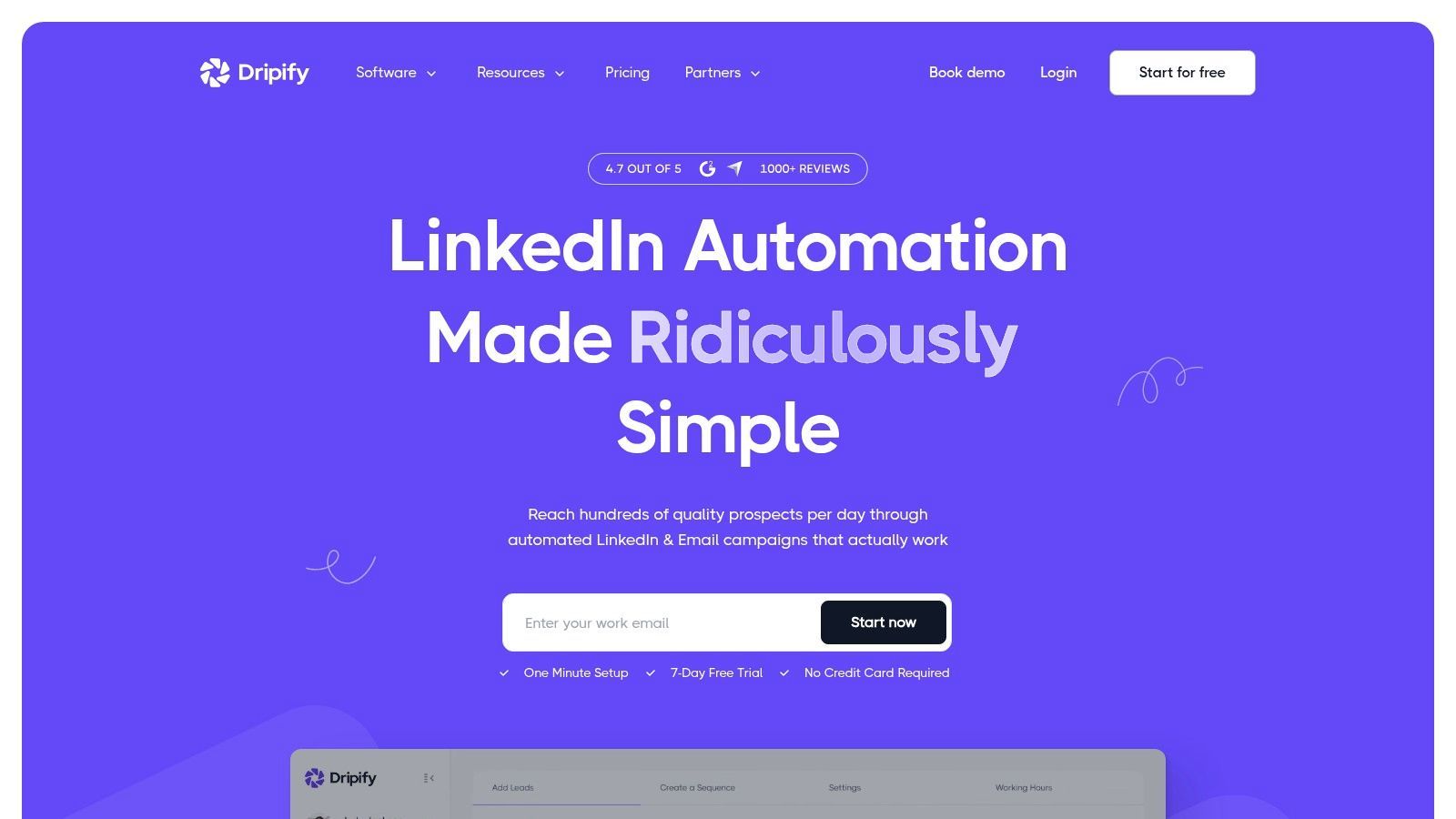
Dripify sits in a useful middle ground. It's more structured than beginner tools, but it doesn't feel as sprawling as some multichannel platforms. For small teams that want LinkedIn-focused automation with team visibility, it's often a sensible compromise.
Its strengths are easy to understand in practice. You get drip sequences, templates, lead tagging, a centralized inbox, team analytics, and visible daily activity controls. That's enough for a lot of SDR teams.
Dripify's tiers run from $59/mo per user on the Basic plan to $99/mo on Advanced, dropping to $39 and $79 respectively on annual billing. The tiering is transparent, with no credit systems to model.
What makes Dripify practical
Dripify is strongest when you need discipline more than experimentation. Sales managers can monitor usage, share templates, and keep outreach habits relatively consistent across reps. That makes it easier to coach from actual behavior instead of guessing why one rep is getting replies and another isn't.
The downside is channel depth. It remains mostly LinkedIn-centric, and while that's fine for some motions, it can become limiting once your team wants richer email branching or more advanced data handling. Like other automation tools in this class, success still depends on sensible limits and decent messaging.
If your reps need guardrails, Dripify is often a better pick than a "do anything" platform they'll never configure well.
For transparent tiering and a practical team setup, Dripify is a reasonable option; there's also a Swarmhit vs Dripify comparison if you're weighing the two.
9. Dux-Soup
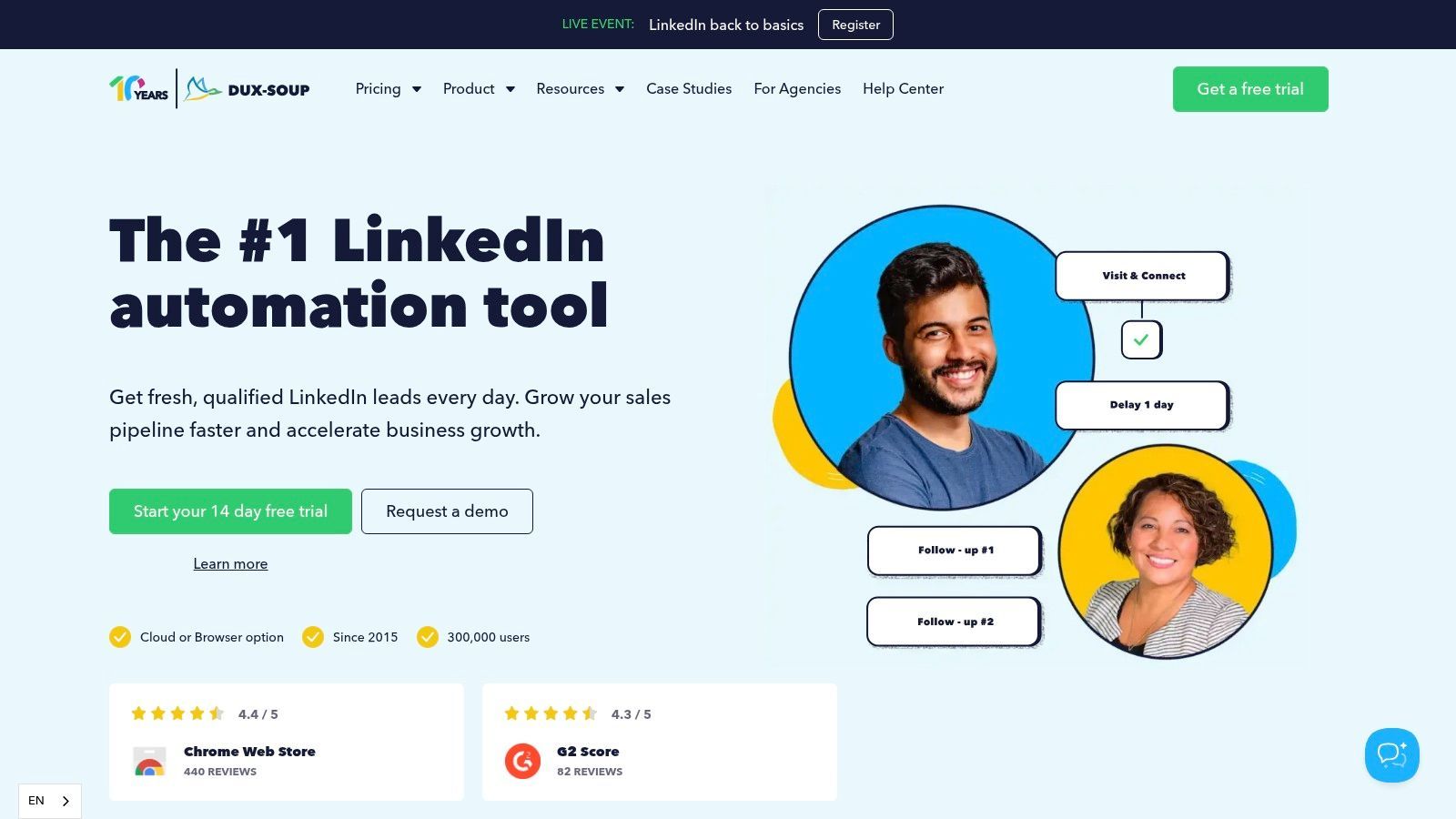
Dux-Soup has been around long enough that most outbound operators have either used it or inherited a campaign built on it. That longevity counts for something. Mature tools usually have better documentation, more predictable behavior, and fewer surprises in day-to-day use.
Its setup is flexible. You can start with a browser extension, move into cloud delivery, build campaigns around multiple LinkedIn actions, export data, and connect to common CRMs like HubSpot, Pipedrive, and Salesforce.
Why it still has a place
Dux-Soup is attractive when budget matters and the team doesn't need a cutting-edge AI layer. Freelancers, recruiters, and small lead-gen shops often appreciate that it offers a practical ramp without forcing them into enterprise-style pricing or process.
The caution is also obvious. Browser-based automation needs careful handling, and compared with newer linkedin prospecting tools, Dux-Soup feels lighter on built-in AI personalization and advanced orchestration. That's not necessarily a deal-breaker. Sometimes reliable basics are enough.
- Best for freelancers and lean teams: The entry path is cost-effective.
- Best for users who value maturity: Longstanding tooling often means fewer onboarding headaches.
- Less ideal for AI-heavy motions: If signal scoring and dynamic message generation are central to your workflow, you'll likely want a newer platform.
For teams that want stable basics with CRM connectivity, Dux-Soup still earns a place on the shortlist.
10. Meet Alfred
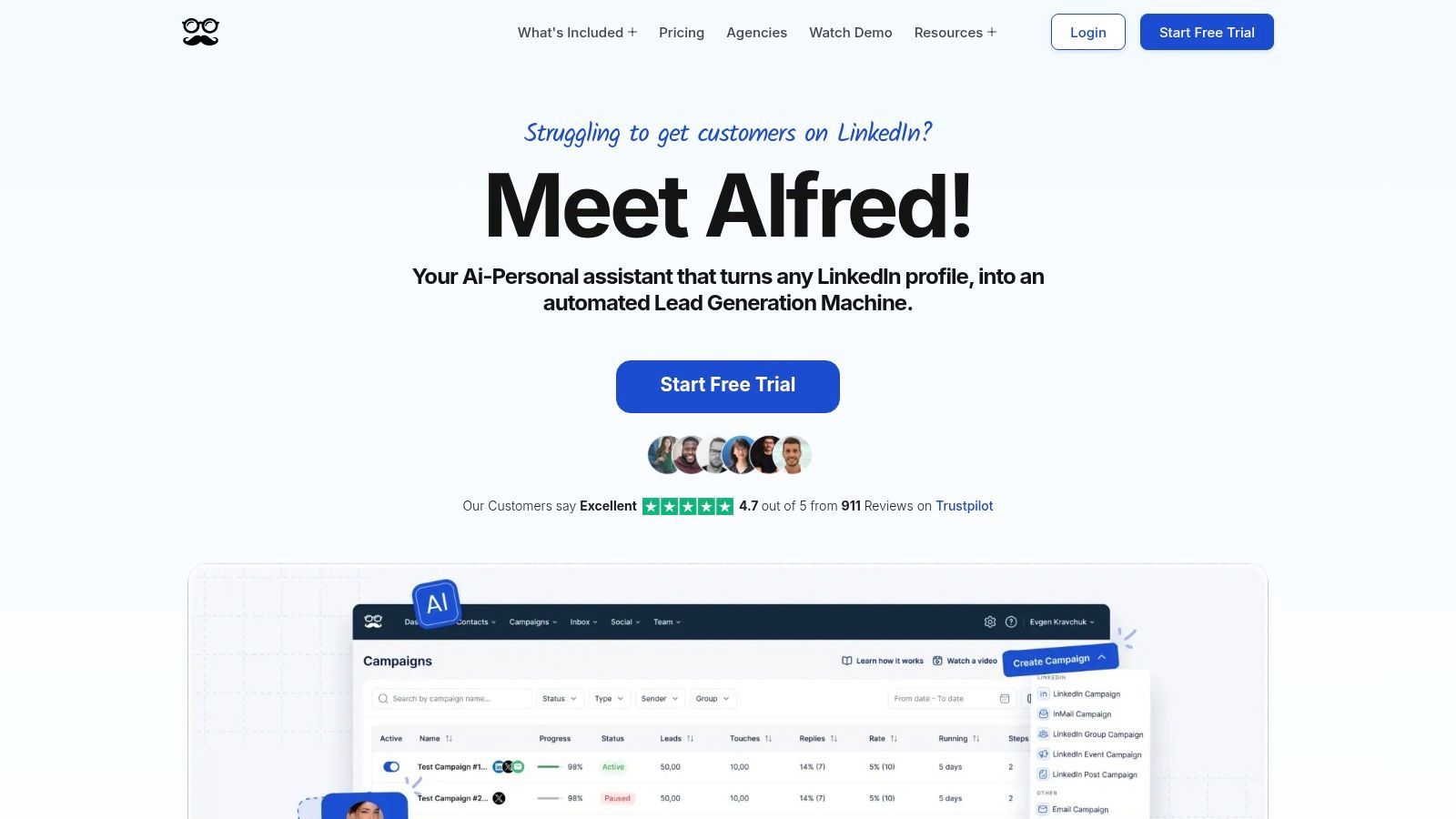
Meet Alfred is for people who want one platform to cover outreach, simple CRM tasks, inbox management, and even some social posting. That breadth makes it appealing to founders, consultants, and smaller teams who don't want to assemble a bigger stack too early.
It supports LinkedIn automation across several campaign types, multichannel flows that include email and X, a built-in LinkedIn-centric CRM, analytics, team roles, and a content scheduler. That's a lot in one product.
Best use case
Meet Alfred works best when convenience matters more than specialization. If one person or a very small team is handling prospecting, follow-up, and light content support, the all-in-one setup can be efficient. You won't get best-in-class depth in every module, but you may get enough functionality in one place to keep execution moving.
The trade-off is complexity by accumulation. Once a platform tries to do campaigns, CRM, inbox, and scheduling all at once, the learning curve rises. Teams with stricter process requirements often end up preferring tools that go deeper in one lane.
Still, for broad channel coverage and a practical built-in workspace, Meet Alfred is a useful option to evaluate, and the Swarmhit vs MeetAlfred breakdown covers the differences.
11. HeyReach
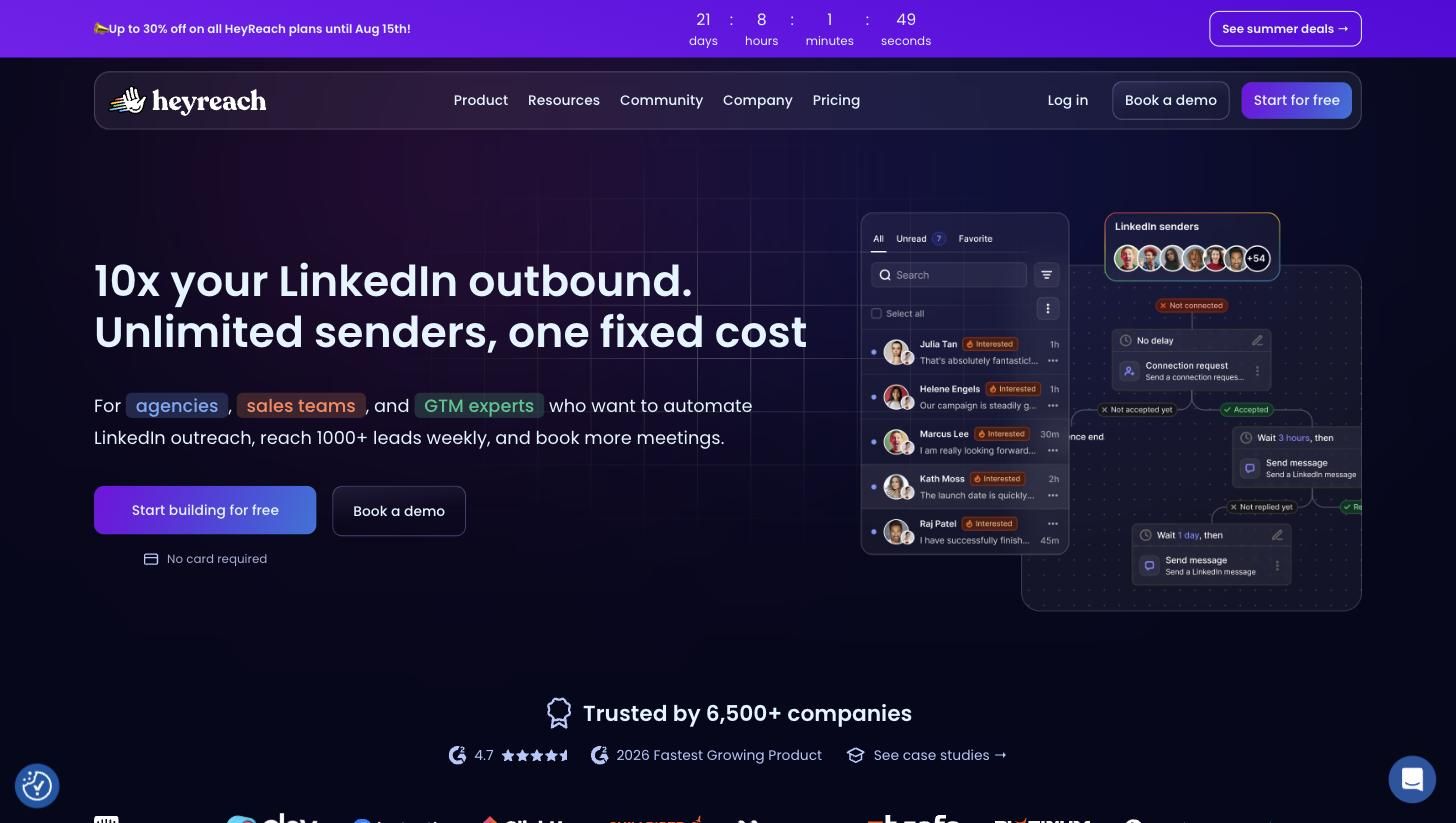
HeyReach built its entire product around one belief: agencies want many LinkedIn senders under one roof with predictable costs. Everything follows from that. Automatic sender rotation spreads campaign volume across accounts so no single profile carries the risk. The Unibox aggregates every conversation from every account into one inbox, so nobody logs in and out of client profiles all day. Client workspaces keep each account's data, senders, and campaigns separated behind a single login, and white-label branding is included on agency plans.
The stack-friendliness is real too: native Clay, Zapier, Make, and HubSpot integrations, an open API with webhooks, native Instantly and Smartlead integrations for multichannel, and an MCP server for AI-agent workflows. It also charges per LinkedIn sender, not per user, so you can onboard teammates, VAs, and clients at no extra cost.
The pricing math, honestly
Growth is $79/mo per sender ($63 on annual). The flat-fee story starts at the Agency tier: $999/mo for 25 senders, which works out to roughly $40 per sender, and $2,999/mo for unlimited. Two catches worth knowing before you commit. First, the flat-fee economics only kick in at real scale: running 3 senders on Growth costs $237/mo, roughly double what per-sender platforms charge for the same volume. Second, the Agency and Unlimited tiers require you to bring your own proxies, while the entry plan includes a dedicated residential proxy per sender. That's manageable for a technical agency, but it's an operational job someone has to own.
HeyReach at a glance
Pros
- Best-in-class multi-account rotation and agency workspaces
- Unibox across unlimited accounts; teammates and clients are free
- Deep GTM-stack integrations (Clay, API, webhooks, MCP)
Cons
- Expensive below ~5 senders ($79 each vs per-sender alternatives)
- Agency and Unlimited tiers require bringing your own proxies
- LinkedIn-only sending; multichannel depends on Instantly/Smartlead add-ons
Choose HeyReach if you're an agency rotating 10+ accounts and the flat-fee math works in your favor. If you're running 2-8 senders and want the same rotation-and-unified-inbox model at per-sender prices with proxies included, see how Swarmhit compares to HeyReach head to head.
12. lemlist
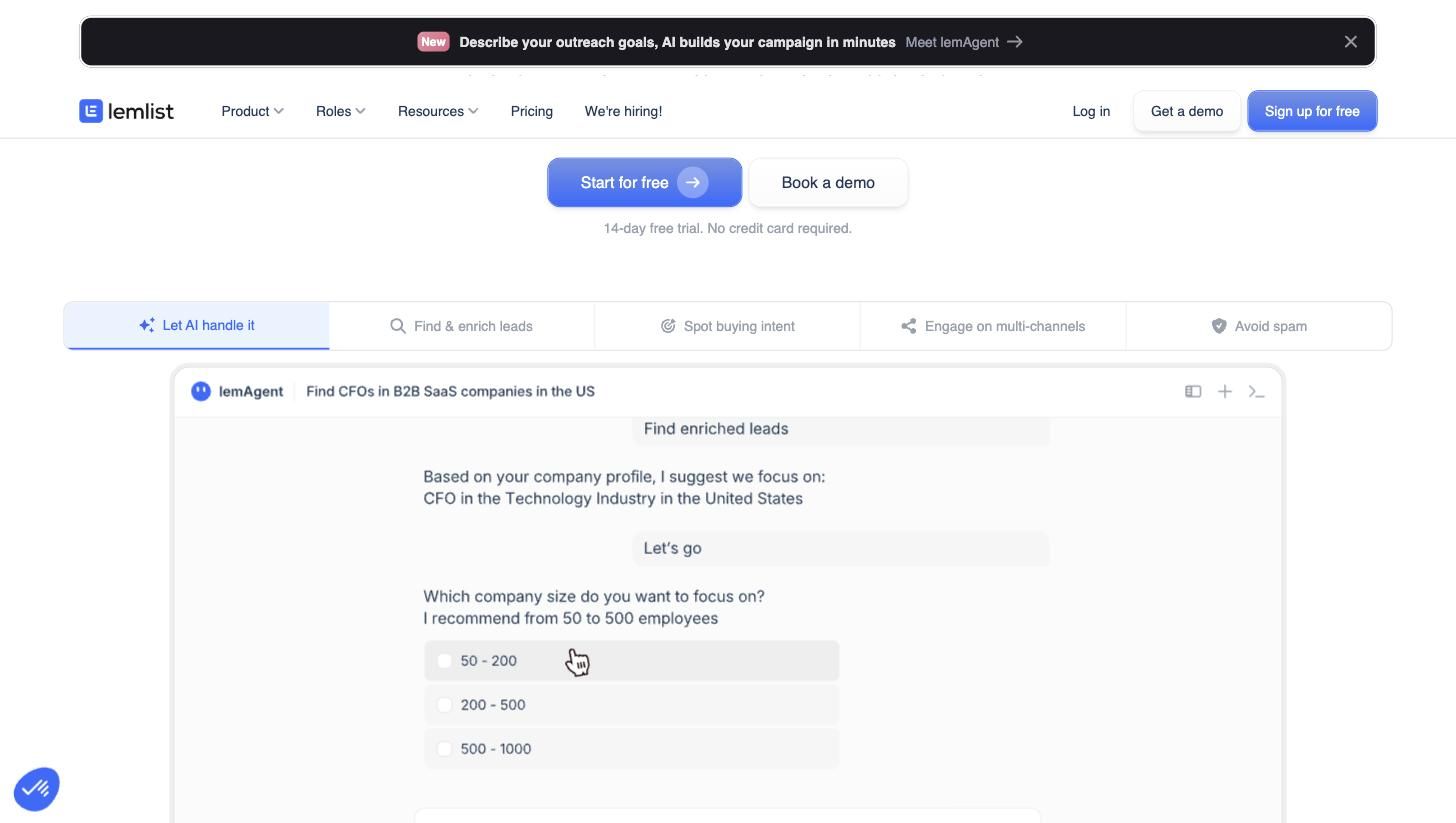
lemlist is what happens when a cold email platform grows into a full outbound suite. The core is still email (deliverability tooling, warm-up, personalized images and videos), but the modern product wraps a 650M+ contact lead database, email and phone finders, and multichannel sequences that mix email, LinkedIn steps, calls, and even WhatsApp and SMS into one workflow. Its AI campaign builder can assemble a working sequence from a plain-language description of your ICP, which genuinely shortens setup for teams without an outbound playbook.
Where LinkedIn fits, and where it doesn't
The LinkedIn actions (visits, invites, messages) exist to support email-led sequences, and in that role they work well: a profile visit before your email lands measurably lifts reply recognition. But LinkedIn is a supporting actor here. There's no multi-account rotation, no per-account health monitoring of the kind LinkedIn-first tools build around, and the per-user pricing model assumes one rep with one LinkedIn identity. Pricing reflects the email-first DNA: the Multichannel Expert plan runs $109/user/mo ($87 annual), and LinkedIn steps require that tier; the cheaper $79/user Email Pro plan is email-only. Costs also stack through credits for lead-finding and verification, so real spend tends to land above the sticker price.
lemlist at a glance
Pros
- Strongest email deliverability tooling in this list, plus warm-up
- 650M+ lead database with email and phone enrichment built in
- True multichannel: email, LinkedIn, calls, WhatsApp, SMS in one sequence
Cons
- LinkedIn features gated behind the $109/user Multichannel tier
- No multi-sender rotation or LinkedIn account health controls
- Credit-based add-ons make real cost higher than the sticker price
Choose lemlist if email carries your pipeline and LinkedIn is a warm-up touch. If it's the other way around, a LinkedIn-first platform gives you more depth per dollar; here's the full Swarmhit vs lemlist comparison.
The 12 LinkedIn Automation Tools Compared
| Product | Core features ✨ | Safety & scale ★ | Personalization & integrations ✨ | Audience & price 💰👥 |
|---|---|---|---|---|
| 🏆 Swarmhit | 1B+ contact database (60M companies, refreshed weekly), multi-sender campaigns with sender rotation, unified inbox, Sales Navigator imports | ★★★★★ Dedicated proxy per sender, managed auto-warmup, live account health checks, smart daily caps | ✨ AI personalization that reads the prospect (profile, posts, company news), every native LinkedIn action incl. voice notes & post comments, white-label inbox & reports for agencies, API + webhooks + MCP for CRM connectivity | 💰 $39/mo per sender + free monthly data credits (Agency $999 with 50 senders; Unlimited $2,499) · 👥 Agencies, GTM teams, sales, recruiters |
| LinkedIn Sales Navigator | Native advanced search, saved leads, InMail allowances | ★★★★★ Native LinkedIn, no 3rd‑party automation risk | ✨ CRM sync (SF/HubSpot), recommendations, limited automation | 💰 Premium pricing, InMail caps · 👥 Reps, SDRs, researchers |
| Apollo.io | Large B2B database, sequencing, email + dialer, Chrome extension | ★★★★ Assisted LinkedIn actions (safer than automation) | ✨ Enrichment, analytics, API, extension overlay on LinkedIn | 💰 Free tier + credits; paid tiers · 👥 Teams wanting unified data + outreach |
| Expandi | Cloud LinkedIn automation, templates, sequencing | ★★★★ Dedicated IPs, auto warm‑up, smart daily limits | ✨ Campaign templates, scheduling, responsive support | 💰 Seat-based plans with annual discounts · 👥 Agencies, campaign managers |
| La Growth Machine (LGM) | True multichannel flows (LinkedIn, email, X, calls), multichannel inbox | ★★★★ Per-identity model reduces single‑channel risk | ✨ Built‑in enrichment, AI voice messages, Real Chat mode | 💰 Per-identity + enrichment credits · 👥 GTM teams, agencies |
| Waalaxy | Prebuilt prospecting sequences, team collaboration, multichannel on Business | ★★★ Third‑party automation risk; EU‑centric pricing | ✨ Simple templates, upgrade path, API on higher tiers | 💰 Low entry price; Business upgrades · 👥 Solos & small teams |
| Skylead | LinkedIn + email Smart Sequences, Smart Inbox, image/GIF personalization | ★★★★ Email warm‑up, account controls, agency options | ✨ Spintax/Liquid variables, image/GIF personalization, API | 💰 Quote/seat pricing; credits for finder/verifier · 👥 Agencies, multilang teams |
| Dripify | Drip sequences, lead tagging, centralized inbox, team analytics | ★★★★ Visible safety controls, daily quotas | ✨ Prebuilt templates, team roles, CRM sync | 💰 Clear tiers, annual discounts · 👥 Solos → small teams |
| Dux‑Soup | Campaign builder (12 actions), lead exports, CRM integrations | ★★★ Browser extension needs careful use; cloud pricier | ✨ Mature ecosystem, campaign stats, CSV/CRM export | 💰 Budget-friendly entry; team plans · 👥 Freelancers → agencies |
| Meet Alfred | Multichannel sequences, LinkedIn CRM, content scheduler | ★★★★ Cloud infra, broad feature set (third‑party risk) | ✨ Smart inbox, templates, scheduler, CRM sync | 💰 Mid-tier pricing · 👥 Teams wanting outreach + social management |
| HeyReach | Sender rotation across accounts, Unibox unified inbox, client workspaces, white-label reporting | ★★★★ Cloud-based, dedicated residential proxy per sender on the entry plan | ✨ Native Clay/Zapier/Make/HubSpot integrations, open API + webhooks, MCP server | 💰 $79/mo per sender ($63 annual); Agency $999/mo for 25 senders · 👥 Agencies rotating 10+ accounts |
| lemlist | Email-first multichannel sequences with LinkedIn steps, 650M+ lead database, deliverability tooling | ★★★ LinkedIn is a supporting channel; no multi-account rotation | ✨ AI campaign builder, personalized images and video, email + phone finders | 💰 $109/user/mo Multichannel ($87 annual); LinkedIn steps need that tier · 👥 Email-led outbound teams |
What are LinkedIn's real limits in 2026?
Every tool on this list operates inside the same constraints, so know them before you compare features. LinkedIn confirms that invitation limits exist but has never published the number; the widely cited ~100 connection requests per week is vendor-observed consensus, not an official figure, and the right way to treat it is as a ceiling you stay well under, not a target. A few limits are official and documented in LinkedIn's help pages: your network caps at 30,000 first-degree connections, a withdrawn invitation blocks re-inviting that person for up to three weeks, and free accounts can personalize only 5 connection requests per month, with standard and personalized invitations tracked as separate pools.
The restriction pattern is documented too, and it escalates: a first offense typically locks invitations for a few hours, repeated triggers stretch to a few days, most restrictions lift within a week, and accounts with too many outstanding invitations can wait up to a month. You cannot buy your way out; LinkedIn states that invitation limits cannot be raised by purchasing anything, Premium included. This is why the safest tools on this list default to conservative daily caps and ramp new accounts slowly instead of maxing out on day one.
Cloud tools vs Chrome extensions: which architecture wins?
The 12 tools split into two architectures, and the choice matters more than most feature differences. Extension-based tools (Dux-Soup is the classic example, and Waalaxy connects through an extension) run inside your own browser: cheaper, simple to set up, but activity happens from your IP, on your machine, only while it is running. Cloud platforms (Swarmhit, Expandi, Skylead, HeyReach, Dripify) run the account server-side, typically with a dedicated IP per account, so campaigns continue when your laptop is closed and the connection pattern stays consistent, which is the part LinkedIn's detection notices.
The practical rule: an extension is fine for one account and modest volume, where the occasional manual feel is even an advantage. The moment you run multiple senders, need scheduling you do not babysit, or manage client accounts as an agency, cloud architecture with per-account IPs and managed warmup stops being a preference and becomes the safety requirement.
A LinkedIn automation workflow that actually works
The tool matters less than the system it runs. Every team getting consistent results on LinkedIn runs some version of the same six steps, and knowing them makes every tool on this list easier to judge, because each one automates a different subset.
- Define the ICP narrowly enough to personalize. A segment you can write one relevant sentence about is a segment; anything broader is a mailing list. The trigger you filter on (role change, hiring, tech stack) matters more than the industry code.
- Build the search where the filters live. Sales Navigator's filters are the deepest available, which is why most tools here sit on top of it rather than replacing it. Save the search so it refreshes with new matches instead of being rebuilt.
- Extract and enrich in that order. Pull the profiles first, inside whatever daily caps your tool enforces, then enrich emails and phones from a data vendor. Enriching before qualifying pays for contacts you will never message.
- Sequence with gaps a human would leave. Connection request, a wait measured in days, a short message that mentions the trigger, one follow-up. Reply rates fall with every step added after that, and the accounts that stay healthy are the ones that stop when the prospect does not answer.
- Route replies somewhere someone actually looks. A reply that sits for three days undoes the sequence that earned it. Consolidated inboxes and CRM sync stop being nice-to-haves the moment more than one sender is running.
- Measure replies and meetings, not activity. Sends and connection rates are vanity numbers a tool can inflate; positive reply rate per hundred contacts is the number that predicts pipeline, and it is the one to compare during a trial.
Our connection limits guide covers the caps that constrain step four, and our safety guide covers what happens to accounts that ignore them.
From tool to system: making your choice actionable
The wrong way to buy LinkedIn prospecting software is to compare feature grids and pick the longest checklist. The right way is to ask what will break first inside your actual sales motion. For some teams, it's list quality. For others, it's account safety. For agencies, it's usually sender management, reply routing, and client reporting. Those are very different buying decisions.
I usually reduce the choice to four questions.
First, how many senders are you really managing? A founder with one profile doesn't need the same control layer as an agency running outreach across many accounts. Second, how much risk can your team tolerate? Native tools like Sales Navigator are slower but safer. Third-party automation can create efficiency, but it also raises the cost of sloppy execution. Third, where does your team work? If the CRM is the operating system, then weak sync is a bigger problem than missing templates. Fourth, does your outreach depend on one channel or multiple? LinkedIn-only tools can be sharper. Multichannel tools can be more resilient.
Those choices matter because LinkedIn prospecting has changed. Personalization still matters, but not the fake kind where every message inserts a first name and calls it custom. Trigger quality matters more. Signal quality matters more. Workflow discipline matters more. The teams getting consistent results usually aren't the ones sending the most. They're the ones matching a good offer to the right person at the right moment, then protecting the accounts and systems that make that repeatable.
There's also a role-based way to think about the list.
- Agencies: Prioritize multi-sender management, inbox consolidation, account health controls, and client-friendly reporting.
- Recruiters: Prioritize search quality, workflow simplicity, and tools that don't create avoidable profile risk.
- Founders: Prioritize speed to first conversations and low setup overhead.
- Sales ops leaders: Prioritize governance, reporting, and visibility across users.
- Small SDR teams: Prioritize repeatable workflows and enough guardrails that reps don't improvise themselves into trouble.
The practical move is simple. Shortlist two or three tools based on your real use case, not the broadest marketing promise. Run a live trial with an actual campaign. Measure reply quality, not just activity volume. Watch account behavior. Check whether conversations land cleanly in the CRM. See how much manual cleanup your team still has to do after the tool has done its work.
That's the difference between buying software and building a system. The best LinkedIn prospecting tool isn't the one with the most automation. It's the one your team can run consistently, safely, and profitably.
FAQ
What is the best LinkedIn automation tool in 2026?
For multi-sender LinkedIn automation, Swarmhit ($39/mo per sender) and HeyReach (flat-fee rotation at agency scale) lead the category. Expandi fits agencies that want conditional sequences, Dripify keeps solo setups simple, and Waalaxy at €19/mo is the cheapest way to start.
What is the best LinkedIn prospecting tool?
For multi-sender teams and agencies, Swarmhit. For flat-fee account rotation at agency scale, HeyReach. For pure targeting, Sales Navigator. For email-led outbound, lemlist or Apollo. For a free start, Waalaxy. Match the tool to what breaks first in your motion.
Is LinkedIn automation safe to use?
Automation violates LinkedIn's user agreement, so no tool is risk-free. Cloud-based tools with dedicated IPs, warm-up, and enforced sending limits carry far less risk than browser extensions or volume blasting.
Is Sales Navigator enough for prospecting?
It's the best targeting layer, but it doesn't execute outreach at scale. Most teams pair it with an execution tool that handles sequences, sender rotation, and reply management.
Prospecting software vs a prospecting service: which should I pick?
A service (agency) trades money for time and control; software trades setup effort for better economics. If you know your ICP and offer, software wins on cost per meeting. If you're testing a brand-new market, an agency sprint can be a faster first read.
How many connection requests can you send per week?
LinkedIn does not publish the number. The ~100 per week figure circulating everywhere is vendor consensus from observed behavior, and the official documentation confirms only that a limit exists, that it protects the platform, and that it cannot be raised by paying. Sustainable programs treat roughly 15 to 20 invitations per day per warmed-up account as the working zone and let acceptance rate, not the cap, drive volume.
Can you run LinkedIn automation across multiple accounts?
Yes, and at scale it is the standard model: a pool of senders, each within its own limits, with one campaign rotating across them and every reply landing in one inbox. That requires a platform built for it, with per-account proxies, per-sender caps, and reply attribution. Stacking several seats of a single-account tool gives you the accounts but not the rotation, deduplication, or shared inbox that make the model work.
If you need a platform built around scale, sender safety, and operational control rather than just message automation, Swarmhit is the one I'd start with. It fits the realities agencies, GTM teams, founders, and recruiters deal with every day: multiple senders, account health, AI-assisted prospecting, and pricing that scales per sender instead of per seat.
Is there a free LinkedIn automation tool?
Genuinely free options are thin. LinkedIn's own free search plus manual outreach costs nothing and stays within every rule. Most tools on this list run free trials rather than free tiers, and the reveal-layer tools around this market (Lusha, Kaspr) offer small monthly credit grants. Treat free trials as the evaluation mechanism: run the same 100-contact campaign through two shortlisted tools and compare reply rates before paying for either.
How much do LinkedIn automation tools cost?
Using the published rates covered above: Waalaxy is the cheapest entry at 19 EUR a month, and the cloud platforms cluster between $39 and $109 per sender or seat per month, with Dripify from $39 on annual billing, HeyReach from $63, Expandi from $79, Skylead at $100 flat and lemlist at $87 to $109. Flat agency plans that bundle senders start around $999 a month. Sales Navigator is priced separately by LinkedIn and usually sits on top of whichever tool you pick. Price per sender matters less than what a restricted account would cost you.


