

A founder launches a campaign on Monday, books a few replies, then spends the next two weeks fixing inbox placement, sorting replies across disconnected mailboxes, and figuring out which leads belong in the CRM. That is usually the point where cold emailing software stops being a cheap monthly subscription and starts becoming an operating decision.
The right tool shapes list building, inbox rotation, reply handling, domain protection, and how outbound activity connects to pipeline. It also affects what your team can realistically run without adding manual work or creating deliverability problems.
Cold email still works, but the margin for sloppy execution is smaller than it used to be. Opens and replies are harder to earn, and that changes what matters in software selection. Sending volume helps only when the platform also supports targeting discipline, inbox health, and a follow-up process your team can maintain.
I group these tools by primary job, because that is how teams buy them.
- Volume sending: Best for teams that care about inbox rotation, warmup controls, and sending at scale across many accounts.
- All-in-one outbound: Best for teams that want prospecting data, sequencing, enrichment, and CRM sync in one place, even if they accept trade-offs in depth.
- Multichannel execution: Best for teams running email alongside LinkedIn, calls, or SMS, where channel coordination matters more than adding another email feature.
That distinction matters more than feature count. A startup founder often needs speed and low admin overhead. An agency needs client separation, approval control, and enough infrastructure to run multiple campaigns without cross-account mess. A RevOps team usually cares less about flashy personalization and more about governance, reporting, and how cleanly the tool fits the rest of the stack.
It also helps to be clear about what cold email software does not cover. Email-first platforms are built to send, warm, sequence, and manage mailbox health. LinkedIn outreach tools solve a different problem: profile actions, connection workflows, and message steps that happen off email. Teams running both motions should compare tools by channel ownership, not just by price. If LinkedIn is a real part of your outbound motion, a comparison of outreach platforms for email and LinkedIn workflows will usually tell you more than another generic feature grid.
This list reflects that reality. It does not rank tools by who claims the most features. It sorts them by where they fit best, where the trade-offs show up first, and which team is likely to get value without rebuilding its process around the software.
1. Instantly
Instantly is built for teams that care about throughput. If you run multiple inboxes, want warmup baked in, and need sender rotation without stitching together several tools, it's one of the cleaner setups in the category.
Its biggest strength is operational convenience. You can centralize multi-inbox outreach, add volume with contact-limit expansions, and keep the sending workflow inside one main environment. That's why agencies and outbound teams often shortlist it early.
Where Instantly fits best
Instantly makes the most sense when your bottleneck is execution volume, not prospect sourcing. The platform has optional add-ons for data, verification, AI help, inbox placement, and website visitors, but the core appeal is still scaled outreach management.
A few trade-offs matter:
- Best for multi-inbox execution: Teams that already have lists and inbox infrastructure usually get the most value.
- Less clean on total cost: Outreach, credits, CRM functions, and other modules can stack into a higher real spend than the headline plan suggests.
- Watch uploaded-contact limits: If you manage large databases, the plan caps matter more than they first appear.
Practical rule: Instantly is strongest when you already know your workflow and need a machine for running it repeatedly.
If your motion starts to include heavier LinkedIn sequencing or channel-specific automation, compare your stack before locking in. A side-by-side outreach platform comparison for email and LinkedIn motions is useful because the gap between “email sender” and “outbound system” gets expensive once your team grows.
2. Smartlead
Smartlead usually enters the shortlist when a team has outgrown basic cold email software and needs infrastructure that can handle serious sending volume. Agencies are the clearest example. If you are managing several clients, dozens of inboxes, and constant domain rotation, Smartlead lines up well with that operating model.
Its appeal is straightforward. Unlimited email accounts across plans changes the math for teams that scale through mailbox count, and Smartlead bakes warmup, rotation, and deliverability controls into the same workflow. That reduces a lot of the manual coordination that slows agencies down. Teams that plan to drive it from code should read our Smartlead API review first.
Understanding the practical trade-offs
Smartlead is strongest as a sending engine. It is less compelling if your team wants one polished workspace for prospecting, CRM, and multichannel execution in the same product. That distinction matters because many teams buy it for scale, then realize they still need separate systems for list building, workflow reporting, or LinkedIn steps.
That does not make Smartlead a weak choice. It makes it a specialized one.
A few trade-offs are worth weighing before you commit:
- Best fit for agency operations: Whitelabel options, API access, and flexible inbox scaling are useful if outbound is part of your client delivery.
- Less efficient for small founder-led teams: If you are running a narrow outbound motion with only a few inboxes, the extra scale can sit unused for months.
- Budget still depends on surrounding infrastructure: Domains, mailboxes, verification, and lead sourcing still shape total cost, even if account limits are generous.
I usually place Smartlead in the "volume sending" bucket, not the all-in-one bucket. If your team also needs LinkedIn automation or wants tighter coordination across channels, compare it against tools built for that broader motion. A side-by-side comparison of lemlist-style multichannel workflows versus channel-specific outreach setups helps clarify whether you need a larger outbound stack or just a better email engine.
One more practical point. Smartlead helps teams run disciplined follow-up sequences across many inboxes, which matters because consistent sequencing often beats endless first-line copy edits. The platform supports that process well. It still depends on solid targeting, clean lists, and sensible sending limits.
3. Reply.io
Reply.io sits closer to a sales engagement platform than a pure cold email sender. It covers email, LinkedIn, calls, SMS, analytics, AI assistance, and agency-oriented packaging. If your team wants orchestration across channels and deeper reporting, that's where Reply.io makes sense.
This isn't the first tool I'd hand to a founder sending their first campaigns. It's more appropriate for structured teams that already know their workflow and need software to coordinate it.
Who should buy Reply.io
Reply.io works best when RevOps or sales leadership wants one operating layer across reps, channels, and campaign logic. The AI features are useful, but the stronger selling point is orchestration. It's the systemization play, not the hacker play.
That makes it attractive for:
- RevOps-led organizations: Better fit when process consistency matters more than low entry cost.
- Agencies offering managed outbound: Whitelabel and multi-client support are relevant.
- Teams beyond email-only outreach: If calls, LinkedIn, and SMS are already part of the motion, Reply.io feels coherent.
The downside is complexity. Per-user pricing can also push teams toward flatter-cost email tools if their actual need is just scaled inbox management.
A platform like Reply.io earns its price when leadership needs control, visibility, and sequence governance across channels. It feels expensive when all you need is email volume.
4. lemlist
A common outbound setup looks fine on a spreadsheet and breaks in practice. Email runs in one tool. LinkedIn tasks live somewhere else. Call steps sit in a dialer. Reps miss handoffs, managers lose visibility, and reporting turns into manual cleanup. lemlist is built for teams trying to avoid that sprawl.
lemlist belongs in the multichannel bucket. It combines email sequences, LinkedIn steps, calling, personalization elements, and prospect data workflows in one place. That makes it a different buy than Instantly or Smartlead. Those are stronger fits when the job is high-volume email execution. lemlist makes more sense when the job is coordinating touches across channels without stitching together three or four separate tools.
This is usually where buyers split.
A founder-led team doing straightforward email outbound may find lemlist heavier and pricier than necessary. A sales org that wants SDRs to work email, LinkedIn, and calls from one sequence builder often sees the value quickly. For teams evaluating that kind of motion, these outbound workflow options for sales teams give useful context on when a broader system helps and when it just adds overhead.
The trade-off is not hard to understand. lemlist gives you coordination. You give up some of the raw sending efficiency and cost simplicity that email-first platforms offer.
A few practical buyer notes:
- Strong fit for multichannel teams: Managers get one workflow layer for email, LinkedIn, and call tasks instead of separate tools and handoffs.
- Weaker fit for pure scale plays: Multichannel Expert is priced per user ($109 a month on monthly billing) with five sending mailboxes per seat and $9 for each extra, so teams focused on inbox rotation and large account counts usually get better economics elsewhere. For email volume alone, lemlist also sells an Email plan priced per workspace, from $69 for 50,000 emails to $659 for 1M a month. Both prices were read on lemlist.com on 26 September 2026.
- Pricing needs a closer look: Credits and bundled capabilities can be convenient, but forecasting spend is less straightforward than with simpler email tools.
One more distinction matters. lemlist tries to cover several channels reasonably well from one platform. Channel-specific tools go deeper inside their lane. That decision usually comes down to whether you want one control center for broad outreach or a more specialized setup for each channel.
5. Mailshake
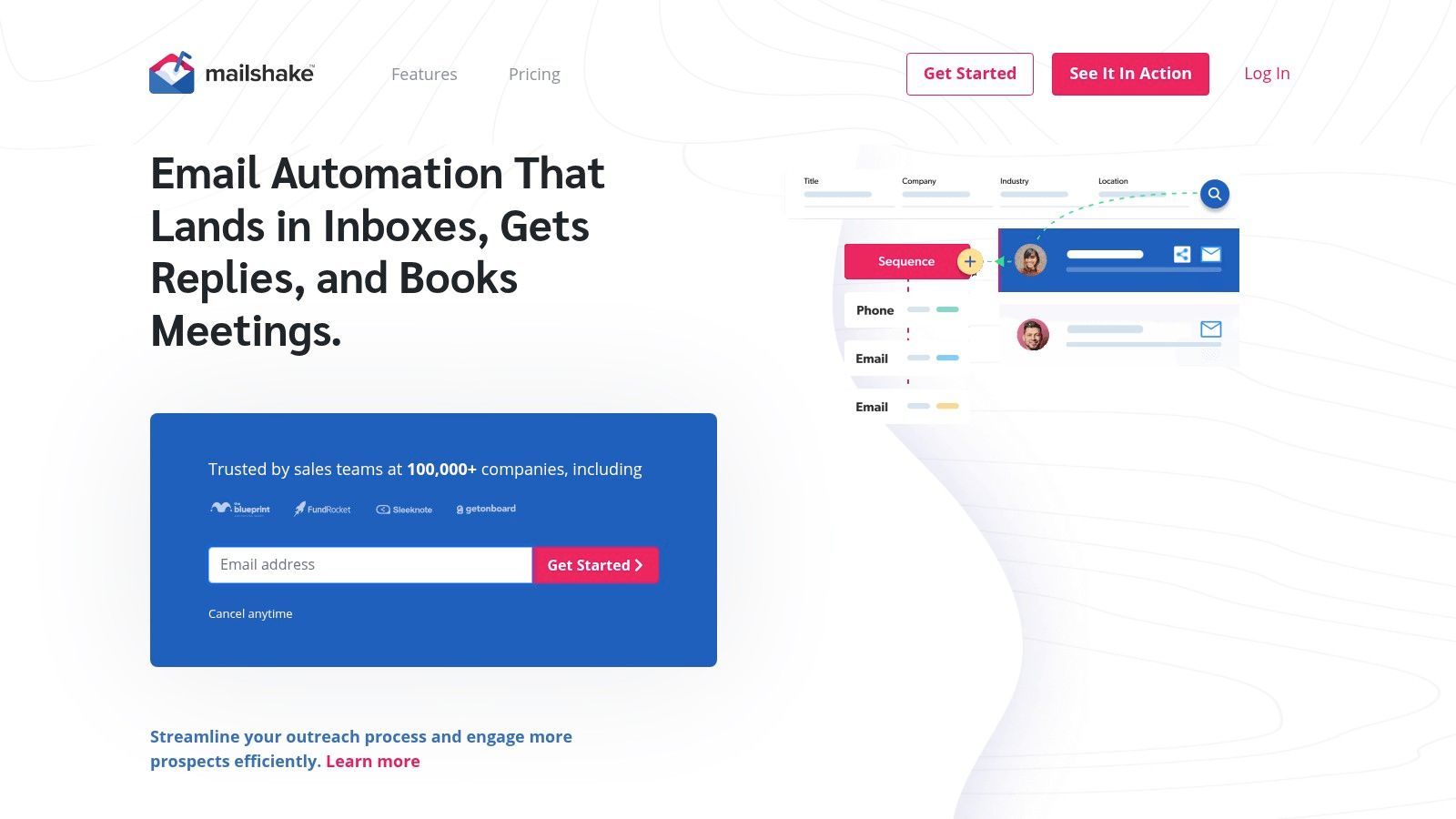
Mailshake has stayed relevant because it doesn't try to be everything. It handles email sequencing well, works with common mailbox setups, gives teams A/B testing and analytics, and adds calling or SMS when needed. For a lot of founder-led sales teams, that's enough.
This is the kind of tool that gets picked by teams who value clarity over novelty. Reps learn it quickly. Managers can inspect campaign activity without a lot of admin overhead. That matters more than flashy AI features when the actual problem is consistent execution.
Best for teams that value simplicity
Mailshake is a practical fit when your process is still straightforward. One or two reps. A founder sending outbound personally. A small sales team that wants replies routed cleanly and campaigns paused automatically when someone responds.
Its limitations show up when you try to make it the center of a larger outbound machine.
Keep Mailshake if your workflow is clear and mostly email-driven. Replace it when you start forcing it to behave like a full sales engagement platform.
A few buyer notes:
- Good small-team ergonomics: The interface is easier to manage than some heavier tools.
- Per-seat pricing matters: Costs can climb as more reps join.
- Works best with a defined process: If your targeting, data sourcing, and CRM flow are messy, software won't solve the mess.
6. Woodpecker
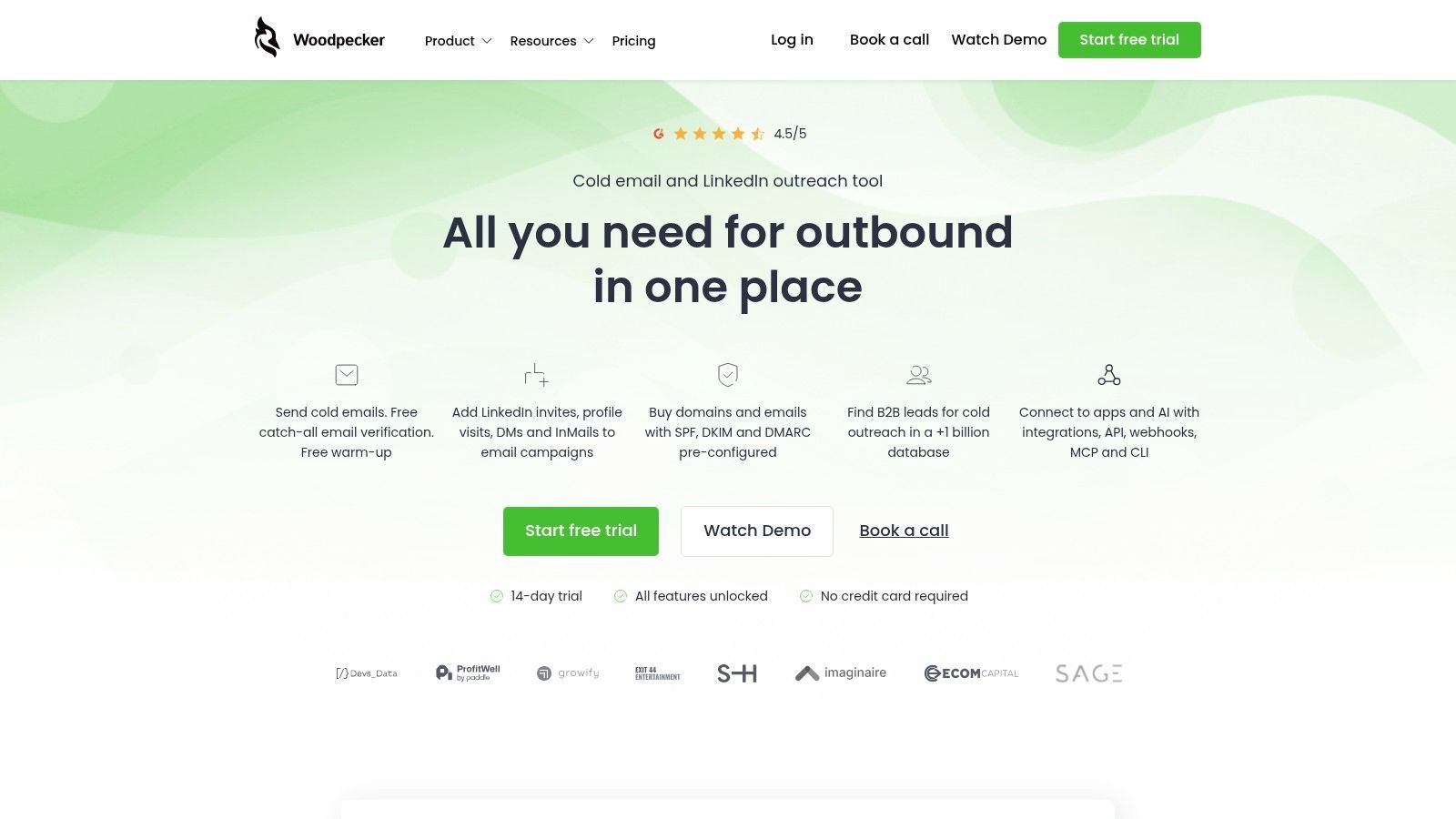
Woodpecker appeals to teams that worry about inbox health before they worry about scale. That's a smart instinct. In cold email, a tool that helps you send more can also help you damage sender reputation faster if your process is careless.
Woodpecker leans into safer sending behavior. Verification before send, reply detection, throttling windows, and practical deliverability education are part of the appeal. It doesn't feel built for the most aggressive volume operators, and that's exactly why some teams trust it.
Why deliverability-first teams like it
If your playbook centers on smaller, better-targeted campaigns, Woodpecker has the right bias. It encourages restraint. That's useful because too many buyers still over-focus on copy and under-focus on inbox placement.
Independent guidance has increasingly pushed a simpler standard for outreach: keep the message short, specific, and anchored to a concrete observation, while testing subject lines, formatting, and link choices because those details can hurt inbox placement, as outlined in Mailgenius guidance on cold email practices. Woodpecker matches that philosophy better than tools optimized mainly for brute-force throughput.
- Good for careful outbound teams: Agencies with premium offers and niche ICPs often fit here.
- Not ideal for all-in-one prospecting: You'll likely keep separate data sources.
- Lighter multichannel motion: LinkedIn and calling exist, but they aren't the core identity of the platform.
7. Apollo
Apollo is attractive because it collapses two jobs into one interface. You can source prospects, work from intent or signal-based filtering, build sequences, run A/B tests, and sync to your CRM without immediately reaching for another vendor. For many teams, that convenience is the product.
The question isn't whether Apollo has enough capability. It usually does. The key question is whether your outbound team benefits more from an integrated prospecting-plus-engagement system or from separate best-of-breed tools.
The appeal of one system
Apollo is strongest for teams that don't want list building and outreach split across different products. If SDRs and founders are both prospecting and emailing inside the same workspace, speed goes up and handoff friction goes down.
Still, there's a cost to that convenience.
- You're buying a bundled workflow: Great if you need the data. Wasteful if you already have another source of truth.
- Credits require management: Ops teams need clear rules so reps don't burn through the wrong actions.
- Best for fast-moving pipeline creation: Less compelling if your team already has mature data operations elsewhere.
The overall market growth supports why integrated tools keep showing up. The global cold email software market was estimated at USD 1.2 billion in 2024 and is projected to reach USD 3.8 billion by 2033, implying a 12.2% CAGR from 2025 to 2033. Buyers aren't just paying for sending anymore. They're paying to collapse more outbound work into fewer systems.
8. Saleshandy
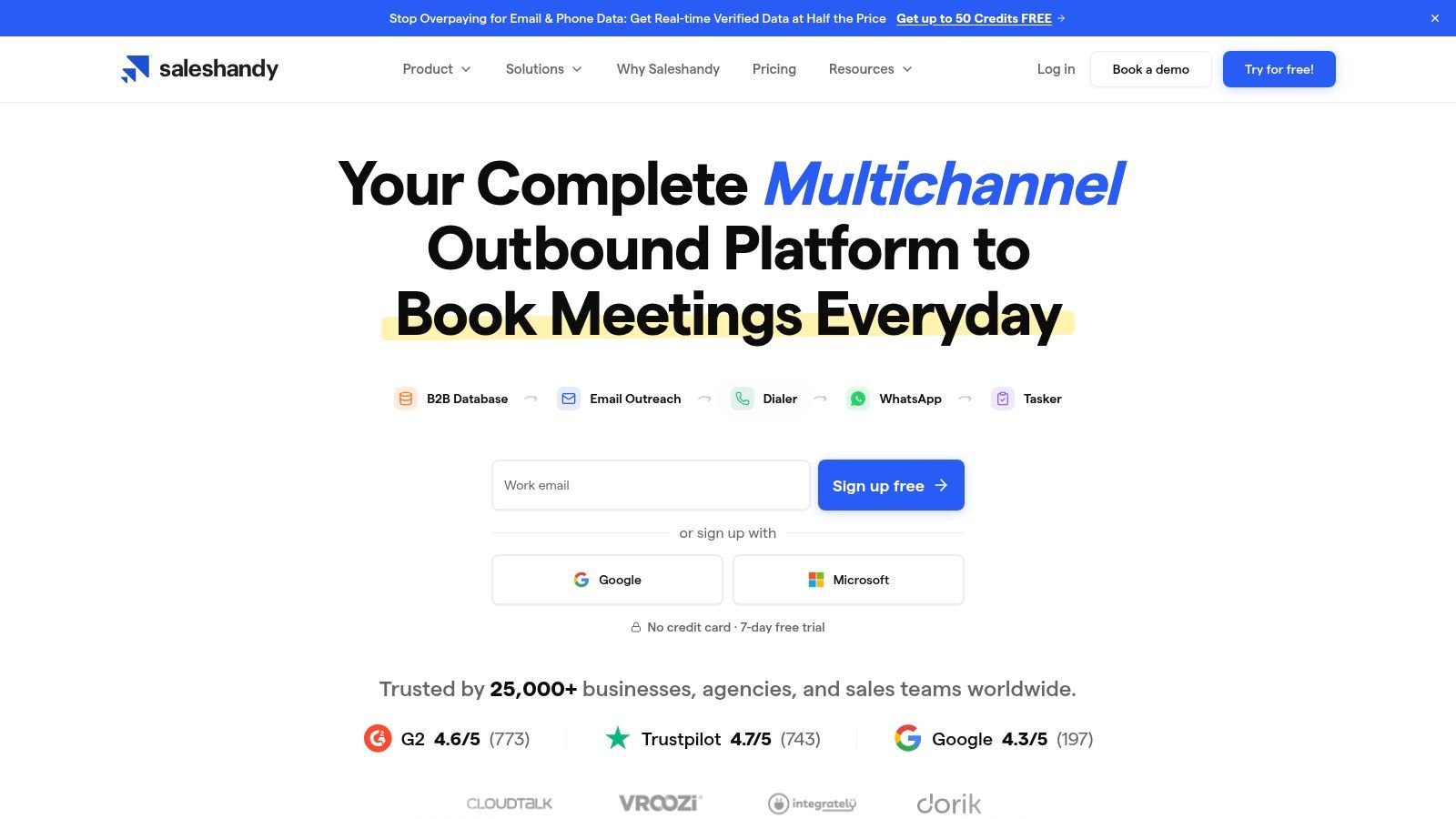
Saleshandy has carved out a strong position by being easier to justify financially than many bigger-name platforms. Unlimited email accounts on outreach plans, sender rotation, built-in warmup, and optional lead finder or inbox placement testing make it appealing to newer agencies and lean sales teams.
This is one of the better examples of practical cold email software for operators who need volume without immediately jumping to a more expensive platform stack.
A strong option for lean teams
Saleshandy tends to work well when you need solid email infrastructure and can add extras selectively. That's the right shape for bootstrapped teams. You can start with outreach, then layer on lead finding or deliverability testing when the process demands it.
Its limitations are mostly about breadth.
- Good price-to-volume profile: Useful when every software decision is tied to early pipeline efficiency.
- Lighter multichannel depth: It won't replace a deeper sales engagement system for teams running email, calls, SMS, and social in one flow.
- Add-ons matter: Lead finder, testing, and dialer-related extras can shift the effective monthly cost.
One practical upside is that Saleshandy doesn't force a big-platform learning curve on small teams. If your motion is mostly email and your operators can manage list quality externally, it stays efficient longer than some buyers expect.
9. Snov.io
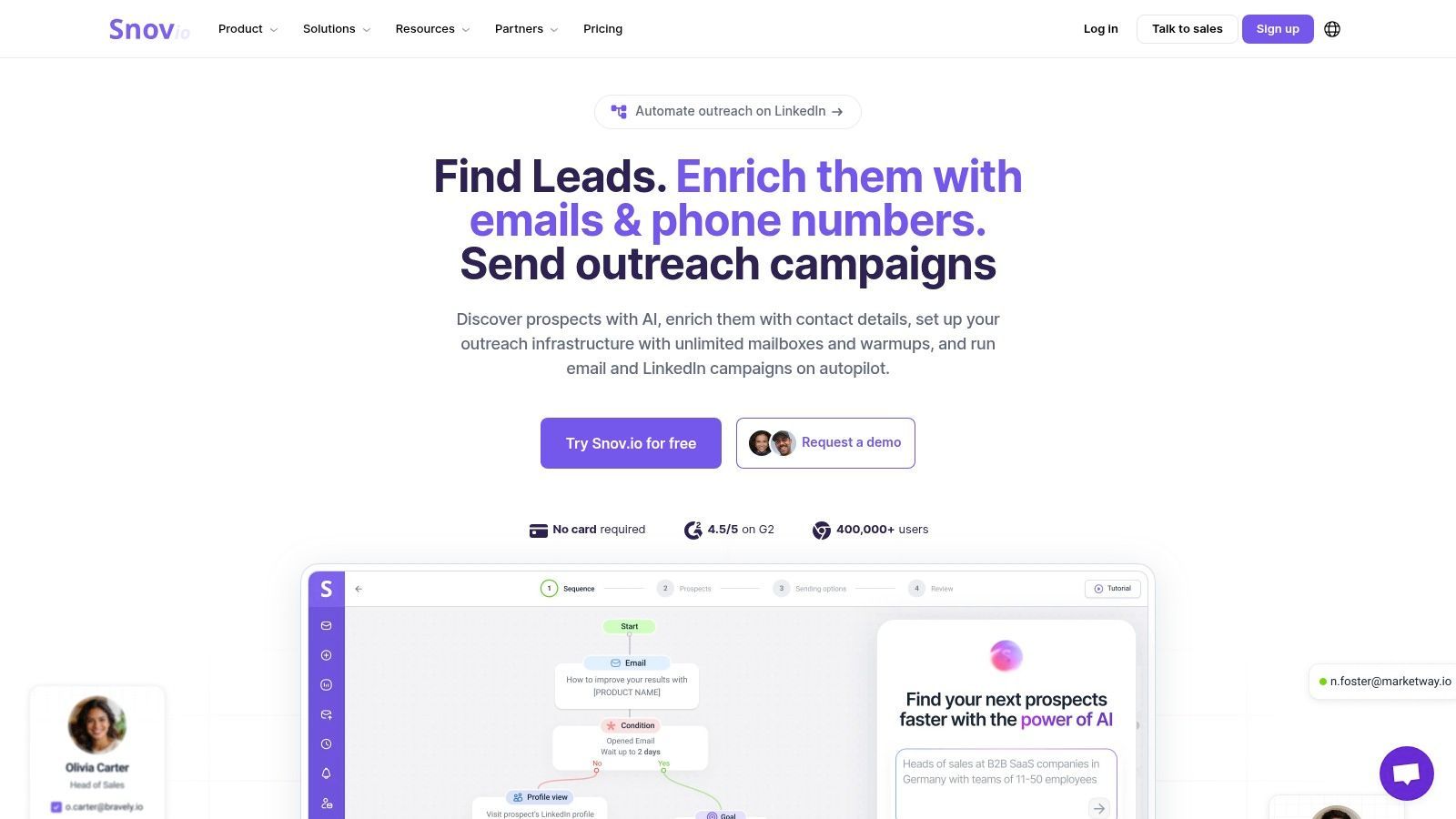
Snov.io fits teams that are tired of stitching together five separate tools just to source prospects, verify emails, warm inboxes, send sequences, and track basic deal progress. That convenience is the primary reason to buy it.
I usually put Snov.io in the all-in-one bucket, not the high-volume specialist bucket.
That distinction matters. If your team wants one operating system for prospecting plus email outreach, Snov.io makes sense. If your team already has a solid data source, a separate CRM, and a deliverability setup built for larger sending programs, it starts to feel more like a middle layer than a core system.
Where Snov.io works well
Snov.io works best for startups, smaller outbound teams, and agencies running a straightforward email motion for clients who do not need a heavy sales engagement platform. The attraction is operational simplicity. One vendor, one interface, and fewer handoffs between tools usually means campaigns get launched faster.
The trade-off is control.
Credits need active management, especially if one team is using the platform for both lead generation and outreach. Data quality also changes by industry and geography, so the built-in prospecting workflow does not remove the need for verification and list review. Teams that skip that step usually blame the sender when the actual problem started with the list.
Snov.io also rewards focused targeting more than brute-force sending, which lines up with the broader point made earlier in the article. The platform is at its best when reps can move quickly from a segmented prospect list into an appropriate sequence without exporting data across multiple systems.
A practical way to evaluate it is simple:
- Best for all-in-one buyers: Useful for teams that want prospecting, verification, email outreach, and light pipeline management in one place.
- Less attractive for specialist stacks: Teams already committed to separate tools for data, CRM, and deliverability may get overlap instead of efficiency.
- Good operational fit for smaller teams: Faster setup and easier training than many broader sales engagement platforms.
- Watch the usage model: Credit consumption and recipient limits can change the total cost as activity grows.
Compared with email-first tools in this list, Snov.io is broader and a bit less specialized. It solves a different problem: running email prospecting and outreach inside one system rather than going deep on a single channel.
Top 9 Cold Email Software Comparison
A team usually hits this table after the same problem shows up twice. Reply rates are soft, deliverability feels fragile, and every vendor claims to do everything. The useful comparison is narrower. Which tool fits the way your team runs outbound?
The fastest way to sort this list is by primary job. Instantly, Smartlead, Saleshandy, and Woodpecker skew email-first. lemlist and Reply.io are stronger when email sits inside a broader multichannel workflow. Apollo and Snov.io pull in data and prospecting.
| Platform | Best fit | Safety & deliverability | Good choice for | Pricing approach | Standout |
|---|---|---|---|---|---|
| Instantly | High-volume cold email sending | ★★★★☆, warmup, inbox rotation, sending controls | Agencies and teams managing many inboxes | Flat-fee core plan, with paid extras for data and add-ons | Scales sending fast without per-seat pressure |
| Smartlead | Agency-scale sending and client ops | ★★★★☆, sender rotation, throttling, warmup | High-volume agencies, resellers, lead gen shops | Cost-effective across many senders, but infrastructure costs still matter | Whitelabeling and sender management at scale |
| lemlist | Multichannel outreach with strong personalization | ★★★★☆, good deliverability controls | Teams blending email, LinkedIn, and calls | Per user for multichannel, or an email-only plan priced by volume | Personalization assets and sequence flexibility |
| Mailshake | Simple outbound for small teams | ★★★★☆, reliable sequencing, reply-based pauses | Founders, early sales hires, lean teams | Per-user pricing, easy to understand | Clean workflow with low setup friction |
| Woodpecker | Careful email outreach with fewer moving parts | ★★★★★, verification, throttling, reply detection | Teams that care more about sender safety than channel count | Transparent pricing with a clear email-first focus | Pre-send verification and conservative sending controls |
| Reply.io | Multichannel sales engagement with heavier orchestration | ★★★★☆, monitoring and deliverability insights | Mid-market teams, agencies, process-driven sales orgs | Per-user pricing, stronger feature depth, higher total cost | AI-assisted workflows and broad channel coverage |
| Apollo | Prospecting database plus outreach in one system | ★★★★☆, standard deliverability tooling | Teams that want data, enrichment, and sequencing together | Credit-based model with broad feature access | Large contact database tied directly to outreach |
| Saleshandy | Budget-conscious volume sending | ★★★★☆, warmup, rotation, account support | Startups and agencies that need scale without a heavy bill | Competitive pricing for high account counts | Good sending economics for smaller teams |
| Snov.io | All-in-one entry point for prospecting and email | ★★★★☆, verifier and warmup included | Small teams that want one vendor for sourcing and outreach | Credits and recipient caps keep entry cost low | Finder, verifier, campaigns, and light CRM in one place |
A few trade-offs matter more than feature checklists.
If the job is pure sending volume, Instantly, Smartlead, and Saleshandy usually make the shortlist first. The difference lies in operational fit. Instantly is easy to adopt. Smartlead tends to win when agencies need more control across clients and senders. Saleshandy is often the budget pick that still covers the core sending workflow.
If the team wants one system to source contacts and run outreach, Apollo and Snov.io reduce stack sprawl. That convenience comes with a trade-off. You accept the vendor's pricing logic around credits, data usage, and enrichment instead of keeping prospecting and sending separate.
If outbound already includes LinkedIn, email-only comparisons miss part of the buying decision. lemlist and Reply.io cover multichannel sequencing inside a sales engagement product, while the email-first platforms on this list keep their depth in inbox rotation, domain management, and cold email sequencing.
That distinction matters for agencies, RevOps leaders, and startup teams choosing a stack instead of a single tool. The right setup is often one email-first platform plus one channel-specific platform, not a compromised all-in-one that is average at both.
Your Tool Is a Strategy, Not Just a Subscription
A team buys the wrong platform, spends two weeks wiring inboxes and writing sequences, then realizes the problem was never sequence building. The problem was list quality, CRM handoff, or the fact that prospects were replying on LinkedIn instead of email. That is why software choice shapes outbound strategy more than buyers admit.
Different tools are built for different jobs. Volume senders are optimized for mailbox management, rotation, and scale. All-in-one platforms try to keep prospecting, enrichment, outreach, and reporting under one roof. Multichannel tools sit somewhere in the middle and make more sense when email is only one part of the motion.
Team type usually decides the winner faster than any feature checklist.
A founder running early outbound needs speed, low setup overhead, and enough visibility to see whether the offer is working. In that case, Mailshake, Saleshandy, Snov.io, or Apollo often beat a heavier platform. The trade-off is obvious. Simpler tools get campaigns live faster, but they can become limiting once the team adds more inboxes, more reps, or stricter reporting requirements.
Agencies have a different constraint set. They need client separation, reusable workflows, clear sender controls, and billing that does not get messy once account count grows. That is why Instantly and Smartlead come up so often in agency stacks. Reply.io can fit too, especially when clients want more structured multichannel execution, but agencies should check how much operational control they get before committing.
RevOps teams should start with system fit. If outreach data needs to stay clean inside HubSpot, Salesforce, or Pipedrive, the best choice is usually the platform that creates the fewest sync problems and the least manual cleanup. Apollo and Reply.io often make sense here because they connect outreach more directly to the rest of the revenue system. Woodpecker can be a better fit for teams that care more about controlled sending and process discipline than pushing volume.
Channel mix matters just as much.
An email-first tool can be the right answer for one team and the wrong answer for another team with the same headcount. If buyers respond in inboxes, focus on deliverability, infrastructure, and reply handling. If the motion depends on LinkedIn touches, connection workflows, and social follow-up, email software alone will leave gaps. In those cases, the better setup is often an email platform paired with a dedicated LinkedIn automation tool, rather than one product trying to do both at an average level.
Execution details decide performance. Open tracking is a good example, as noted earlier. Features that look helpful in a demo can hurt results if they interfere with deliverability or distort how the team works. The same goes for aggressive automation, weak CRM sync, or built-in data credits that push reps toward convenience instead of precision.
A simple buying framework works better than feature hunting. Identify the primary bottleneck first. Is the problem sending volume, lead sourcing, multichannel coordination, CRM hygiene, or client management across many inboxes? Once that answer is clear, the shortlist gets smaller fast.
Good software removes friction from a strategy that already makes sense. Bad software turns a strategy problem into an operations problem.
If your bottleneck turns out to be multichannel coordination across several senders, and you would rather not pair two tools, Cadency is our pick: one campaign runs across every mailbox and every LinkedIn sender, one sender per lead, with one inbox for the replies. It began as our internal test bed for the Swarmhit engine and was never meant to be public, but we kept it running for the sales teams, recruiters and agencies who asked for it.


