

Linked API (linkedapi.io) is a cloud browser automation API for LinkedIn, operated by the Estonian company What the Flutter OÜ. It runs every connected LinkedIn account in its own dedicated cloud browser and exposes 55+ actions, from messaging and connection requests to searches, posting and Sales Navigator, through an asynchronous workflow API. Pricing is a flat list price per seat: $69 per month for Core, $99 for Plus, dropping to $49 and $74 on annual billing, with volume discounts only on request, verified October 2026. The docs are excellent and the price is simple, but execution is sequential per account, there are no third-party reviews yet, and the terms put every gram of LinkedIn risk on you.
One disambiguation before anything else: this is a review of the vendor at linkedapi.io, not of LinkedIn's official developer program. Almost everything ranking for this query covers the official API, which is a different subject entirely. If that is what you came for, start with our LinkedIn API overview and is the LinkedIn API free instead.
Everything below comes from linkedapi.io's own site, documentation, pricing page and terms of use, checked in September 2026. We did not run a hands-on test, and, as you will see in the reviews section, nobody else has published one either.
What Is Linked API (linkedapi.io) and Who Is It For?
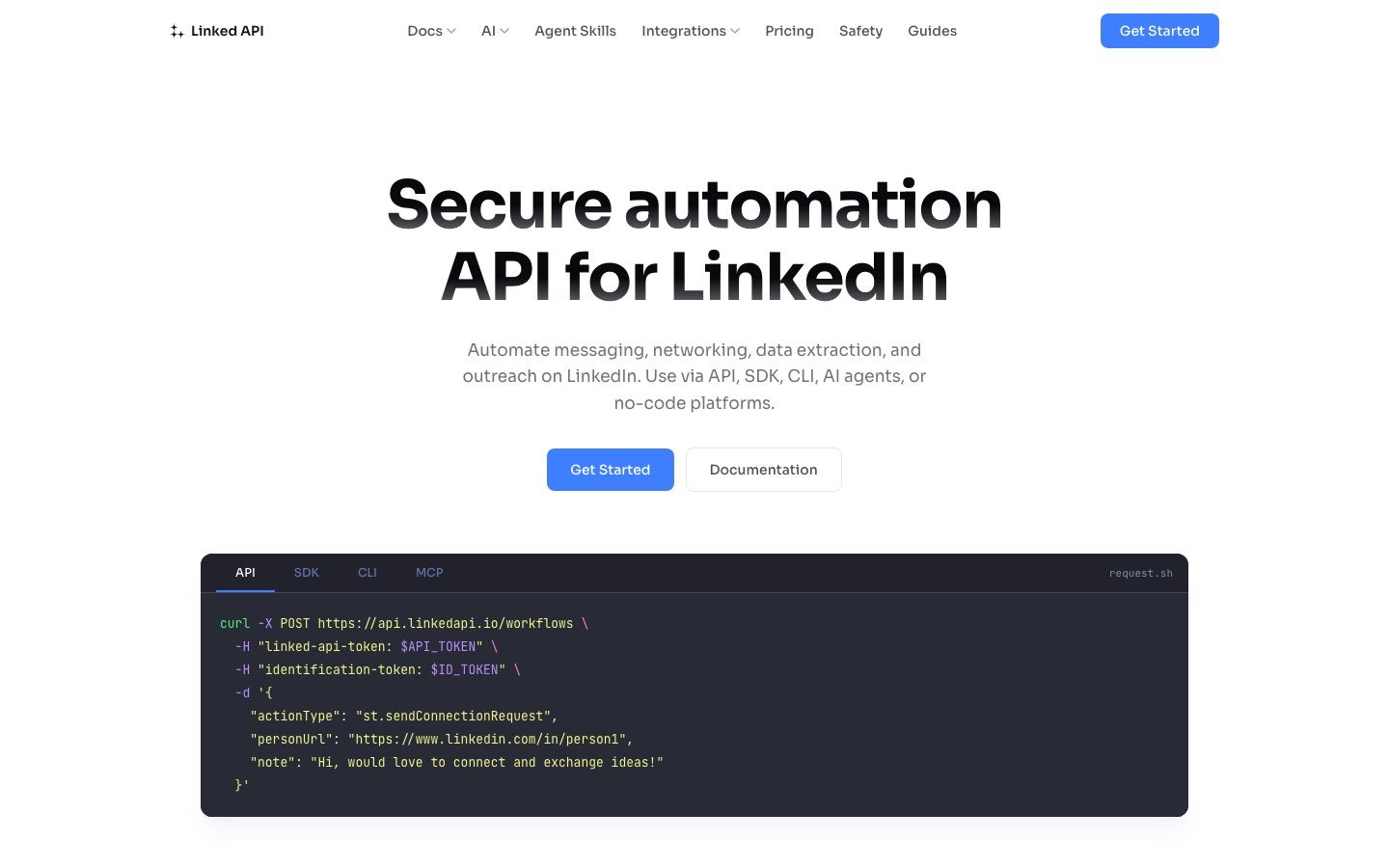
Linked API is an automation API that drives real LinkedIn accounts: sending messages and connection requests, running searches, extracting profile and company data, posting content, and syncing inboxes. You describe an automation as a workflow, a JSON document composed of actions, and Linked API executes it through a dedicated cloud browser attached to each connected account. The site's footer states plainly that it is an independent product with no affiliation, authorization, endorsement or sponsorship from LinkedIn Corporation.
The legal entity behind it is What the Flutter OÜ, an Estonian private limited company, with disputes governed by Estonian law in Harju County Court, Tallinn. We could not verify a founding date or team size from primary sources.
Who it fits:
- Developers automating their own or their team's accounts, who want raw LinkedIn actions without building browser infrastructure.
- SaaS builders: an Admin API with hosted connection sessions lets you onboard your customers' LinkedIn accounts through hosted flows and manage seats programmatically, so Linked API can sit invisibly inside your product.
- AI agent builders: an open-source MCP server connects the action catalog to Claude, ChatGPT, Cursor and other MCP clients (see our LinkedIn MCP server guide for how this pattern works).
- No-code operators via n8n and Make integrations (patterns we cover in n8n LinkedIn and Make.com LinkedIn).
Who it does not fit: anyone who wants a finished outreach product with campaign sequencing, reply management and a team UI, and anyone who needs channels beyond LinkedIn. Linked API hands you actions; the engine is your job.
What Can You Build With Linked API?
The catalog spans 55+ actions in two families. Standard-interface (st.*) actions cover sending messages, connection requests and invitation management, removing connections, people, company and job searches, pulling company employees and decision makers, person experience, education and skills, publishing posts with media, reacting, commenting and replying, reading your own feed, profile viewers, Social Selling Index scores, performance analytics, inbox and network monitoring, and iterator actions that fan a step out over lists. Sales Navigator (nv.*) actions add Sales Navigator search, data fetching, messaging with InMail, and inbox sync, and require the Plus plan (background on that ecosystem in our Sales Navigator API guide).
Notable absences, from their own published action list: there is no email finder or enrichment anywhere in the catalog, contact data is limited to what the connected account can see on LinkedIn, and skill endorsements are marked as available soon, meaning not live today.
The workflow model composes these actions into multi-step automations: search for people, visit each profile, extract data, then send a connection request, as one workflow. Webhooks push workflow, account, inbox and network events to your backend, so you do not have to poll. What Linked API deliberately does not include is everything above the action layer: queuing leads across days, sequencing follow-ups, detecting replies and stopping a sequence, A/B testing, campaign analytics. If you are planning to build that layer yourself, our guide on how to build a LinkedIn outreach tool maps what that actually involves.
How Does Linked API Actually Work?
Architecture is Linked API's main pitch. Each LinkedIn account gets its own full browser running in the cloud, not headless emulation and not an HTTP scraper replaying private endpoints. That browser keeps a stable residential IP from the account's region and a matched device fingerprint (OS, browser version, screen resolution, language, timezone), with human-like mouse movement, typing variance and randomized scrolling layered on top.
Credential handling is cleaner than most of this category: per their safety page, they never see, intercept or store your password. You enter it yourself in a browser session that only you can access, and the session then stays authenticated through encrypted session state.
The execution model matters more than the marketing:
- Asynchronous: you submit a workflow, then collect the result via polling or webhooks. Simple workflows take around 20 seconds; complex data-retrieval workflows take several minutes.
- Sequential per account: workflows for one LinkedIn account run one at a time, never in parallel. Queued workflows report their queue position and an ETA.
- Cancellation is not rollback: cancelling a running workflow keeps every action already executed. Messages and invites already sent stay sent, and no partial data comes back.
That sequential constraint is a real ceiling. At roughly 20 seconds per simple workflow, one account can clear at most about three simple workflows a minute, and a several-minute scraping workflow blocks everything else queued on that account until it finishes. For messaging volume this rarely binds, since sane rate caps are far lower anyway. For data-heavy pipelines that also send outreach from the same account, it does.
What Does Linked API Cost in 2026?
Two tiers, priced per seat, where one seat equals one connected LinkedIn account. Verified September 2026 from the linkedapi.io pricing page:
| Plan | Monthly billing | Annual billing | Effective monthly (annual) | What it adds |
|---|---|---|---|---|
| Core | $69 per seat/mo | $588 per seat/yr | $49/mo | All standard (st.*) actions, unlimited workflow execution, API, SDKs, CLI, MCP, n8n and Make |
| Plus | $99 per seat/mo | $888 per seat/yr | $74/mo | Everything in Core plus Sales Navigator (nv.*) actions |
EUR pricing mirrors the USD numbers for EU member states: €69 and €99 monthly, €588 and €888 annual.
Points worth underlining:
- No usage metering. Both tiers carry unlimited workflow execution with no caps on volume. The research brief we started from assumed action-based pricing; that is wrong. You pay per connected account, full stop.
- Sales Navigator is the only differentiator. Plus adds nothing except the nv.* action family. If you do not run Sales Navigator seats, Core is the whole product.
- Trial and billing. A first checkout for one seat can start with a 7-day free trial, once per customer, and a payment method is required to start it. Payments run through Stripe (cards, Apple Pay, Google Pay), invoicing exists only for annual plans with 5+ seats, plan changes apply from the next billing cycle, and payments are non-refundable per the terms.
The curve to watch is fleet scale, because at list price every account is a full-price seat, with volume discounts only on request, and we walk the full 10-account and 60-account math against Unipile's per-account pricing in our Unipile vs Linked API comparison. For how the whole market prices this problem, see our LinkedIn API pricing guide.
What Are Linked API's Rate Limits?
Linked API ships system defaults that apply until you set your own, and you configure limits per account and per action category (for example stConnectionRequests, stMessages, nvMessages) over daily, weekly or monthly periods. When a workflow would breach a cap, the action returns a limitExceeded error instead of executing, which is the correct failure mode: nothing half-sends.
The defaults shown in their Admin API documentation include 50 messages and 10 connection requests per account per day. Their docs are explicit that understanding and following limits appropriate to each account is your responsibility, not theirs.
Two related features round this out:
- Working hours: each account can carry a weekly activity window with three off-hours policies: queue until the window opens (the default), reject with an outsideWorkingHours error, or run anyway. The cloud browser is released outside the window, and Linked API's own inbox and network sync always stays inside it.
- Published guidance: Linked API maintains its own LinkedIn limits tables, suggesting for instance around 10 to 15 connection requests per day for new accounts scaling toward roughly 200 per week for trusted ones, and 50 to 150 messages per day. Treat these as Linked API's recommendations, not LinkedIn-published numbers; LinkedIn does not publish official automation limits. Our own reference on the subject is the LinkedIn connection limits guide.
What Is the Developer Experience Like?
Judged purely on documentation, Linked API is among the best-documented products in this category. Concrete details a developer will care about:
- Auth: two headers per request, an account-level token plus a per-LinkedIn-account identification token, against a REST-style API at api.linkedapi.io.
- Predictable responses: a uniform envelope with success and either result or error, missing fields explicitly returned as null or empty arrays, all datetimes in UTC, URLs normalized to a canonical form, and permanent LinkedIn URNs returned on a best-effort basis.
- Observable queues: workflow states expose whether a job is pending because it is queued or because it is outside working hours, with live queue position and ETA.
- Tooling: official Node.js and Python SDKs, a CLI, an open-source MCP server, Agent Skills, and n8n and Make integrations. Webhooks cover workflow, account, inbox and network events.
Honest friction: the model is asynchronous, so a quick script becomes submit-then-poll unless you wire webhooks; one workflow at a time per account means you must build your own scheduling for mixed workloads; and official SDKs exist only for Node.js and Python, so Go, Ruby or PHP teams are writing HTTP calls by hand (workable, but worth knowing).
What Are the Pros and Cons of Linked API?
Linked API at a glance
Pros
- Flat per-seat pricing with unlimited workflow execution and no action metering.
- Genuinely strong docs: explicit nulls, uniform envelopes, documented cancellation semantics, queue ETAs.
- Serious anti-detection engineering: dedicated full cloud browser, stable residential IP, matched device fingerprint, humanized input.
- Broad catalog: 55+ actions including posting with media, SSI, analytics, and inbox and network monitoring, not just messaging.
- First-party AI agent surface (MCP server, Agent Skills) and no-code surface (n8n, Make).
- Embeddable in your own SaaS via hosted connection sessions and a full Admin API.
- 7-day trial on a first one-seat checkout.
Cons
- Sequential execution per account caps throughput for data-heavy pipelines.
- LinkedIn only: no email or other channels, and its own comparison page concedes multichannel, message editing and deleting, and voice notes to Unipile.
- No email finder or enrichment of any kind.
- No InMail on Core; InMail exists only through Sales Navigator actions on Plus.
- Per-seat cost balloons at fleet scale.
- Zero third-party review footprint and no published SLA or uptime data.
- Terms: non-refundable payments, liability capped at three months of fees, all account risk on you.
What Are the Dealbreakers?
Depending on your build, one of these five will matter more than everything above.
- No contact data layer. There is no email finding or enrichment anywhere in the catalog; you get what the connected account can see on LinkedIn pages. Any outreach stack that needs verified emails will bolt on a separate data provider.
- InMail is locked behind Sales Navigator. There is no standard-interface InMail action, so InMail requires Plus at $99 per seat plus your own Sales Navigator subscriptions. If InMail is central to your motion, read our LinkedIn InMail guide before committing.
- The fleet math. At 60 accounts you are at $2,940 per month on annual billing, and the published per-seat price never breaks, with volume discounts only on request; our Unipile vs Linked API comparison runs that math in full. Agencies and infrastructure buyers running large sender fleets should price this against per-account and volume-graduated models before signing.
- Sequential throughput. One workflow at a time per account is fine for outreach pacing and painful for scraping plus outreach on the same accounts.
- You are the risk holder. Marketing says industry-leading safety; the terms say any LinkedIn restriction or ban is exclusively your problem. More on that next.
Is Linked API Safe to Use?
The engineering is credible and the legal position is unambiguous, and you should hold both in view at once.
On the engineering side: a dedicated real browser per account, a stable residential IP from the account's region, a deeply matched fingerprint, humanized interaction, user-configured rate caps that fail closed, and working-hours windows. This is the current state of the art for making automation look like a person. Their own safety page is also candid that these are tools, not guarantees, and that most account issues come from spam-like behavior or exceeding limits.
On the legal side: LinkedIn's User Agreement prohibits unauthorized automated access and scraping, which makes every vendor in this category, Linked API included, an unofficial API. Linked API's terms of use draw the consequence explicitly: the company is not liable for any LinkedIn decision to restrict, block, disable or terminate your account, and, in their own words, "using Linked API does not exempt you from LinkedIn's enforcement actions". Add non-refundable payments and an aggregate liability cap of three months of fees, under Estonian jurisdiction, and the risk allocation is total: theirs is the browser, yours is the ban.
That is not unusual for the category, but it is worth reading before you connect 40 customer accounts. For the broader question, see is LinkedIn automation safe, and if an account does get flagged, here is what to do.
Does Linked API Have G2 Reviews?
No usable ones, and that is the most important gap in this review. Search results surface a G2 listing under the name Linked API, but the page blocked our direct access when we checked in September 2026, and the snippets we could see showed no user reviews plus edition pricing that does not match the current linkedapi.io site, which suggests a stale profile. We could not verify the listing beyond that, and there is no star rating to cite.
Beyond G2, our searches in September 2026 found no Trustpilot, Product Hunt or Reddit review footprint for linkedapi.io either. The third-party record is effectively empty. That does not make the product bad; it makes it unproven in public, with no independent data on uptime, support quality or real-world ban rates. The 7-day trial is the only meaningful evaluation path, so treat it as a real proof of concept: connect an account you can afford to test with, run your actual workflows, and watch the queue behavior at your volumes.
What Are the Best Linked API Alternatives?
The right alternative depends on which layer you actually want to buy.
| Linked API | Unipile | LinkupAPI | Swarmhit | |
|---|---|---|---|---|
| Model | Cloud-browser automation API, per seat | Multichannel messaging API, per account | Raw LinkedIn, WhatsApp and email endpoints, per account | Managed outreach engine with API and webhooks |
| Campaign engine (sequences, replies, stops) | No, you build it | No, you build it | No, you build it | Yes, built in |
| Channels | LinkedIn only | LinkedIn, WhatsApp, Instagram, Telegram, email, calendars | LinkedIn, WhatsApp, email | |
| Pricing | From $49 per seat/mo annual, $69 monthly (verified September 2026) | Per account, see our Unipile review | See our LinkupAPI review | From $16.90 per sender a month, tiered down to $6.90 |
Swarmhit: the managed engine alternative
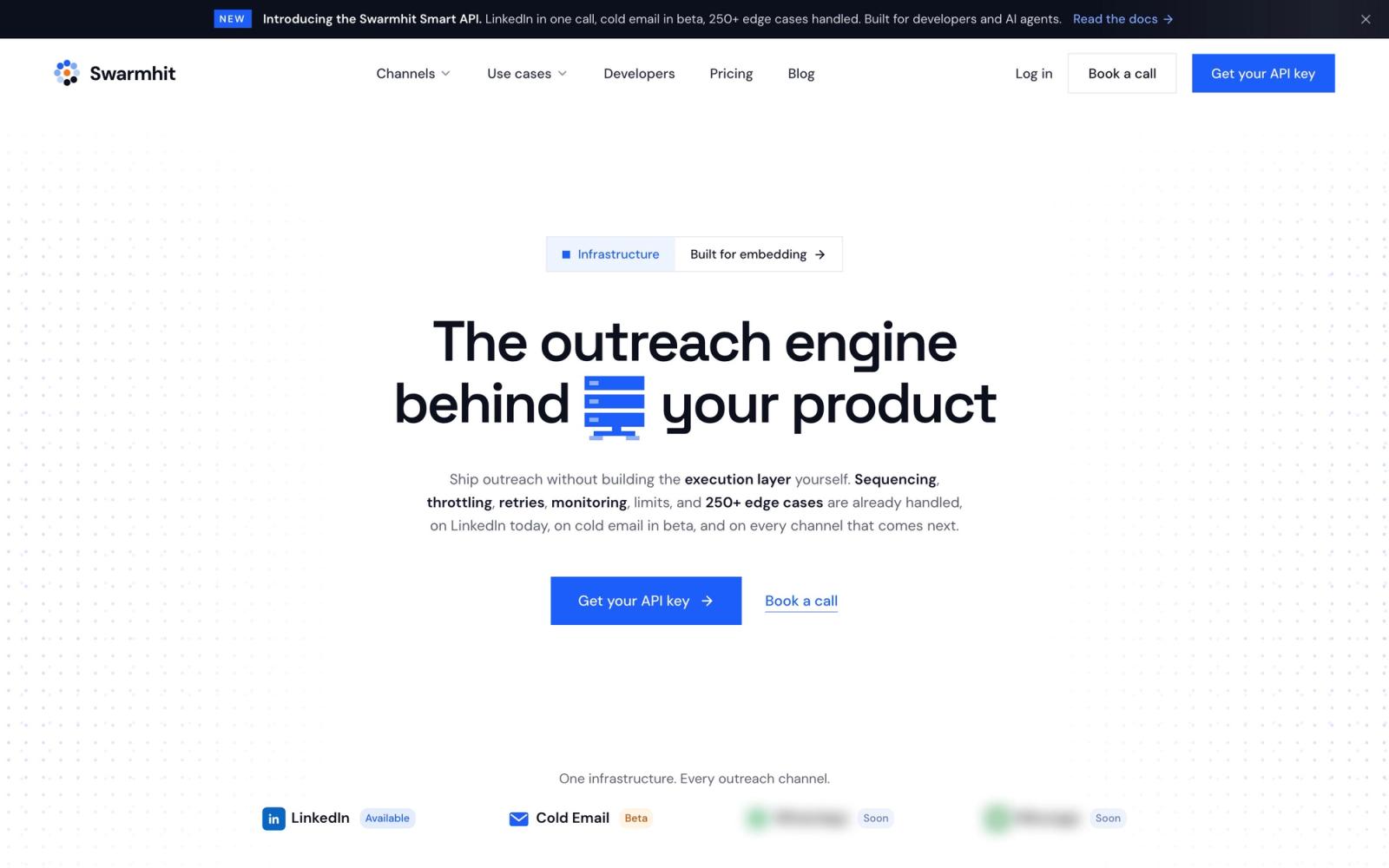
Linked API sells actions; Swarmhit sells outcomes over those actions. Instead of building queuing, sequencing, reply detection and campaign state on top of raw workflows, you get a managed multi-sender campaign engine and drive it through API and webhooks, which is also how it connects to your CRM and product. Every sender runs behind a dedicated proxy with managed auto-warmup and 250+ safeguards monitored 24/7. Scraping happens only through accounts you own and connect, capped by Swarmhit at 2,500 profiles per day from Sales Navigator and 1,000 per day from standard search, and a 1B+ contact database across 60M companies, refreshed weekly and sourced through third-party data providers, covers the enrichment gap Linked API leaves open, with free monthly credits and then pay as you go.
Swarmhit's pricing is public: LinkedIn is tiered per connected sender, from $16.90 a month for the first 50 down to $6.90 between 1,501 and 2,500 senders, and cold email starts at $59 a month for 50,000 sends. Each band of senders is priced at its own rate, so adding senders lowers what the next ones cost rather than repricing the fleet you already have.
If you are weighing engine versus raw actions, our Swarmhit vs Linked API page compares the two side by side, and our outreach API comparison walks the whole field. Or book a call and scope it against your sender count directly.
Unipile: the multichannel raw API
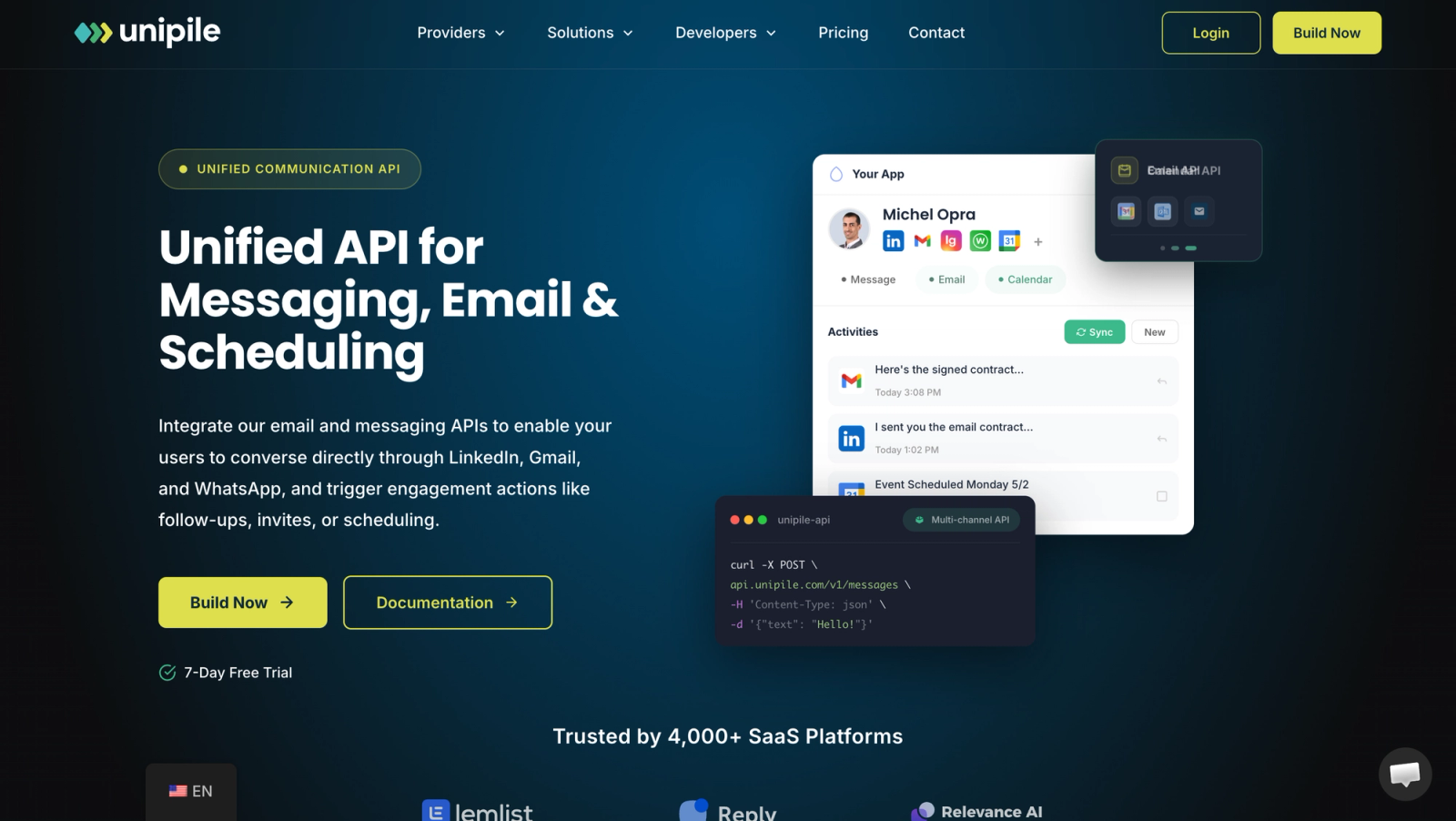
Unipile is the closest like-for-like substitute at the raw API layer, and the one Linked API measures itself against publicly. Linked API's own comparison concedes the points that matter if you need them: Unipile covers WhatsApp, Instagram, Telegram, email and calendars alongside LinkedIn, and supports editing and deleting sent messages and voice notes, none of which Linked API offers. Pricing is per account rather than per seat, which changes the fleet math significantly. We run the two head to head in our Unipile vs Linked API comparison, which is the place to start; our Unipile review has verified pricing, Unipile alternatives maps the rest of that field, and there is also a direct Swarmhit versus Unipile comparison.
LinkupAPI: the endpoint-style substitute
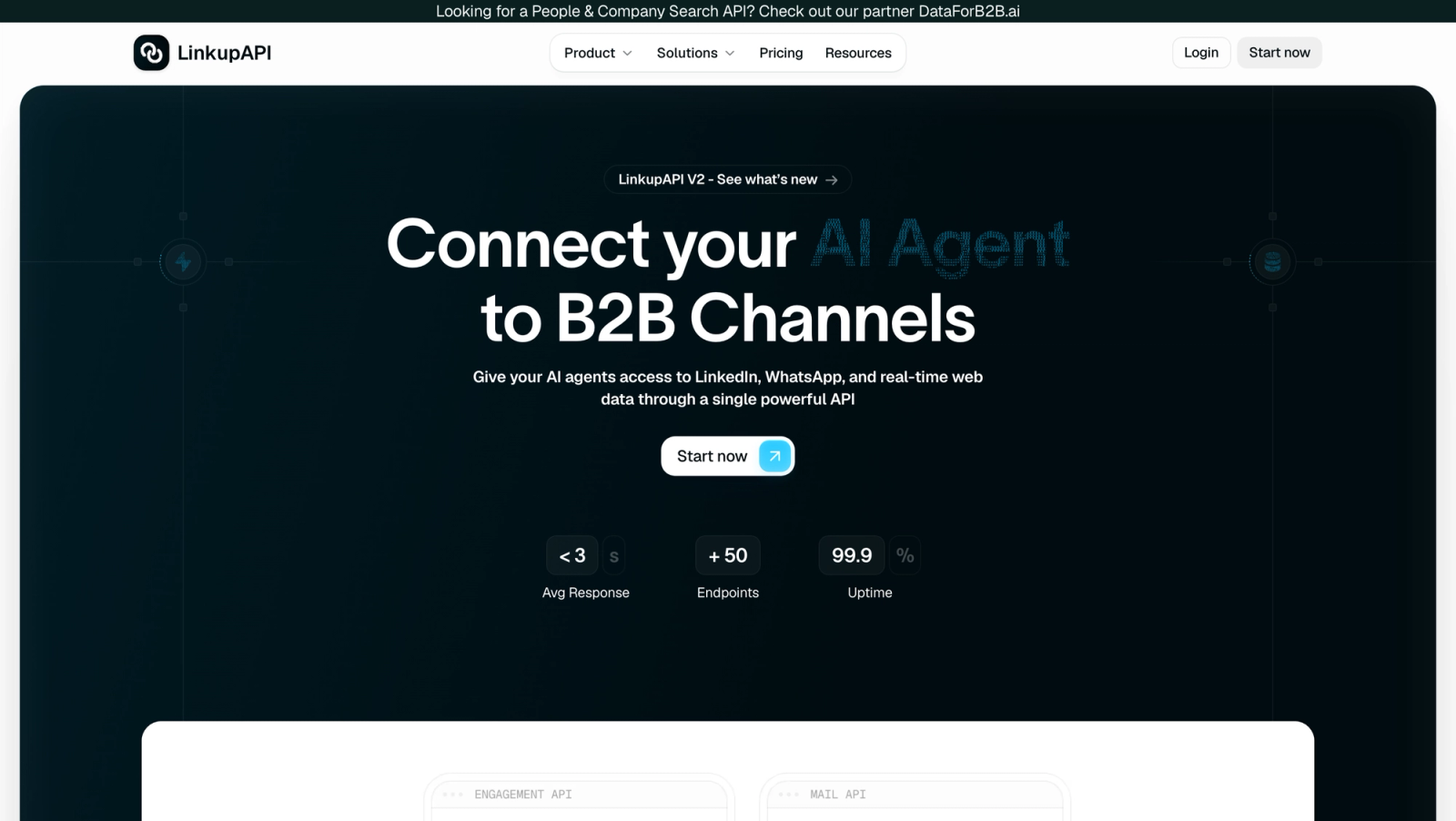
LinkupAPI takes the raw-API road with per-endpoint LinkedIn access rather than Linked API's workflow model. We keep a separate, fully verified breakdown in our LinkupAPI review, so rather than restate it here: read that if you want request-level LinkedIn access and want to compare its pricing model against per-seat billing.
When to pick which: Linked API for well-documented raw LinkedIn actions on a handful of accounts, especially with AI agents in the loop; Unipile when you need multichannel; LinkupAPI when you want endpoint-style calls; Swarmhit when you want the campaign engine, safeguards and data layer managed for you and exposed through API and webhooks.
FAQ
Is linkedapi.io safe to use?
Linked API is engineered for account safety but guarantees nothing, and its terms place all LinkedIn risk on you. Each account runs in a dedicated cloud browser on a stable residential IP with a matched device fingerprint, and you set your own rate caps and working hours. LinkedIn's user agreement still prohibits unofficial automation, so restrictions remain possible, and per the terms of use they are exclusively your responsibility, with payments non-refundable.
How much does Linked API cost in 2026?
Linked API costs $69 per seat per month on Core and $99 per seat per month on Plus, verified October 2026. Annual billing lowers that to $588 and $888 per seat per year, equal to $49 and $74 per month. One seat covers one connected LinkedIn account, both plans include unlimited workflow execution with no action metering, and the only thing Plus adds is Sales Navigator support.
Does Linked API offer a free trial?
Yes, a first checkout for one seat can start with a 7-day free trial, once per customer, and a payment method is required to start it. Payments then run through Stripe with cards, Apple Pay and Google Pay, and invoicing is only available on annual plans with 5 or more seats. Two cautions from the terms: payments are non-refundable, and plan changes only take effect on the next billing cycle, so do your real proof of concept inside the trial window.
Does Linked API support Sales Navigator?
Yes, but only on the Plus plan at $99 per seat per month, or $74 on annual billing. Sales Navigator support is the sole difference between the tiers: Plus unlocks the nv.* action family covering Sales Navigator search, data fetching, InMail messaging and inbox sync. Core is limited to the standard LinkedIn interface, which also means Core has no InMail sending capability at all.
Who owns linkedapi.io?
Linked API is operated by What the Flutter OÜ, an Estonian private limited company. Its terms of use are governed by Estonian law, with disputes routed to Harju County Court in Tallinn, aggregate liability capped at the fees paid in the preceding three months, and payments non-refundable. We could not verify a founding date, team size or funding from public primary sources, and no SLA or uptime commitment is published.
Does Linked API work with Claude, ChatGPT or Cursor?
Yes, Linked API ships an open-source MCP server that exposes its LinkedIn actions to Claude, ChatGPT, Cursor and other MCP clients, alongside Agent Skills, a CLI and n8n and Make integrations. That makes it one of the few LinkedIn automation vendors with a first-party AI agent surface. For when MCP beats calling a REST API directly, and when it does not, see our LinkedIn MCP versus API breakdown.
Can I connect my customers' LinkedIn accounts to Linked API?
Yes. The Admin API includes hosted connection sessions, so a SaaS product can onboard and reconnect end users' LinkedIn accounts through hosted flows, track connection status and customize the completion screen. Seats are manageable programmatically too: adjusting subscription seat counts, listing and disconnecting accounts, and regenerating tokens. Every connected customer account still consumes one paid seat on your subscription, so model that against your own pricing before you build.
The Bottom Line
Linked API is a well-built, well-documented way to buy raw LinkedIn actions with simple per-seat pricing, and its MCP and embedding surfaces are ahead of most of the category. It is also unproven in public, LinkedIn-only, enrichment-free, sequential per account, and expensive at fleet scale, with terms that hand you the entire ban risk. Buy it if you want actions and are ready to build the engine. If you want the engine, the safeguards and the data layer already running, and public per-sender pricing, book a call with Swarmhit.


