

The best Dripify alternatives in 2026 are Cadency, HeyReach, Expandi, Dux-Soup, Waalaxy, Linked Helper, PhantomBuster. The strongest choice depends on why you are switching. A solo seller, an agency operating 50 accounts and a developer embedding LinkedIn actions are buying different systems, even when every vendor calls the product LinkedIn automation.
Dripify is a sensible product for one seller who wants LinkedIn and email sequences in a polished interface, from $39 per user per month on annual billing. The case for switching appears when the operating model changes: more connected accounts, client workspaces, stronger infrastructure control, or a need to separate execution from the person who owns the seat. An API requirement alone is not one of them: as read on 30 September 2026, Dripify Pro includes an Open API and an MCP server. Unless a later date is given, prices and packaging in this guide were checked on vendor pages in August 2026. Temporary promotions are excluded from the comparison.
Before choosing, review whether LinkedIn automation is safe, how account restrictions happen and the broader list of LinkedIn prospecting tools. Those pages cover operational risk and category definitions that should not be repeated in every comparison.
How did we rank the best Dripify alternatives?
We ranked products by buyer fit rather than feature count. The first test is whether the alternative solves the reason a team is leaving: operating cost at the real sender count, cloud execution, account infrastructure, inbox workflow, agency controls, API access or broader automation. A product loses points when its cheapest tier omits the capability that makes the comparison fair.
The second test is verifiability. Pricing and features come from vendor pages, not competitor listicles. A quote-only tier is labeled quote-only. A promotion is not treated as the normal rate. Published safety features are described as vendor controls, not as a guarantee that LinkedIn approves automation.
The policy baseline is LinkedIn’s User Agreement and its help guidance on prohibited software. Every product in this category operates around platform rules that can change.
| Alternative | Published starting point | Best for |
|---|---|---|
| Cadency | $199 a month with 5 LinkedIn senders included; 30% off on annual billing | Sales teams, recruiters and agencies running one campaign across many LinkedIn senders and mailboxes |
| HeyReach | $79 per sender monthly; agency plans from $999 | Agencies and GTM operators that want a mature LinkedIn-first workflow |
| Expandi | $99 monthly; 20% annual discount | Teams that value campaign flexibility and established cloud automation |
| Dux-Soup | STACKED local $55 or cloud $99 monthly (30 September 2026) | Buyers choosing between a local desktop app and cloud execution |
| Waalaxy | EUR 19, EUR 49 or EUR 69 on monthly billing; 50% off yearly (30 September 2026) | Beginners that want templates and a simple LinkedIn plus email workflow |
| Linked Helper | $15 local or $29.90 cloud; lower on longer billing | Technical operators that want granular actions and local data control |
| PhantomBuster | Usage-based automation plans | Operators automating several websites and exporting workflow data |
What should replace Dripify for your use case?
A pricing table cannot answer this alone. The matrix below maps the operating problem to the product that addresses it most directly. Read the individual sections afterward because the same tool can be an excellent fit for one team and a poor fit for another.
| Primary requirement | Start with | Why |
|---|---|---|
| One campaign across many LinkedIn senders and mailboxes | Cadency | Sender rotation, per-sender ceilings and a unified inbox in one product |
| Agency workspaces and established workflows | HeyReach | Agency controls, unified inbox, API, webhooks and MCP |
| Polished individual seller experience | Dripify | Guided LinkedIn and email sequences |
| Flexible cloud campaign types | Expandi | Configurable campaigns and cloud execution |
| Lowest functional entry cost | Linked Helper | Lowest published tier (30 September 2026), with more operational responsibility on the user |
| Beginner-friendly multichannel workflow | Waalaxy | Templates and clear tier progression |
| Broad extraction and web automation | PhantomBuster | Automation library beyond a dedicated outreach platform |
The 7 best Dripify alternatives
Each alternative below begins with the vendor landing page so the product can be recognized quickly. The analysis focuses on the operating difference that matters to a buyer switching from the target tool.
1. Cadency
Compared with Dripify, Cadency, built on Swarmhit, is designed around the LinkedIn sender rather than the user as a software seat. That distinction matters when campaigns are run by a sales team, a recruiting team or an agency. One campaign runs across every LinkedIn sender and every mailbox, each lead is handled by one sender, and replies from both channels land in one thread per lead, in an inbox teammates can assign and answer as any sender. Sender rotation with per-sender ceilings and pacing, a dedicated proxy per sender and checkpoint handling are part of how every sender runs in the cloud.
Campaigns combine eight LinkedIn steps (profile visit, connection request, message, InMail, an AI-drafted comment on the lead’s last post that you approve, voice note, like and follow) with branching on connected, replied or email found, waits and A/B tests, and Google and Microsoft mailboxes with warm-up rotate in the same campaign. Small Team is $199 a month with 5 LinkedIn senders included and 100k emails a month; Scale is $699 a month with 20 LinkedIn senders and 500k emails a month, and more LinkedIn senders can be added to either plan. Annual billing takes 30% off, bringing them to $139 and $489 a month. Both plans include unlimited mailboxes, teammates and workspaces, plus the API and webhooks that connect any CRM or ATS. Access is private, by request, and the current plans are on the Cadency pricing page.
Cadency at a glance
Pros
- One campaign across every LinkedIn sender and mailbox, with one sender per lead
- One unified LinkedIn and email inbox, plus unlimited mailboxes, teammates and workspaces
Cons
- Priced for a team: $199 a month is more than a single Dripify seat
- Access is private and by request, and CRMs connect through the API rather than a native sync
2. HeyReach
HeyReach is the closest direct alternative for buyers who like Dripify but need a deeper agency operating model. It costs more at list price, yet it brings workspaces, permissions, a unified inbox, API, webhooks and MCP into a product already familiar to outbound operators. The decision is therefore less about feature count and more about whether agency controls justify the higher starting price.
Growth is listed at $79 per sender each month and includes unlimited campaigns, LinkedIn actions, the unified inbox, multichannel outreach, integrations, API, webhooks and the MCP server. As read on 26 September 2026, email steps run through Instantly or Smartlead rather than native sending, and the $999 plan is Micro Agency for 25 senders, adding white-label support and onboarding; Agency is $1,399 for 50 senders. A temporary summer discount was visible in August 2026, but these are the standard list prices used here. The current pricing and package details are available on the HeyReach pricing page.
HeyReach at a glance
Pros
- Strong agency workflow and unified inbox
- API, webhooks and MCP included in the Growth feature set
Cons
- Per-sender economics rise quickly for medium teams
- The $999 agency tier is a meaningful step up from Growth
3. Expandi
Expandi fits teams that leave Dripify because they want more campaign shapes and established cloud execution. At $99 monthly it is not a cost-saving switch. Its value is the configurable campaign logic, country-based IP address and mature automation controls. A team should model the agency quote before committing because the public Business price does not describe a multi-client deployment.
The Business plan is $99 each month and includes the core cloud automation, country-based IP address, profile warmup, configurable action limits, unlimited campaigns and multichannel outreach. Annual prepayment saves 20 percent. Agency pricing is custom from 10 seats or for white-label use, so a buyer should request the actual quote rather than infer it from the single-seat plan. The current pricing and package details are available on the Expandi pricing page.
Expandi at a glance
Pros
- Flexible campaign types and cloud execution
- Dedicated country-based IP address on Business
Cons
- A single standard plan starts at $99 monthly
- Agency and white-label economics are not public
4. Dux-Soup
Dux-Soup is the operator-led route out of Dripify, but only if the buyer accepts a different operating model. As read on 30 September 2026, it is sold as STACKED, powered by Dux-Soup, and the Pro, Turbo and Cloud Chrome extensions are deprecated. STACKED local runs as a desktop app on Mac or Windows and is the fair comparison for campaigns and integrations. STACKED cloud is the fair comparison when always-on execution and managed infrastructure are requirements.
STACKED local is $55 per seat monthly and STACKED cloud is $99, as read on 30 September 2026. Annual billing lists effective monthly prices of $41.25 and $74.17, which puts local slightly above Dripify’s $39 annual entry. Local includes unlimited drip campaigns, campaign statistics, lead management and integrations. Cloud moves execution onto managed cloud infrastructure. The current pricing and package details are available on the Dux-Soup pricing page.
Dux-Soup at a glance
Pros
- Unlimited drip campaigns and integrations from the local edition
- Choice between a local desktop app and managed cloud execution
Cons
- Since the move to STACKED, entry starts at $55 per seat monthly
- The cheapest plan is not equivalent to a full cloud outreach platform
5. Waalaxy
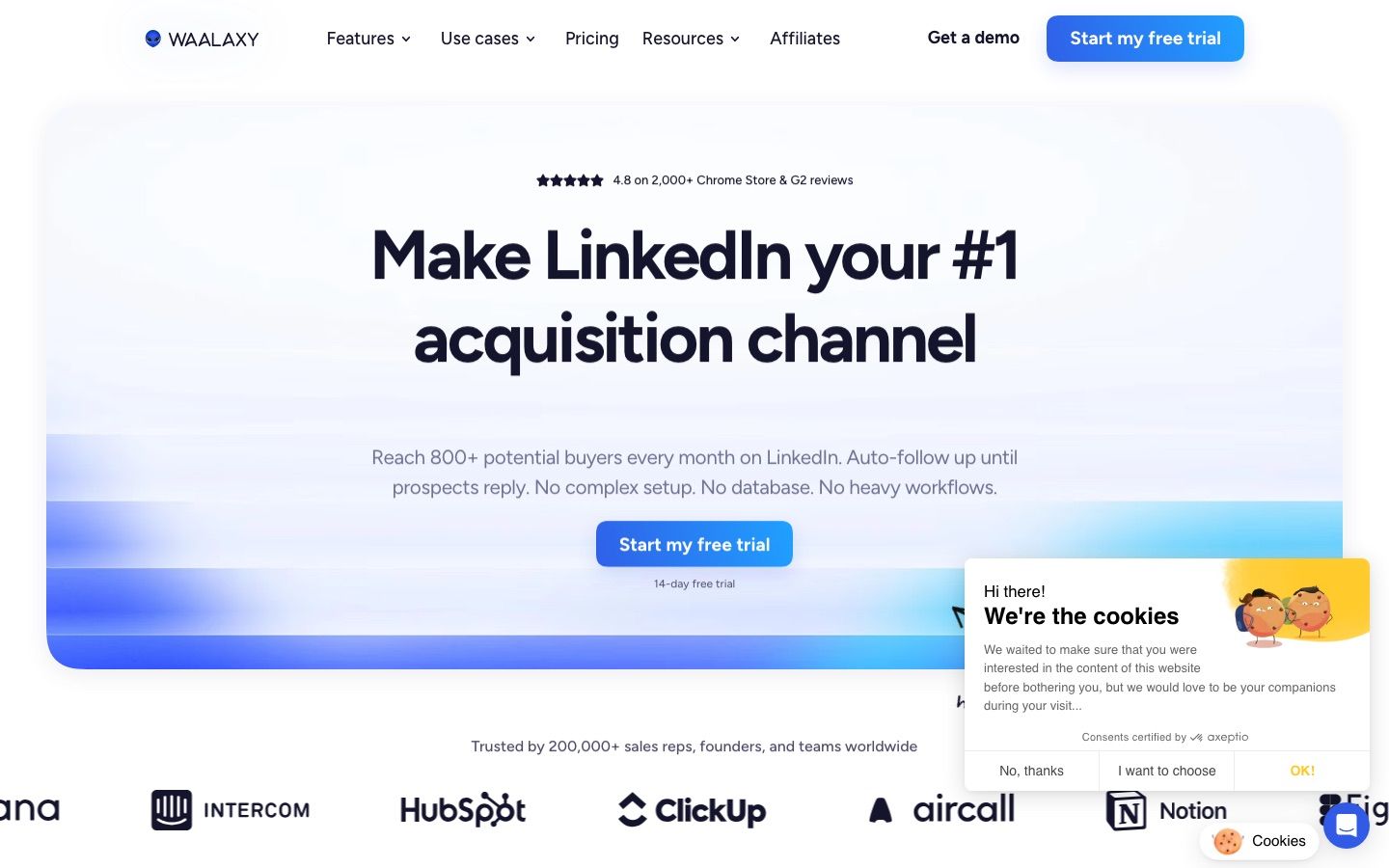
Waalaxy is a practical alternative for a small team that wants more guided templates and a lower monthly entry point. Advanced and Business are the relevant tiers for integrations and multichannel work. The tradeoff is that invitation allowances and add-ons create more packaging decisions than Dripify’s straightforward user plans.
As read on 30 September 2026, Pro is listed at EUR 19 per user per month on monthly billing with 300 invitations each month. Advanced is EUR 49 with 800 invitations, API access and Make, Zapier and n8n modules. Business is EUR 69 with multichannel LinkedIn and email sequences plus 500 email finder credits. Those are the monthly billing rates; quarterly billing takes 20 percent off and yearly billing 50 percent, which brings the three tiers to EUR 9.50, EUR 24.50 and EUR 34.50 a month. The current pricing and package details are available on the Waalaxy pricing page.
Waalaxy at a glance
Pros
- Accessible templates and onboarding for beginners
- API and workflow modules from Advanced
Cons
- Invitation allowances depend on the selected tier
- The inbox is sold as an add-on
6. Linked Helper
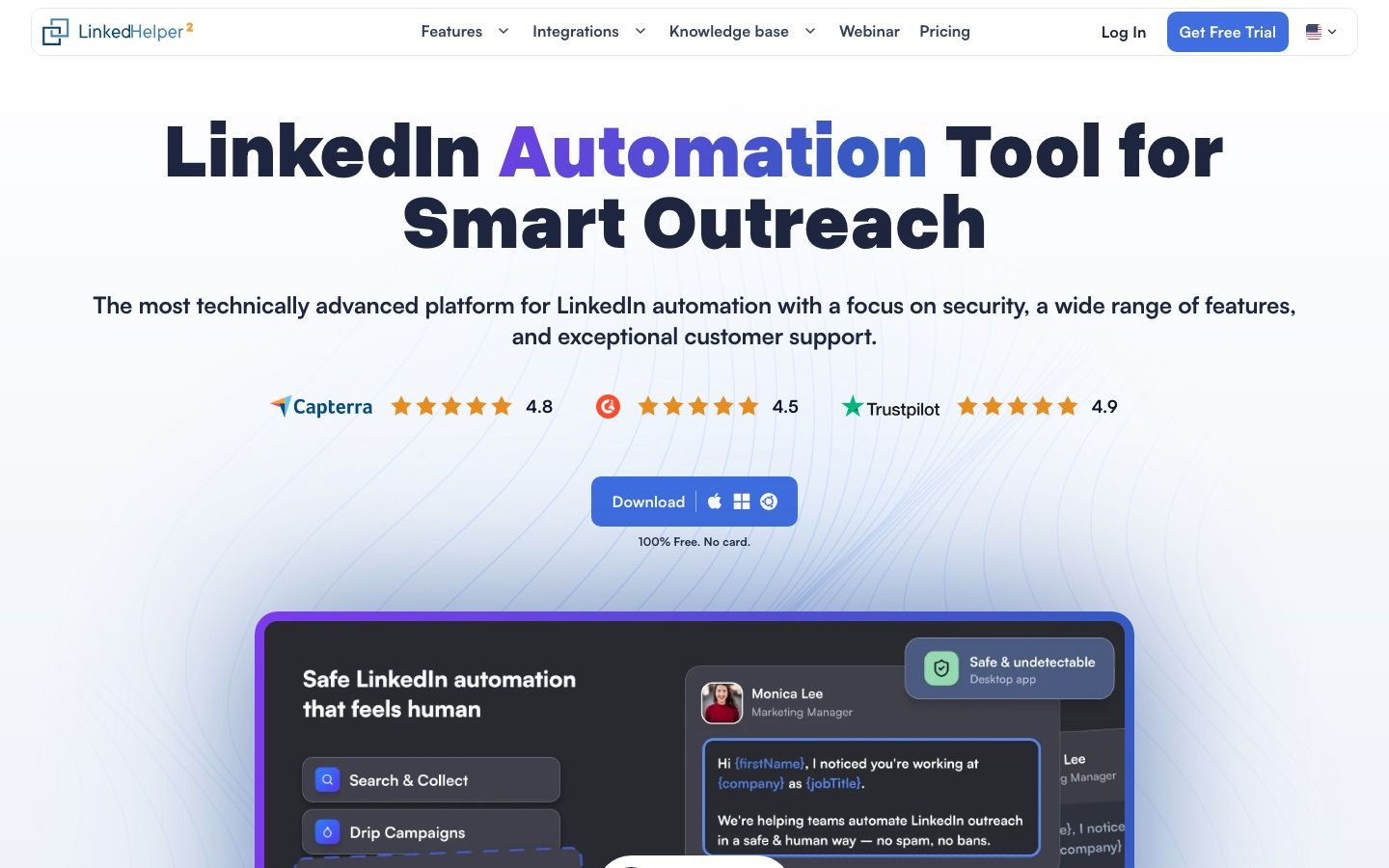
Linked Helper attracts operators who feel constrained by Dripify’s polished abstraction and want to control individual actions, local storage and exports. It is cheaper, especially in local mode, but it shifts operational responsibility back to the user. That can be an advantage for a technical specialist and a burden for a sales team that expects a managed cloud product.
The local storage version is $15 monthly for Standard and $45 for Pro; the cloud storage version is $29.90 and $59.90. Both drop up to 45 percent on 12 month billing. One license maps to one LinkedIn account. Standard limits several advanced actions and webhook exports to 20 each day, while Pro removes those product limits. The current pricing and package details are available on the Linked Helper pricing page.
Linked Helper at a glance
Pros
- Granular campaign actions and strong data controls
- Low published price for local execution
Cons
- Desktop-style operation asks more of the user
- One license cannot operate two accounts simultaneously
7. PhantomBuster
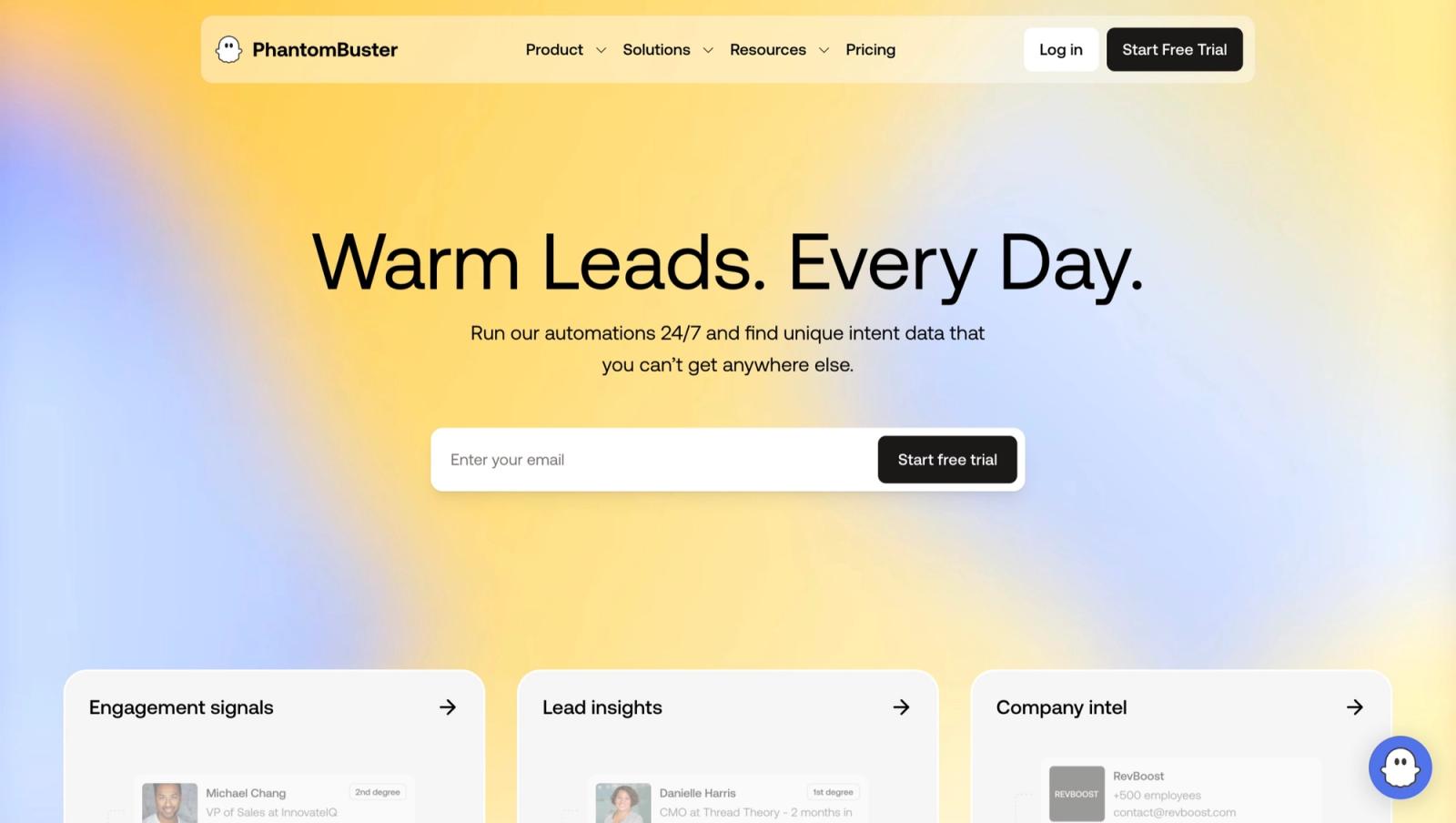
PhantomBuster is the alternative when the real requirement is not a better Dripify. It is useful when LinkedIn is one step in a larger data collection or enrichment workflow. For ongoing team outreach, its runtime and slot model requires more planning and its inbox experience is not the center of the product.
PhantomBuster is broader than a LinkedIn sequencer. It sells cloud execution time, slots and credits that can be spent across many automations; exports themselves are not metered, as read on 30 September 2026. That makes it flexible for research and enrichment workflows, but forecasting the effective cost of a sustained LinkedIn campaign requires translating the intended workflow into runtime and slot consumption. The current pricing and package details are available on the PhantomBuster pricing page.
PhantomBuster at a glance
Pros
- Broad library of automations beyond LinkedIn
- Useful exports and workflow composition
Cons
- Usage economics are less intuitive than a sender plan
- It is not a unified inbox-first sales platform
How should you test a Dripify alternative?
A free trial is useful only when it reproduces the operating conditions that caused the switch. Use the following evaluation as a controlled comparison, then document the result before committing to annual billing.
Test the replacement with the same prospect source and the same message logic used in Dripify. Changing the tool, audience and copy at once makes the result impossible to interpret. Use a small segment that represents the real market, then compare setup time, successful actions, reply detection and the effort required to understand campaign state.
Inspect what happens before the first action runs. A credible platform should expose sender health, working hours, caps and the account assigned to the campaign. Ask who supplies and monitors the proxy, how warmup is handled, and whether an operator can accidentally start conflicting campaigns. These controls matter more than an AI writing button.
Test the inbox with actual replies, including a positive response, an objection and an out-of-office message. Confirm that the campaign stops when a human conversation begins and that the correct teammate can take ownership. If the platform cannot keep reply state synchronized, every productivity gain in the sequence builder is offset by operational risk.
For a team, invite an operator who did not build the campaign. Ask that person to find the active sequence, explain the audience, pause one sender and export results without help. Dripify is easy for a single owner, so an alternative should prove that its additional controls improve collaboration rather than simply adding menus.
Exercise the integration you will actually use. Send one webhook, update one CRM record through the supported mechanism and confirm how failures are retried. Cadency connects any CRM or ATS through its API and webhooks rather than claiming native CRM sync. Demand the same precision from every vendor under consideration.
Model price using the number of connected LinkedIn accounts, not the number of people who log into the software. Include inbox add-ons, proxies, enrichment credits, agency workspaces and the labor required to maintain the system. Annual discounts should be applied only after the monthly workflow proves itself.
Finish the test by removing the campaign and disconnecting the sender. Verify that exports are complete, tokens can be revoked and no scheduled action remains. A reversible trial protects the team from choosing a platform because setup was easy while discovering later that operational state is difficult to move.
How do you migrate away from Dripify?
Start by freezing the source campaign design. Export prospects, account ownership, tags, statuses, suppression lists, positive replies and the exact step sequence. Record which tool owns reply detection. A migration fails when both platforms continue acting on the same prospect or when a suppression rule disappears during import.
Connect one low-risk sender to the replacement and recreate a single representative campaign. Test imports, variables, stop conditions, inbox routing and webhooks before moving additional accounts. Keep the old workspace available for reporting, but pause its active campaigns. Only expand after the new workflow has completed a full reply cycle without duplicate actions.
For agencies, use the operational checklist in our HeyReach alternatives guide and compare the economics in MeetAlfred alternatives and Waalaxy competitors. Developers should review the LinkedIn MCP server guide and the outreach API comparison before choosing an execution layer.
Which Dripify alternative should you choose?
Choose Cadency when a team runs one campaign across many LinkedIn senders and mailboxes and needs one shared inbox. Choose HeyReach for a mature agency workflow, Expandi for campaign flexibility, Linked Helper for a lower-cost operator-led setup, Dux-Soup for an operator-led desktop or cloud setup, Waalaxy for guided simplicity, and PhantomBuster when extraction and cross-site automation matter more than inbox operations.
Run the decision against the next twelve months, not the first month. Count connected accounts, operators, client workspaces, inbox users, integration work and the cost of maintaining safe execution. A product that appears expensive can be cheaper than stitching together proxies, warmup, monitoring and reporting. A cheap product can remain the right answer when one skilled operator owns the complete workflow.
Cadency is designed for that twelve-month view: one campaign runs across every LinkedIn sender and mailbox you connect, every plan includes unlimited mailboxes, teammates and workspaces, and the API and webhooks connect any CRM or ATS.
If a per-user seat is what pushes you off Dripify, start with Cadency. It began as our internal test bed for the Swarmhit engine and was never meant to be public, but we kept it running for the sales teams, recruiters and agencies who asked for it. Swarmhit itself remains the API for developers who build their own outreach product.
FAQ
What is the best Dripify alternative?
Cadency is the best Dripify alternative for teams that send volume across many LinkedIn senders and mailboxes: one campaign runs across the whole sender pool with a dedicated proxy and a ceiling for each sender, all replies land in one unified inbox, and plans start at $199 a month with 5 LinkedIn senders included. HeyReach is the closest option for established agency workflows. The right choice depends on whether the current problem is price, team operations, campaign flexibility or the technical control layer.
Is there a cheaper alternative to Dripify?
Yes. Dux-Soup, Waalaxy and Linked Helper all publish entry prices below Dripify’s monthly plans. The inexpensive tiers are not feature-equivalent, however. Compare campaign limits, cloud execution, inbox access, integrations and account responsibility before deciding that a lower subscription creates a lower operating cost.
Which Dripify alternative is best for agencies?
Cadency and HeyReach are the strongest agency-focused choices in this comparison. Cadency prices by LinkedIn senders rather than users, includes unlimited workspaces, teammates and mailboxes on every plan and runs one campaign across the whole sender pool with a shared inbox, while HeyReach provides workspaces, permissions, a unified inbox and white-label support. Expandi also serves agencies, but its public page asks teams with 10 or more seats to request a quote.
Can I migrate Dripify campaigns to another tool?
Usually not as a complete one-click migration. Export prospects, suppression lists, tags and campaign results first, then rebuild the sequence and map each status carefully. Keep the old campaign paused during testing so the same prospect cannot receive overlapping steps from Dripify and the replacement platform.
Do Dripify alternatives require Sales Navigator?
Most LinkedIn automation tools can work with standard LinkedIn searches and imported lists, but Sales Navigator can improve targeting and list management. It does not make unsafe automation safe. The connected account, action limits, sequence logic and vendor safeguards still determine operational risk.


