

The best Linked Helper alternatives in 2026 are Cadency (from $89 a month with 2 LinkedIn senders included), HeyReach ($79 per sender), Expandi ($99 per seat), Dripify (from $79), Waalaxy (from 39 euros, or 19 billed yearly), Meet Alfred (from $59), and SalesRobot (from $59). People usually switch for one of three reasons: Linked Helper runs as a desktop app on your own computer, every LinkedIn account needs its own license, and its team features sit on top of that per-license, machine-bound model instead of replacing it. We verified every price in this article on each vendor's own pricing page in September 2026, and re-read Waalaxy and Meet Alfred on 8 October 2026 and Dripify and HeyReach on 21 October 2026.
That last sentence matters more than it sounds. Several pages ranking for this query today quote pricing that is years old, recommend data tools that do not automate LinkedIn at all, or give no prices whatsoever. This article sticks to what each vendor publishes right now, credits Linked Helper for what it genuinely does well, and tells you when switching is not worth it.
Why do people outgrow Linked Helper?
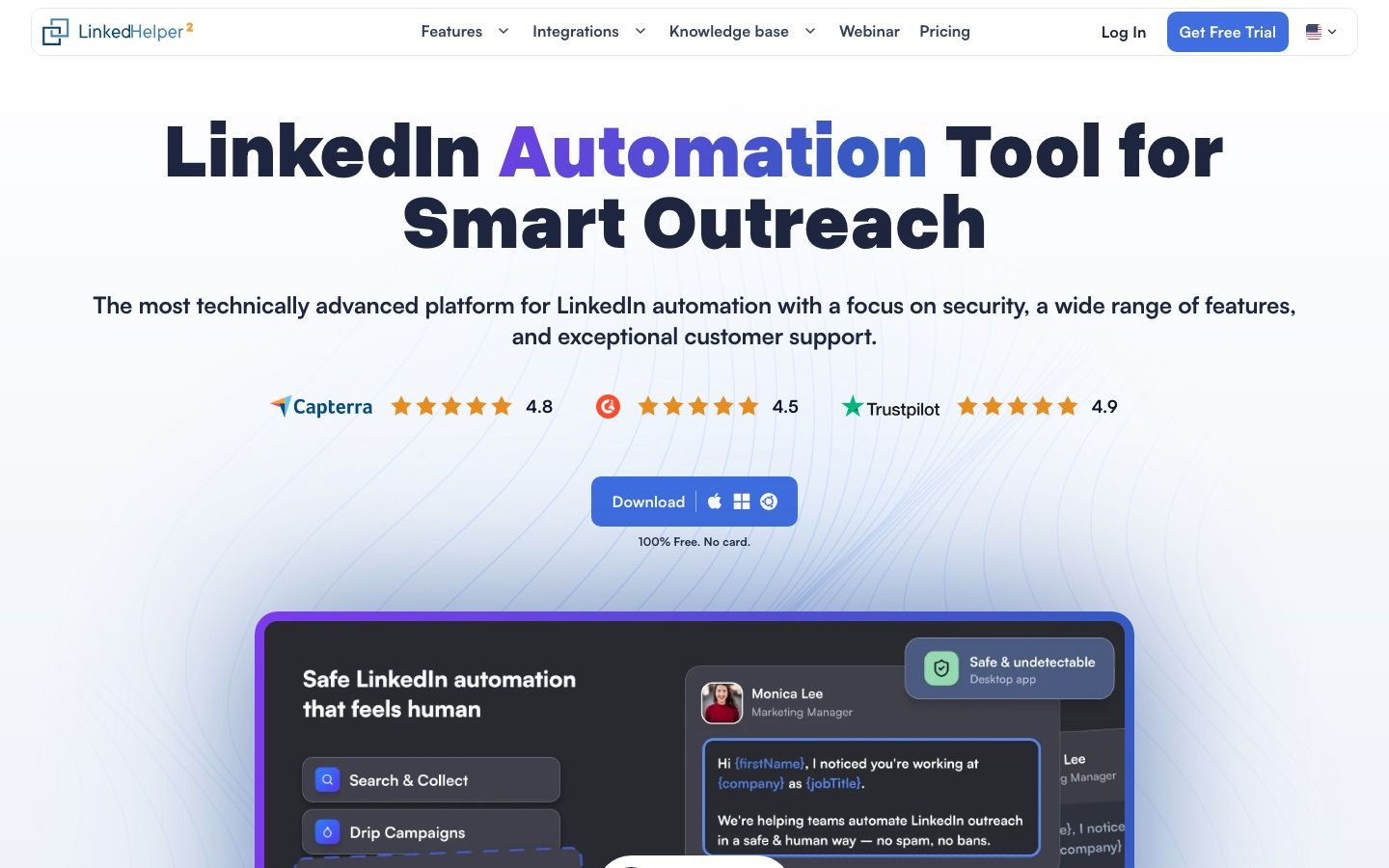
Linked Helper is the budget king of LinkedIn automation tools. Its Local Standard plan costs $15 per month, or $99 per year at the annual rate its pricing page currently displays, which works out to $8.25 per month. The vendor claims more than 500,000 users on its homepage as read on 30 September 2026, and at that price it is easy to see why. But three walls show up as soon as you grow past one person running one account.
Wall one: it lives on your computer. Linked Helper is a downloadable desktop app. The automation runs from your machine while your machine is on, from your own IP by default unless you source and configure a proxy yourself. There is no always-on cloud session doing the work for you.
Wall two: one license, one LinkedIn account. Linked Helper's pricing page is explicit: 1 license equals 1 LinkedIn account. You can switch which account a license points at, but you cannot run two accounts on one license at the same time. A team running 10 accounts buys 10 licenses and manages 10 separate instances.
Wall three: a thin team layer. Linked Helper's pricing page does list workspaces per client, roles, a shared inbox sync and volume discounts from 10 licenses, as read on 30 September 2026. But no flat team plan is listed, so every account is still its own license and its own instance running on someone's computer.
There are also quota walls inside the cheap tier itself. The Standard plan caps advanced actions at 20 per day and webhooks at 20 profiles per day, and includes 620 monthly data credits against Pro's 3,100. The $45 per month Pro plan removes the daily action caps, at which point you are no longer paying budget-tool money.
In short: you bought Linked Helper at $15 per month as a solo SDR. You leave it when you become a team.
Is Linked Helper's desktop setup a safety problem in 2026?
First, credit where it is due. Linked Helper is a desktop application, not a Chrome extension, and its site makes a fair point about that: no code is injected into the LinkedIn page. Extensions that modify LinkedIn's own pages leave a detectable footprint, which is one reason we are cautious about them in our guide to LinkedIn Chrome extensions. Linked Helper also says it mimics human behavior with randomized timeouts, in-page navigation and mouse movement imitation. Those are vendor claims, but the architecture argument is real.
Now the nuance that nobody ranking on page one explains. Linked Helper sells a "Cloud-based" version at $29.90 per month for Standard and $59.90 for Pro. That is cloud storage, not cloud execution. Your campaign data syncs to the cloud so you can access it across devices, but the automation itself still runs from software installed on your own computer in both versions, from your own IP unless you set up a proxy for it. Linked Helper does advertise per-profile proxy support, but sourcing, paying for and maintaining that proxy is on you. If you want Linked Helper running 24/7 from a stable dedicated IP, you rent and maintain a VPS or proxy yourself.
Cloud platforms flip that model: the LinkedIn session runs on the vendor's infrastructure from an IP the vendor assigns. Expandi advertises a dedicated country-based IP per account, Cadency assigns a dedicated proxy to every LinkedIn sender, and Waalaxy says up to five users share each fixed IP. Your laptop being closed, your hotel wifi, your VPN habits: none of it touches the account's footprint.
None of this makes any tool "safe" in absolute terms. LinkedIn's User Agreement prohibits using bots or other automated methods to access its services, so every tool in this article, Linked Helper included, is a risk-management exercise. Keep volumes inside sensible connection request limits, warm accounts up slowly, and read our full breakdown of whether LinkedIn automation is safe before scaling anything. If an account does get flagged, our guide on restricted LinkedIn accounts covers recovery.
How do the best Linked Helper alternatives compare on price?
All prices below are monthly list prices verified on each vendor's own pricing page in September 2026, with Waalaxy and Meet Alfred re-read on 8 October 2026. Where a vendor was running a promotion, we quote the standard price.
| Tool | Entry price (monthly) | Annual billing | Pricing model | Trial | Entry tier catch |
|---|---|---|---|---|---|
| Linked Helper | $15 (Local Standard) | $8.25/mo ($99/yr) | 1 license per LinkedIn account, runs on your computer | 14 days | 20 advanced actions per day on Standard |
| Cadency | $89 (Essential, 2 LinkedIn senders included) | $62/mo (Essential) | Plans with 2, 5 or 20 LinkedIn senders included; $39 per extra sender ($25 on Scale) | Free trial on Essential; Small Team and Scale by request | Starts at $89, above Linked Helper for a single account |
| HeyReach | $79 per sender (Growth) | $64 per sender | Per sender, $59 from 10 senders; Agency $999/mo with 25 senders | 14 days, no card | Per sender cost climbs before the 25-sender Agency bundle kicks in |
| Expandi | $99 per seat (Business) | $79 per seat | Per seat; Agency custom from 10+ seats | 7 days | Highest per-seat entry price on this list |
| Dripify | $79 (Pro) | $59 (Pro) | Per user | 7 days, no card | Team management, A/B testing and Activity Control only on Advanced, $99 ($79 annually) |
| Waalaxy | 39 euros (Pro) | 19 euros (Pro) | Per user | 14 days | 300 invites per month on Pro; API only from Advanced at 99 euros (49 yearly) |
| Meet Alfred | $59 (Individual) | $35 (Individual) | Per user | 7 days, no card | Individual is LinkedIn only, without unlimited campaigns |
| SalesRobot | $59 (Basic) | $39 (Basic) | Per LinkedIn account | 14 days | Basic allows 1 active campaign |
The entry prices hide the number that actually decides this purchase: what you pay across a fleet of accounts. Per-license and per-user tools inherit the exact cost curve people are fleeing Linked Helper to escape. Here is the same list at 5, 25 and 50 accounts, using monthly list prices multiplied by account count, or a vendor's published bundle where one covers that count. HeyReach figures are as read on 26 September 2026, SalesRobot figures on 30 September 2026, and Meet Alfred and Waalaxy figures on 8 October 2026.
| Tool and plan | 5 accounts | 25 accounts | 50 accounts |
|---|---|---|---|
| Linked Helper Local Standard ($15) | $75 | $375 | $750 |
| Linked Helper Local Pro ($45) | $225 | $1,125 | $2,250 |
| Cadency (Small Team $199 with 5 senders; Scale $699 with 20, then $25 per extra sender) | $199 (Small Team) | $824 (Scale) | $1,449 (Scale) |
| HeyReach Growth ($79/sender, $59 from 10 senders) | $395 | Agency $999 with 25 senders included beats Growth's $1,475 | Agency $1,399 with 50 senders included beats Growth's $2,950 |
| Dripify Pro ($79/user) | $395 | $1,975 | $3,950 |
| Expandi Business ($99/seat) | $495 | $2,475 | $4,950 |
| Meet Alfred Teams ($79/user, from 3 seats) | $395 | $1,975 | $3,950 |
| SalesRobot Advanced ($79/account) | $395 | $1,975 at list, about $1,100 after volume discounts | $3,950 at list; custom quote beyond 35 accounts |
| Waalaxy Pro (39 euros/user) | 195 euros | 975 euros, each seat capped at 300 invites/month | 1,950 euros, same cap |
Two things jump out. Linked Helper Standard stays the cheapest option at every scale, full stop; what you pay for elsewhere is cloud execution, a single shared inbox and one dashboard instead of 50 desktop instances. And bundled pricing flips the math in the mid range: at 25 accounts the $79 to $99 per-seat ladders run $1,975 to $2,475 at list (SalesRobot's volume discounts bring it to about $1,100), while HeyReach's 25-sender Agency bundle costs $999 and Cadency's Scale plan comes to $824. At 50 accounts, HeyReach's $1,399 Agency bundle comes in $50 below Cadency's $1,449, but HeyReach sends no email natively, while Cadency's price already includes 500k emails a month and unlimited mailboxes.
What is the best Linked Helper alternative for teams? (Cadency)
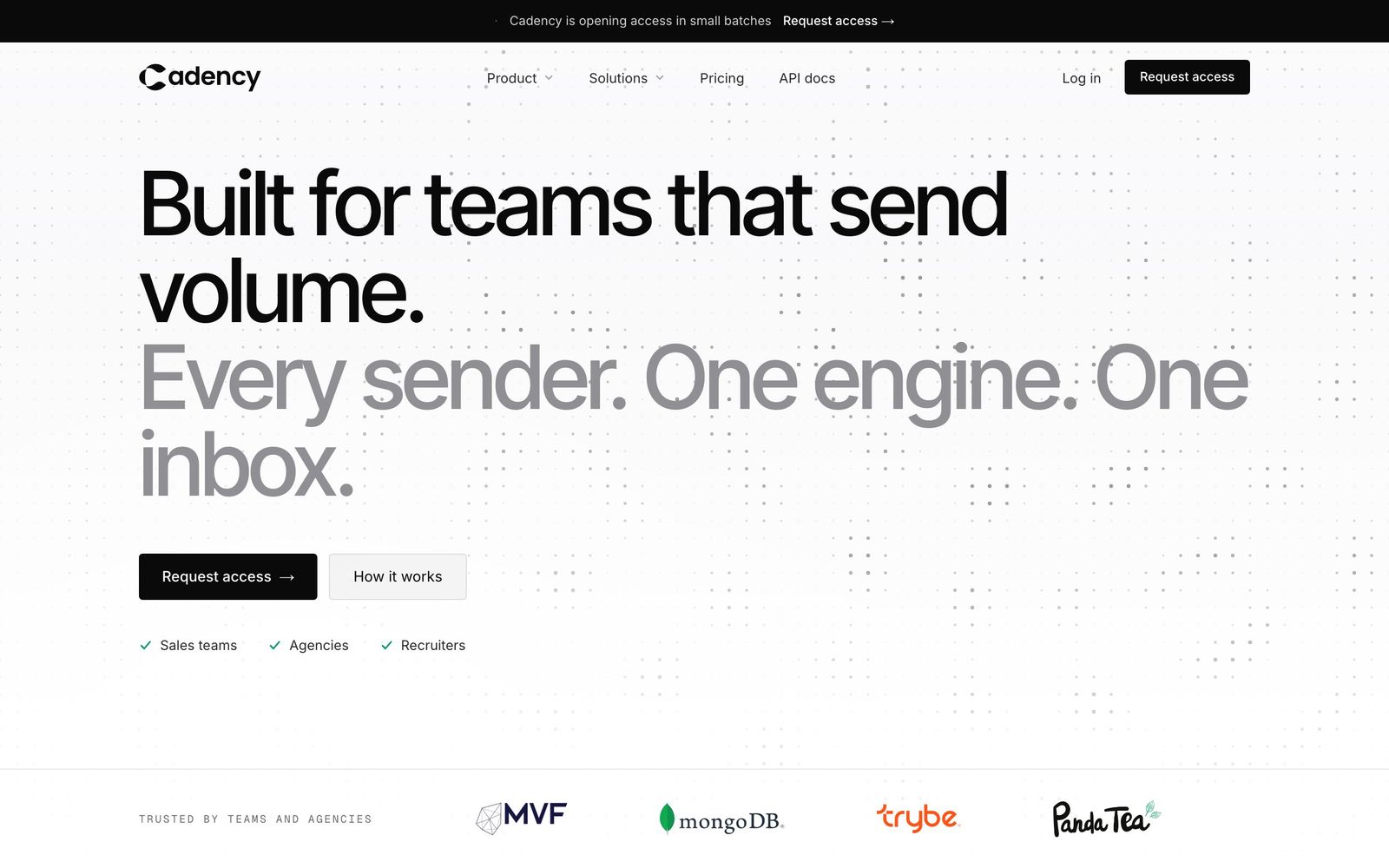
Cadency, built on Swarmhit, is made for exactly the moment people leave Linked Helper: when one account becomes five, and five needs to look like one operation. One campaign runs across every LinkedIn sender and every mailbox, with one sender per lead, and it all runs in the cloud with a dedicated proxy per sender, per-sender ceilings and pacing, and checkpoint handling. No desktop app, no machine that has to stay on, no VPS to babysit.
Cadency is priced by plan, billed monthly with 30% off on annual billing. Essential is $89 a month with 2 LinkedIn senders included and 100k emails a month; Small Team is $199 a month with 5 LinkedIn senders included, $39 per additional sender and 100k emails a month; Scale is $699 a month with 20 senders, $25 per additional sender and 500k emails a month, with 1M emails for +$200 or 2M for +$500. On annual billing the three plans come to $62, $139 and $489 a month, and every plan includes unlimited mailboxes, teammates and workspaces. Essential starts with a free trial and a self-serve signup; Small Team and Scale open on request.
What Cadency adds on top of a per-license model:
- Shared inbox across every connected sender, so replies from 50 accounts land in one queue instead of 50 desktop windows.
- Eight LinkedIn steps: profile visit, connection request, message, InMail, a comment on the lead's last post (AI drafted, approved by you), voice note, like and follow, with branches on connected, replied and email found, waits and A/B tests.
- API and webhooks on every plan for wiring outreach into your CRM, ATS and workflows. Cadency has no native CRM sync: any CRM or ATS connects through the API, which means anything from HubSpot pushes to Slack alerts is a workflow you own.
- Data built in: a native people and company database, waterfall enrichment paid per verified hit, and CSV and Sales Navigator imports.
- Sender rotation across every LinkedIn sender with a ceiling on each one, plus unlimited Google and Microsoft mailboxes with warm-up rotated in the same campaign. Vetted ambassador accounts, operated for you, are available on demand.
The honest trade-off: Cadency starts at $89 a month ($62 on annual billing) for two LinkedIn senders, against Linked Helper's $15 a month, and if you never plan to run more than one account you may not need what that buys. With all 5 included senders active on Small Team, $199 a month, it works out to just under $40 per sender, which is where the shared inbox, sender rotation and per-sender proxies start paying for themselves.
Best for: sales teams, recruiters and agencies leaving Linked Helper's per-license model who want cloud execution, one inbox and an API. Start a free trial.
Is HeyReach a good Linked Helper alternative for agencies?
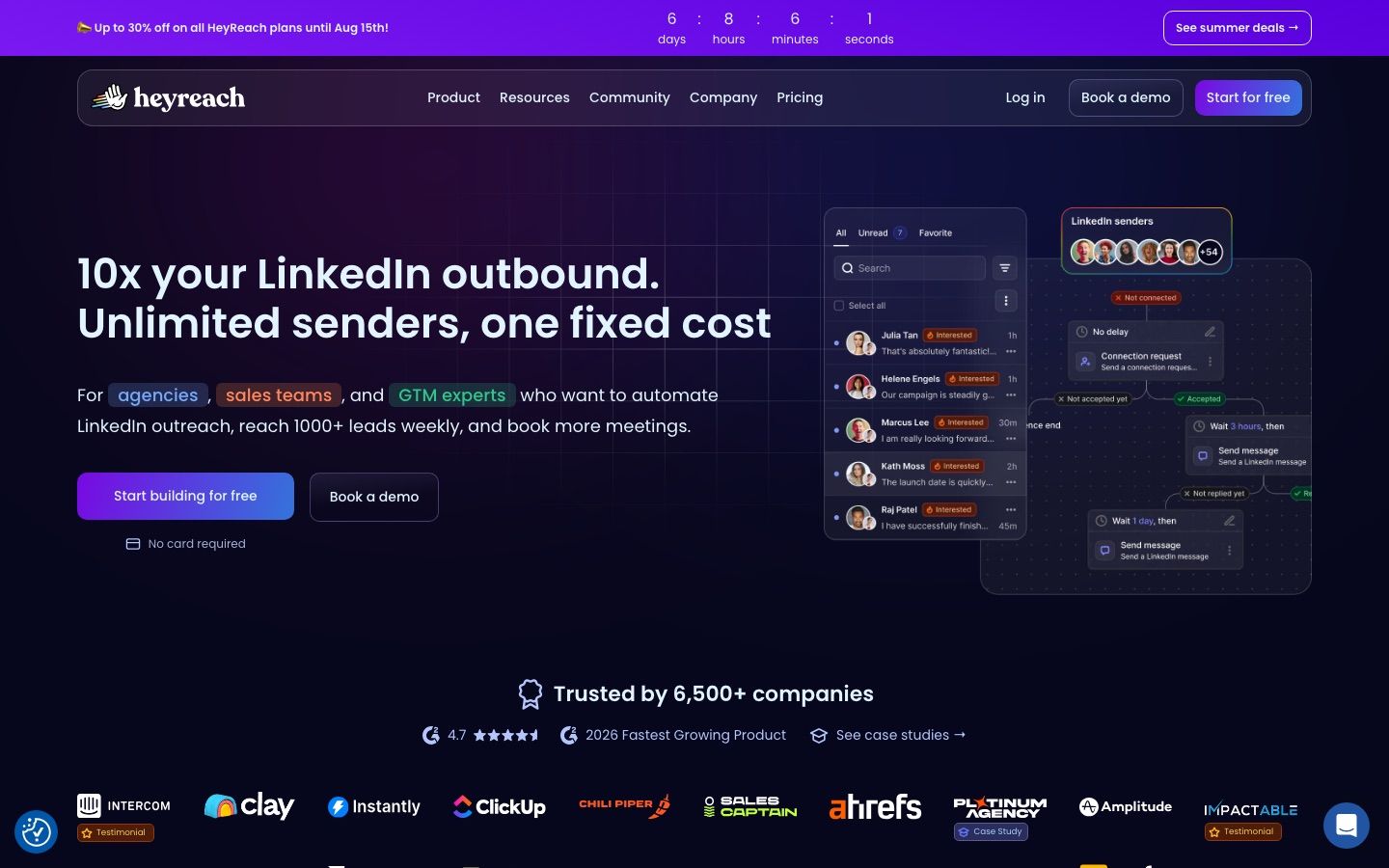
Yes, HeyReach is one of the two credible agency picks on this list. Its Growth plan costs $79 per sender per month ($72 quarterly, $64 yearly, as the page displays them), or $59 per sender from 10 senders ($48 yearly), and includes unlimited campaigns, all LinkedIn action types, a unified inbox, workspaces and permissions, API and webhooks, an MCP server and 100 enrichment credits per sender, with a 14 day trial and no card required. The Agency plan is $999 per month with 25 senders included ($900 per month on quarterly billing, $800 per month on yearly billing, still with 25 senders) or $1,399 per month with 50 senders ($1,120 yearly), and adds whitelabel and bring-your-own-proxies, as read on HeyReach's pricing page on 21 October 2026. An Unlimited plan runs $2,999 per month ($2,399 yearly) with a fair-use cap of 300 senders.
The honest note: the mid range is where Growth stings. At 16 senders you are paying $944 per month even at the $59 rate, nearly the price of the 25-sender Agency plan, without the Agency features. Compare that against Cadency, where the same 16 senders run $628 a month on the Small Team plan ($199 with 5 LinkedIn senders, plus 11 extra senders at $39), and that price also covers 100k emails a month. If HeyReach is on your shortlist, our HeyReach alternatives breakdown covers where it wins and loses in more depth.
Best for: agencies that want workspaces, whitelabel and a unified inbox, and that will reach 25+ senders quickly.
Is Expandi worth the jump from $15 to $99 a month?
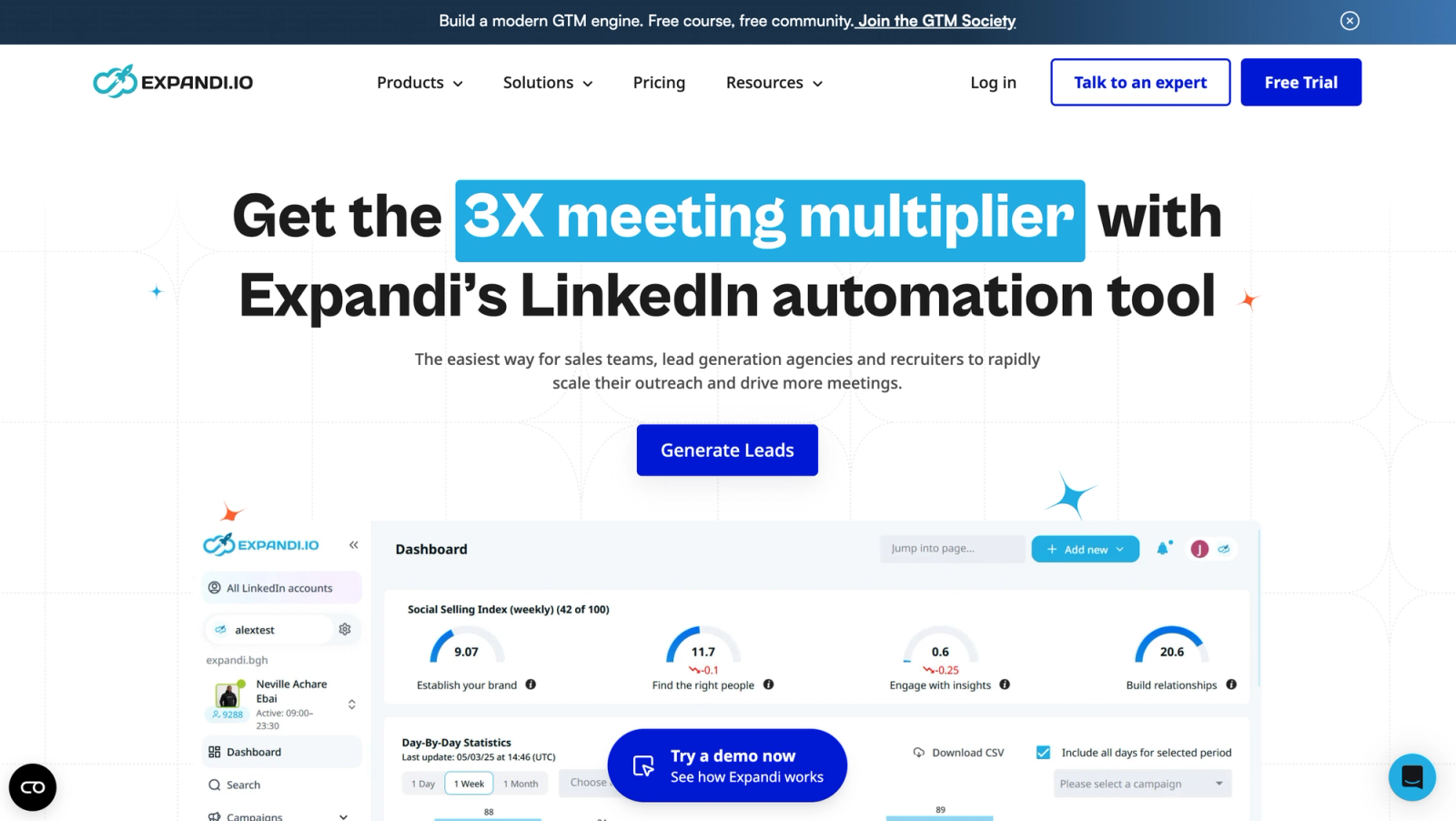
Expandi is the classic safety-first cloud upgrade from Linked Helper, and the priciest per-seat entry point here. The Business plan costs $99 per month per seat, or $79 on annual billing, with a 7 day free trial. For that you get cloud execution with a dedicated country-based IP address per account, automatic warm-up, and unlimited campaigns and templates. An Agency plan is custom-priced from 10 seats and adds a white-label option.
The value case against Linked Helper is straightforward: you are paying roughly six times more, almost entirely for the execution model. Your account runs from one stable, country-matched IP around the clock instead of from whatever network your laptop is on. Whether that is worth $84 a month per seat depends on how much a restricted account would cost you. At multi-seat scale the per-seat price compounds hard, as the table above shows, which is why heavier teams tend to look at flat plans instead. We compare the field in Expandi alternatives.
Best for: individual operators and small teams who want the most established dedicated-IP cloud setup and will pay for it.
Is Dripify the easiest Linked Helper replacement for solo users?
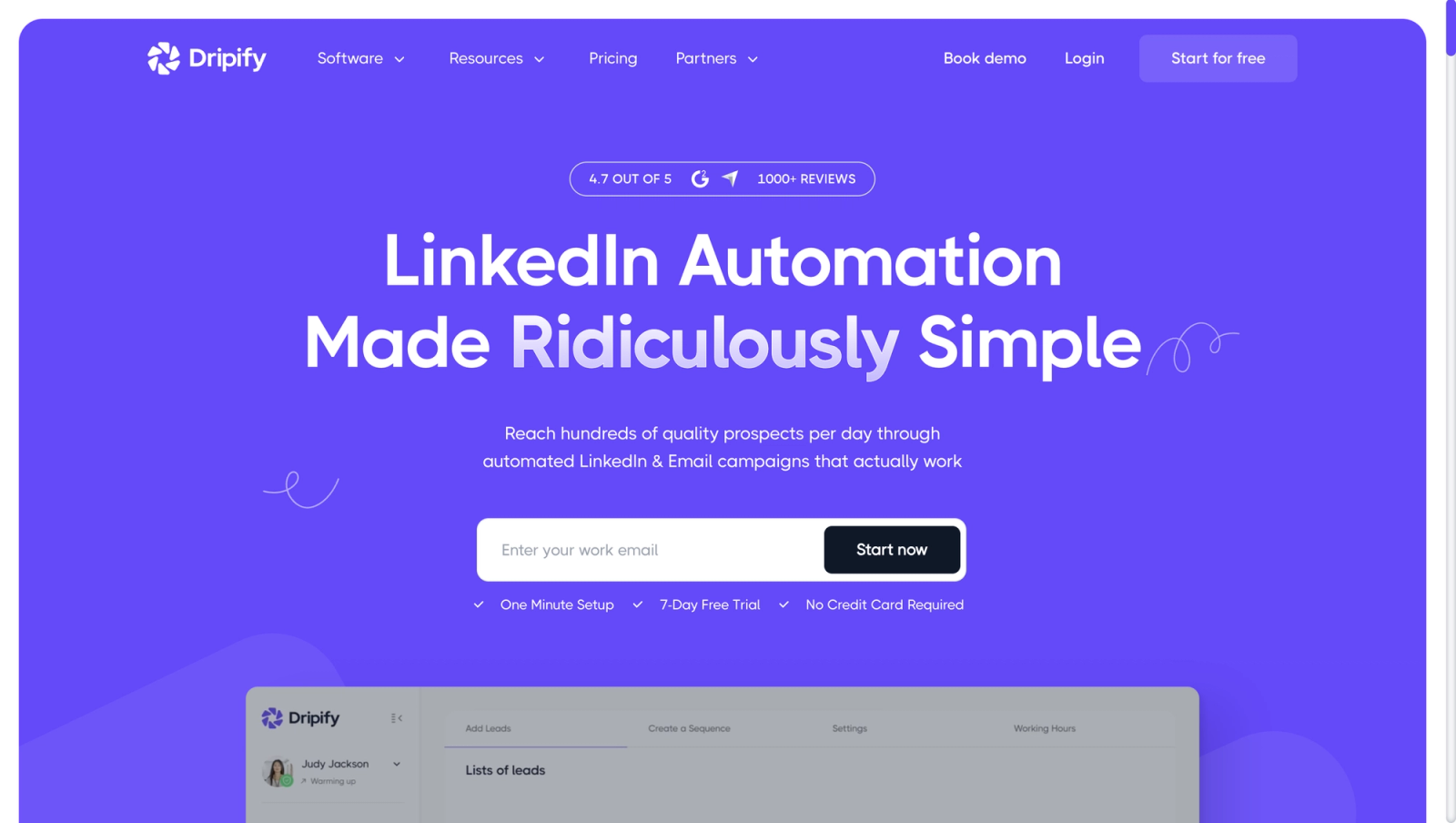
Dripify is the natural next step for a solo Linked Helper user who wants a cloud dashboard without learning an agency platform. Pricing per user per month, as read on 21 October 2026: Pro at $79 ($59 annually) and Advanced at $99 ($79 annually), with a 7 day trial and no card required; the Basic tier is no longer listed. All plans include 100 email finder credits per month. One housekeeping note for anyone updating bookmarks: Dripify now lives at dripify.com, and its old dripify.io URLs redirect there.
Price it at Pro, the cheapest Dripify seat, at $59 to $79 with unlimited campaigns and full quotas of 75 invites and 100+ messages daily, which is five to seven times the Linked Helper Standard plan you just left. Team management, A/B testing and Activity Control still sit on Advanced, at $79 to $99. For the full landscape around it, see our Dripify alternatives guide.
Best for: solo users and small sales teams who want a simple cloud sequence builder and do not need workspaces or an API on the entry tier.
Is Waalaxy the cheapest Linked Helper alternative?
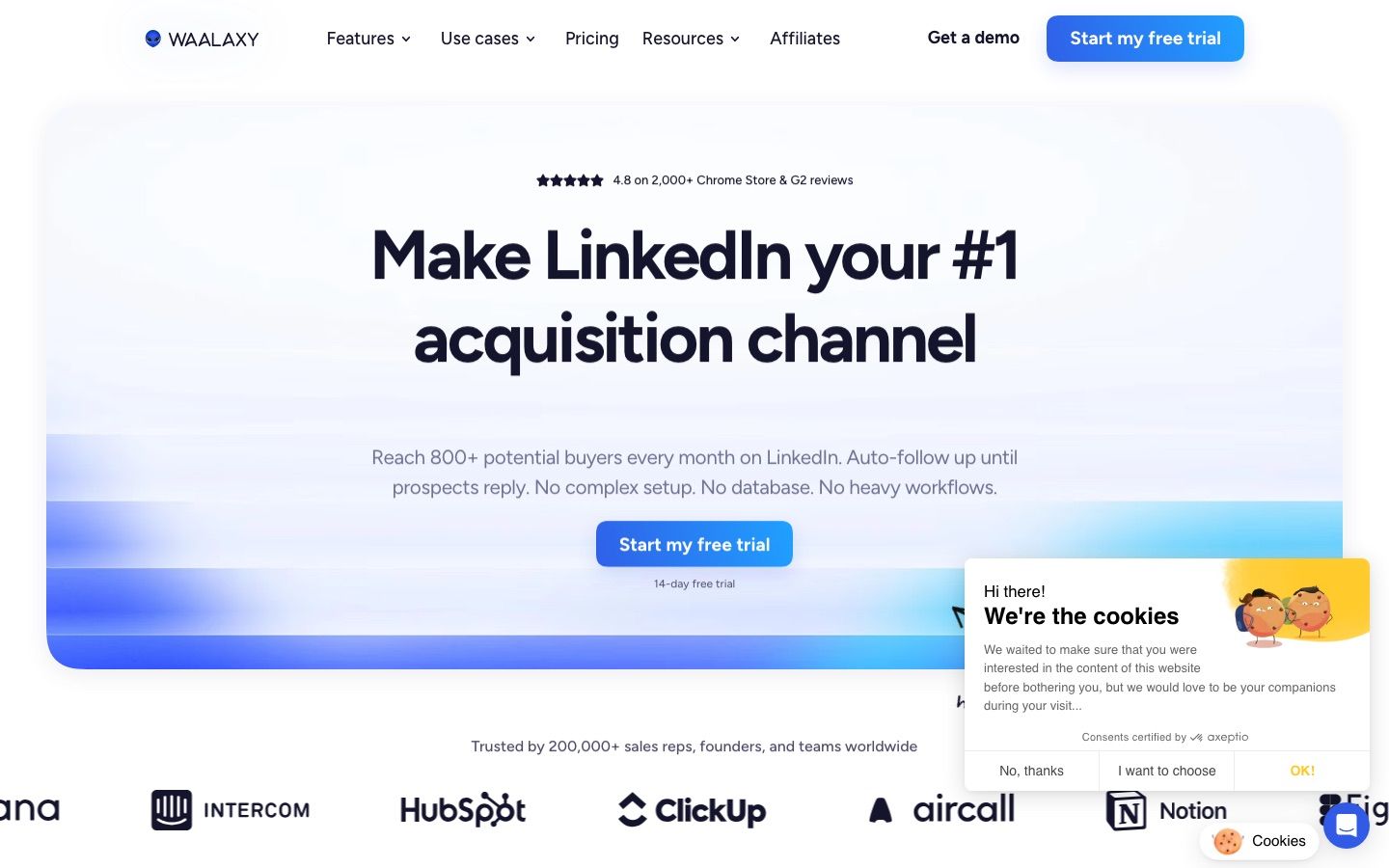
On sticker price, yes: Waalaxy's Pro plan is 39 euros per user per month, or 19 billed yearly, the lowest entry price of any alternative here on either basis. Prices vary by country, and from outside the euro zone the pricing page served us a lower US dollar grid, from $19 a month. Advanced costs 99 euros a month (49 billed yearly) and adds 800 invites per month plus API access and Make, Zapier and N8N connectivity, and Business at 139 euros (69 yearly) adds cold email sequences and 500 email finder credits. There is a 14 day free trial, and a free Freemium mode that keeps your data but runs no automation.
The catch sits in the quota: Pro is capped at 300 invites per month, roughly 10 per day, and API access only arrives at the Advanced tier, 99 euros a month or 49 billed yearly. Price Waalaxy at the tier whose quota you actually need, not at its entry price. Waalaxy runs 100% in the cloud, so campaigns do not depend on your machine being on, but it says each user gets a fixed IP shared by up to five users, so if a dedicated IP per account is the reason you are leaving Linked Helper, Waalaxy does not offer one. We go deeper in Waalaxy competitors.
Best for: budget-conscious solo users sending low volumes who want the cheapest possible cloud dashboard.
Does Meet Alfred fix Linked Helper's multichannel gap?
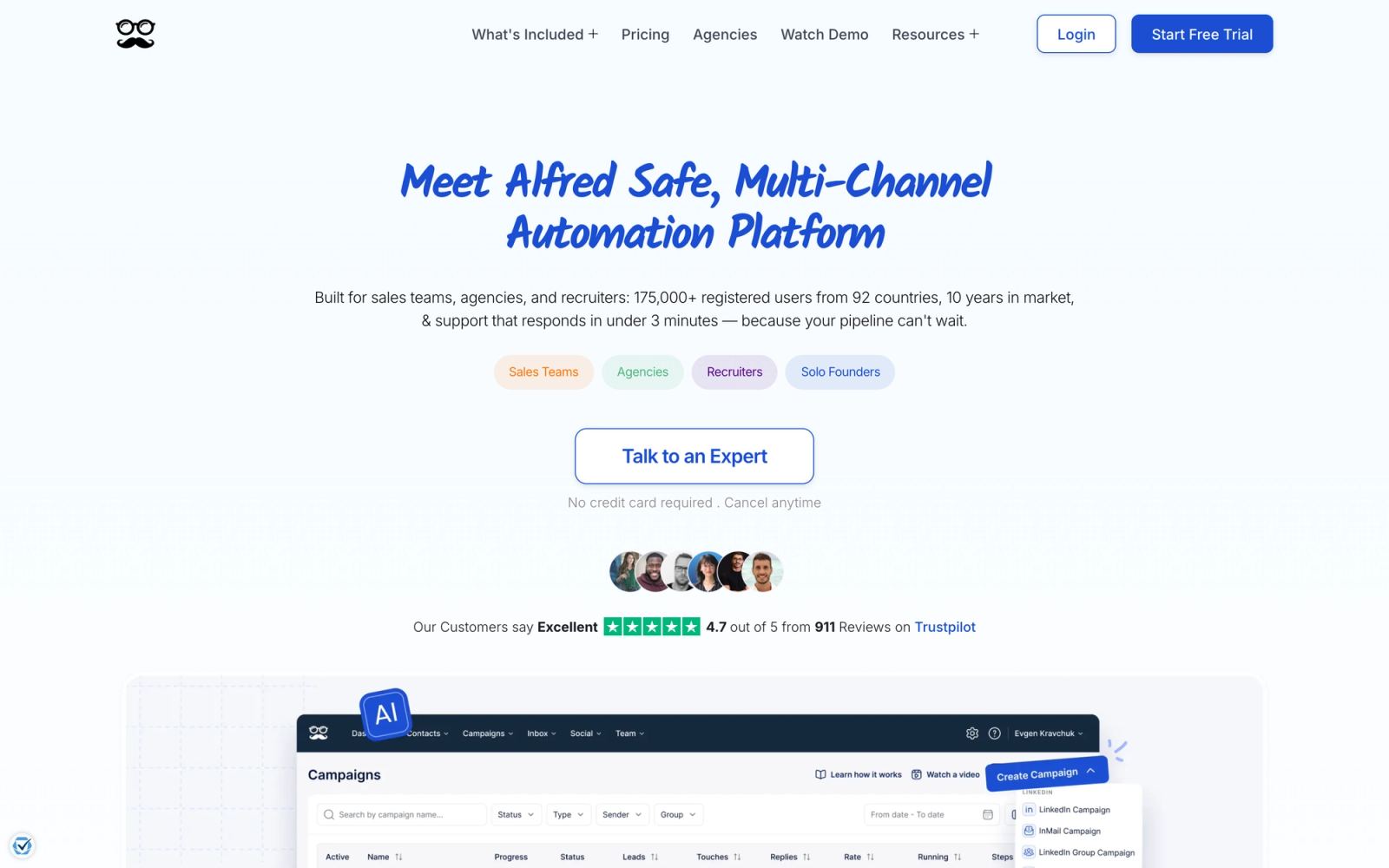
Partly, and at an aggressive annual price. Meet Alfred describes itself as a cloud-based solution and prices per user per month: Individual at $59 monthly dropping to $35 on annual billing, Business at $99 dropping to $59, and Teams at $79 dropping to $47, sold from 3 seats. Those annual prices are among the steepest discounts on this list, 40 percent off. There is a 7 day trial with no card required, as read on 30 September 2026.
The tier logic mirrors Dripify's: Individual is LinkedIn only and does not include unlimited campaigns, Sales Navigator or email, so the plan most switchers actually want is Business, which unlocks unlimited campaigns and multichannel sequences across LinkedIn and email. Teams adds roles, permissions, an account manager and priority support, which is the closest thing on the budget end of this list to a cloud-run team layer. It is also where a second LinkedIn account goes: it needs a second seat on Teams or the custom Unlimited plan, as read on 8 October 2026. See how it stacks up against the field in our Meet Alfred alternatives guide.
Best for: small teams that want multichannel sequences on an annual budget and can live with per-user pricing.
Is SalesRobot a safer Linked Helper alternative?
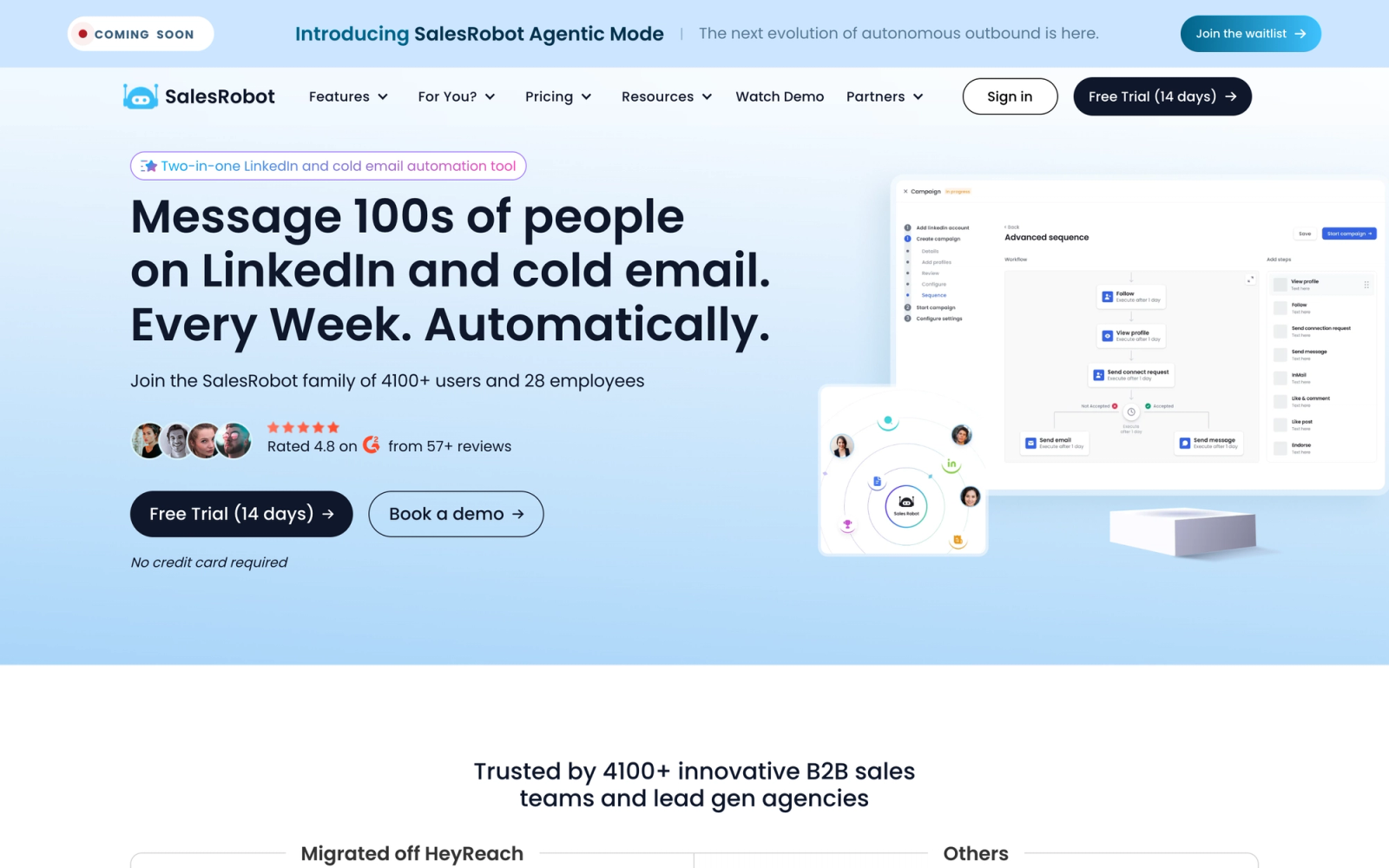
SalesRobot sells LinkedIn plus email plans priced per LinkedIn account per month: Basic at $59 ($39 annually) with 1 active campaign and limited quotas, Advanced at $79 ($59) with unlimited campaigns, full quotas, webhooks and Zapier, and Professional at $99 ($79) adding team management, with a custom Enterprise tier and a 14 day free trial. Its Advanced and Professional plans land on the same price points as Dripify's Pro and Advanced, $79 and $99 monthly, $59 and $79 annually, and its $59 Basic now sits under Dripify's cheapest seat.
The structural point for a Linked Helper refugee: SalesRobot prices per LinkedIn account, which is the same cost curve you are trying to escape, although its pricing page applies volume discounts: a further 33 percent off from 11 accounts and 45 percent off from 20, with a custom quote beyond 35, as read on 30 September 2026. At 25 accounts on Advanced that takes the $1,975 list price to about $1,100 per month. It is a reasonable Dripify-shaped option with an AI appointment-setter angle, but it stays priced per account.
Best for: individual users and small teams who want LinkedIn plus email in one sequence and are staying under a handful of accounts.
When should you just stay on Linked Helper?
Stay if you are solo, budget-capped, and fine with a desktop app. Nothing on this list touches $15 per month, let alone the $8.25 per month annual price, and the switch only pays off when you need what Linked Helper structurally cannot do. Concretely, stay when all of these are true:
- You run one LinkedIn account and expect to keep it that way.
- Your computer is on during working hours anyway, so machine-bound execution costs you nothing.
- You do not need cloud-run campaigns, one campaign across a pool of accounts or an API, just a steady drip of connections and messages.
- The Standard caps (20 advanced actions per day, 620 data credits per month) fit your volume, or the $45 Pro plan does.
Linked Helper has been around long enough to claim 500,000+ users, it avoids the Chrome extension footprint entirely, and its action library is genuinely deep for the price. The tools above are not better Linked Helpers. They are different animals: cloud fleets with deeper team layers, priced accordingly. Switch when you become a team, not because a listicle told you to.
If you are moving off a desktop tool because the team has grown, Cadency is built for exactly that step: one campaign across every LinkedIn sender and mailbox, with one inbox for every reply. It began as our internal test bed for the Swarmhit engine and was never meant to be public, but we kept it running for the sales teams, recruiters and agencies who asked for it. Swarmhit itself remains the API for developers who build their own outreach product.
Frequently asked questions about Linked Helper alternatives
Can I run multiple LinkedIn accounts on one Linked Helper license?
No. Linked Helper's pricing page states that one license covers one LinkedIn account. You can switch which account a license points to, but you cannot run two accounts on the same license at the same time. A five person team therefore needs five licenses, each running its own instance. Linked Helper does offer workspaces per client, roles and a shared inbox sync, as read on 30 September 2026, but every account is still its own license running on someone's computer. That per-account model is the main reason growing teams move to sender-based cloud platforms with a shared workspace, such as Cadency or HeyReach.
Is Linked Helper detectable by LinkedIn?
Any automation tool is detectable in principle, because LinkedIn's User Agreement prohibits bots and automated methods and LinkedIn actively looks for them. Linked Helper argues its design is safer than a Chrome extension since it injects no code into the LinkedIn page and imitates human timing and mouse movement. Those are vendor claims, not guarantees. Whatever tool you choose, keep volumes conservative and warm accounts up slowly. Our guide to LinkedIn automation safety covers the signals that actually matter.
Does Linked Helper have an API?
Linked Helper supports webhooks, which its Standard plan caps at 20 profiles per day; the Pro plan removes daily caps. We could not verify a full public REST API from its published pages. If you want LinkedIn outreach wired into your CRM or internal workflows, look at platforms that include an API and webhooks, such as Cadency, which has both on every plan, or HeyReach, which lists both on all of its plans as of September 2026.
What is the cheapest Linked Helper alternative?
Waalaxy has the lowest entry price at 39 euros per user per month, or 19 billed yearly, but that tier is capped at 300 invites per month, roughly ten per day. Among the tiers that lift the entry caps, the lowest annual prices are Meet Alfred Teams at $47 a seat a month (from 3 seats) and Waalaxy Advanced at 49 euros, as read on 8 October 2026, then Meet Alfred Business, Dripify Pro and SalesRobot Advanced at $59. Cadency is not the budget pick for a single account either: it starts at $89 a month with 2 LinkedIn senders included. Nothing matches Linked Helper's own $8.25 per month annual price on raw cost, so the right question is which capability you are buying, not which number is smallest.
How do I migrate from Linked Helper to a cloud platform?
Export your contact and campaign data from Linked Helper first, then connect your LinkedIn account to the new platform and rebuild your sequences there. Do not run both tools on the same LinkedIn account at once: stacked activity from two automations is a fast route to a restriction. Ramp volumes back up gradually, as if the account were new to automation, and keep totals inside sensible connection request limits. Most platforms here offer a trial, so test with one account before moving the whole team.
Why is Linked Helper so much cheaper than cloud alternatives?
Because you supply the infrastructure. Linked Helper runs on your own computer, so the vendor operates no cloud browsers, proxies or always-on sessions on your behalf, and that shows up in the $15 per month price. Cloud platforms charge $39 to $99 per account partly because they run each account from dedicated cloud machines and proxies around the clock. You are paying them to take execution, uptime and network reputation off your machine, which only becomes valuable once downtime or a flagged account costs you real pipeline.
Conclusion
Ready to run your outreach from the cloud instead of your laptop? Cadency gives every LinkedIn sender a dedicated proxy and runs your senders and mailboxes as one campaign with one inbox, from $89 a month with 2 LinkedIn senders included. Start a free trial, then move the whole team over.


