

The best Dux-Soup alternatives in 2026 are Cadency, Dripify, Expandi, HeyReach, Waalaxy, Linked Helper, PhantomBuster. The strongest choice depends on why you are switching. A solo seller, an agency operating 50 accounts and a developer embedding LinkedIn actions are buying different systems, even when every vendor calls the product LinkedIn automation.
Dux-Soup is now sold as STACKED, powered by Dux-Soup, and its older Pro, Turbo and Cloud Chrome extensions are deprecated, as read on dux-soup.com on 30 September 2026. It comes in two editions: a local desktop app for Mac and Windows and a cloud edition. That split is useful, but it also makes the buying decision confusing. Teams search for alternatives when they want a cleaner cloud-first workflow, better shared operations, clearer agency packaging, an API or MCP layer, or less responsibility for account infrastructure. Prices and packaging in this guide were checked on vendor pages in August 2026, and figures corrected in September 2026 carry their own date. Temporary promotions are excluded from the comparison.
Before choosing, review whether LinkedIn automation is safe, how account restrictions happen and the broader list of LinkedIn prospecting tools. Those pages cover operational risk and category definitions that should not be repeated in every comparison.
How did we rank the best Dux-Soup alternatives?
We ranked products by buyer fit rather than feature count. The first test is whether the alternative solves the reason a team is leaving: operating cost at the real sender count, cloud execution, account infrastructure, inbox workflow, agency controls, API access or broader automation. A product loses points when its cheapest tier omits the capability that makes the comparison fair.
The second test is verifiability. Pricing and features come from vendor pages, not competitor listicles. A quote-only tier is labeled quote-only. A promotion is not treated as the normal rate. Published safety features are described as vendor controls, not as a guarantee that LinkedIn approves automation.
The policy baseline is LinkedIn’s User Agreement and its help guidance on prohibited software. Every product in this category operates around platform rules that can change.
| Alternative | Published starting point | Best for |
|---|---|---|
| Cadency | $199 a month with 5 LinkedIn senders included; $139 a month on annual billing | Teams running several LinkedIn senders and mailboxes from one campaign and one inbox |
| Dripify | $59, $79 or $99 monthly; lower on annual billing | Individual sellers that want polished LinkedIn and email sequences |
| Expandi | $99 monthly; 20% annual discount | Teams that value campaign flexibility and established cloud automation |
| HeyReach | $79 per sender monthly; agency plans from $999 | Agencies and GTM operators that want a mature LinkedIn-first workflow |
| Waalaxy | EUR 19, EUR 49 or EUR 69 monthly; 50% off on yearly billing (30 Sep 2026) | Beginners that want templates and a simple LinkedIn plus email workflow |
| Linked Helper | $15 local or $29.90 cloud; lower on longer billing | Technical operators that want granular actions and local data control |
| PhantomBuster | Usage-based automation plans | Operators automating several websites and exporting workflow data |
What should replace Dux-Soup for your use case?
A pricing table cannot answer this alone. The matrix below maps the operating problem to the product that addresses it most directly. Read the individual sections afterward because the same tool can be an excellent fit for one team and a poor fit for another.
| Primary requirement | Start with | Why |
|---|---|---|
| Multi-sender outreach on LinkedIn and email | Cadency | One campaign across every sender and mailbox, one sender per lead, one inbox |
| Agency workspaces and established workflows | HeyReach | Agency controls, unified inbox, API, webhooks and MCP |
| Polished individual seller experience | Dripify | Guided LinkedIn and email sequences |
| Flexible cloud campaign types | Expandi | Configurable campaigns and cloud execution |
| Lowest functional entry cost | Linked Helper | Lowest published tier ($15 a month local); Dux-Soup is now $55 a seat monthly (30 Sep 2026) |
| Beginner-friendly multichannel workflow | Waalaxy | Templates and clear tier progression |
| Broad extraction and web automation | PhantomBuster | Automation library beyond a dedicated outreach platform |
The 7 best Dux-Soup alternatives
Each alternative below begins with the vendor landing page so the product can be recognized quickly. The analysis focuses on the operating difference that matters to a buyer switching from the target tool.
1. Cadency
Cadency is our top pick for teams that have outgrown Dux-Soup’s operator-led model and run several LinkedIn senders. One campaign runs across every LinkedIn sender and every mailbox, each lead gets a single sender, and replies land in one inbox. Each sender has a dedicated proxy, pacing, a ceiling and checkpoint handling, and everything runs in the cloud. The API and webhooks come with every plan, and any CRM or ATS connects through the API, since there is no native CRM sync.
Campaigns use eight LinkedIn steps: profile visit, connection request, message, InMail, comment on the lead’s last post (drafted by AI, approved by you), voice note, like and follow. Email runs from Google and Microsoft mailboxes with warm-up, and unlimited mailboxes rotate in the same campaign as LinkedIn. Conditions branch on connected, replied or email found, with waits and A/B tests. Small Team is $199 a month with 5 LinkedIn senders and 100,000 emails a month; Scale is $699 a month with 20 senders and 500,000 emails a month. Annual billing takes 30 percent off, which is $139 and $489 a month, and both plans include unlimited mailboxes, teammates and workspaces. The current plans are on the Cadency site, where access is by request.
Cadency at a glance
Pros
- One campaign across every LinkedIn sender and mailbox, one sender per lead
- One inbox thread per lead across LinkedIn and email
Cons
- Starts at $199 a month, the wrong fit for one seller with one account
- Access by request only, and no native CRM sync
2. Dripify
Dripify is easier to adopt when the user wants a polished sequence builder rather than granular automation controls. It costs more than STACKED local on monthly billing ($59 against $55 a seat, both read on 30 September 2026) but provides a clearer path from one campaign to unlimited campaigns, inbox management, webhooks and team controls. Annual billing makes the comparison more competitive for a committed individual seller.
Monthly list prices are $59 for Basic, $79 for Pro and $99 for Advanced per user. Annual billing lowers those figures to $39, $59 and $79. Basic permits one campaign with lighter quotas. Pro unlocks unlimited campaigns, the dedicated inbox, CSV export and webhooks. Advanced adds multi-team management, stronger protection controls, tagging, step analytics and testing. The current pricing and package details are available on the Dripify pricing page.
Dripify at a glance
Pros
- Clear product experience for individual sellers
- LinkedIn and email steps in the same sequence
Cons
- Basic is intentionally limited to one campaign
- Cost remains tied to each user or connected account
3. Expandi
Expandi is the premium cloud alternative. Its $99 monthly plan includes the cloud execution, dedicated country-based IP address, unlimited campaigns and multichannel sequences that a Dux-Soup buyer otherwise reaches through STACKED cloud, also $99 a seat each month, as read on dux-soup.com on 30 September 2026. Expandi is strongest when campaign flexibility matters more than minimizing the monthly license.
The Business plan is $99 each month and includes the core cloud automation, country-based IP address, profile warmup, configurable action limits, unlimited campaigns and multichannel outreach. Annual prepayment saves 20 percent. Agency pricing is custom from 10 seats or for white-label use, so a buyer should request the actual quote rather than infer it from the single-seat plan. The current pricing and package details are available on the Expandi pricing page.
Expandi at a glance
Pros
- Flexible campaign types and cloud execution
- Dedicated country-based IP address on Business
Cons
- A single standard plan starts at $99 monthly
- Agency and white-label economics are not public
4. HeyReach
HeyReach is appropriate when the switch is driven by team or agency workflow rather than basic automation. The product includes the unified inbox, workspaces, permissions, API, webhooks and MCP alongside LinkedIn actions. Its $79 Growth plan is close to STACKED cloud’s annual effective rate of $74.17 a month (read on dux-soup.com on 30 September 2026), making operational fit more important than a small price difference.
Growth is listed at $79 per sender each month and includes unlimited campaigns, LinkedIn actions, the unified inbox, multichannel outreach, integrations, API, webhooks and the MCP server. The Micro Agency tier is $999 a month for 25 senders, as read on 26 September 2026. It adds white-label support and onboarding. A temporary summer discount was visible in August 2026, but these are the standard list prices used here. The current pricing and package details are available on the HeyReach pricing page.
HeyReach at a glance
Pros
- Strong agency workflow and unified inbox
- API, webhooks and MCP included in the Growth feature set
Cons
- Per-sender economics rise quickly for medium teams
- The $999 agency tier is a meaningful step up from Growth
5. Waalaxy

Waalaxy offers a simpler progression for beginners. Pro covers basic LinkedIn campaigns, Advanced adds API and automation modules, and Business adds email. That packaging makes it easy to select by workflow, although invitation allowances and inbox add-ons should be included in the comparison.
Pro is listed at EUR 19 per user per month with 300 invitations each month. Advanced is EUR 49 with 800 invitations, API access and Make, Zapier and n8n modules. Business is EUR 69 with multichannel LinkedIn and email sequences plus 500 email finder credits. Those are the monthly billing rates read on 30 September 2026; quarterly billing takes 20 percent off and yearly billing 50 percent off. The current pricing and package details are available on the Waalaxy pricing page.
Waalaxy at a glance
Pros
- Accessible templates and onboarding for beginners
- API and workflow modules from Advanced
Cons
- Invitation allowances depend on the selected tier
- The inbox is sold as an add-on
6. Linked Helper
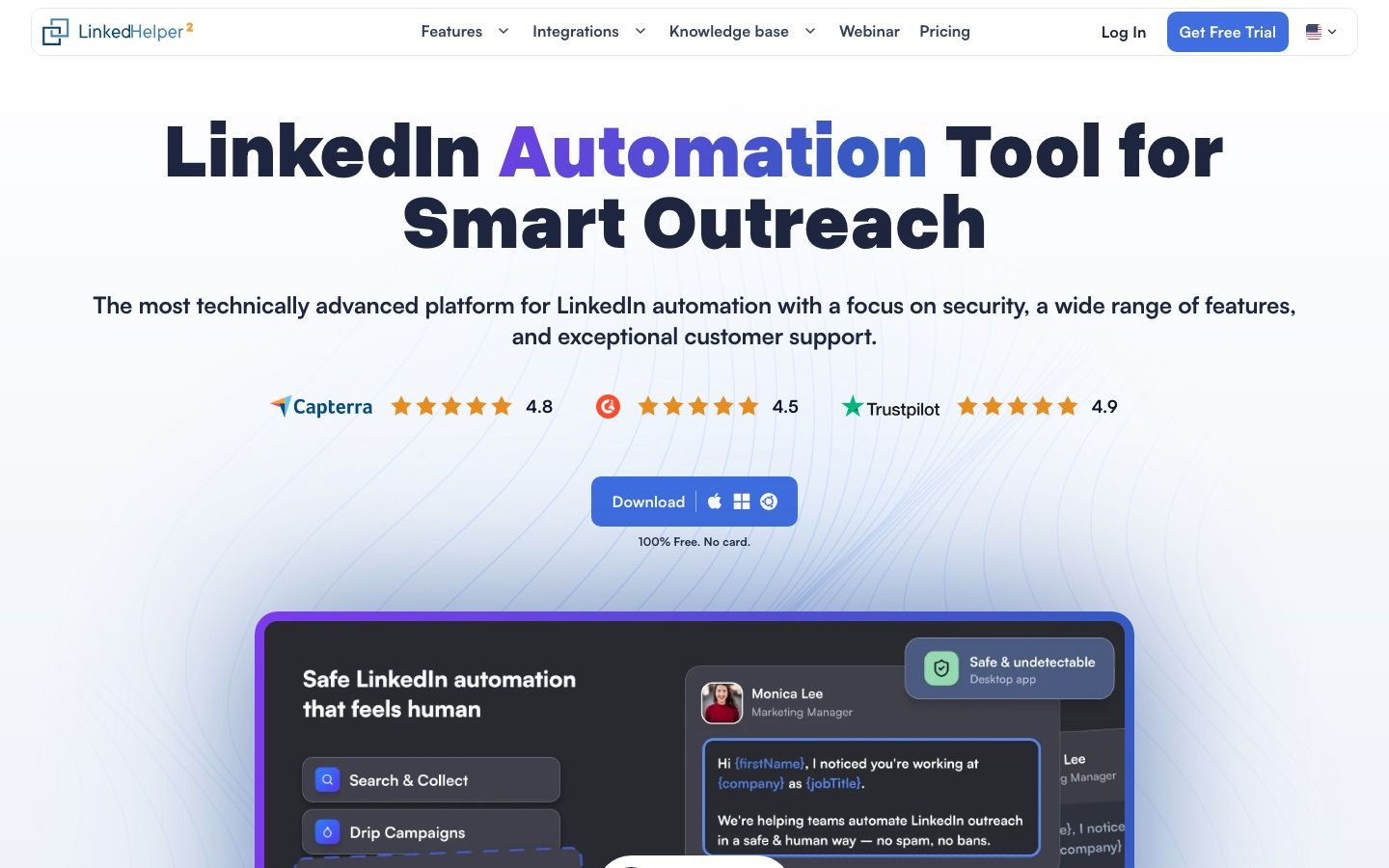
Linked Helper is the closest philosophical alternative for a hands-on operator. It offers local and cloud storage, detailed actions and transparent limits. The Standard and Pro split makes the restrictions visible. It is compelling for technical control, but not necessarily simpler than Dux-Soup for a nontechnical sales team.
The local storage version is $15 monthly for Standard and $45 for Pro; the cloud storage version is $29.90 and $59.90. Both drop up to 45 percent on 12 month billing. One license maps to one LinkedIn account. Standard limits several advanced actions and webhook exports to 20 each day, while Pro removes those product limits. Local storage keeps campaign data on the operator device; cloud storage supports easier access and sharing. The current pricing and package details are available on the Linked Helper pricing page.
Linked Helper at a glance
Pros
- Granular campaign actions and strong data controls
- Low published price for local execution
Cons
- Desktop-style operation asks more of the user
- One license cannot operate two accounts simultaneously
7. PhantomBuster
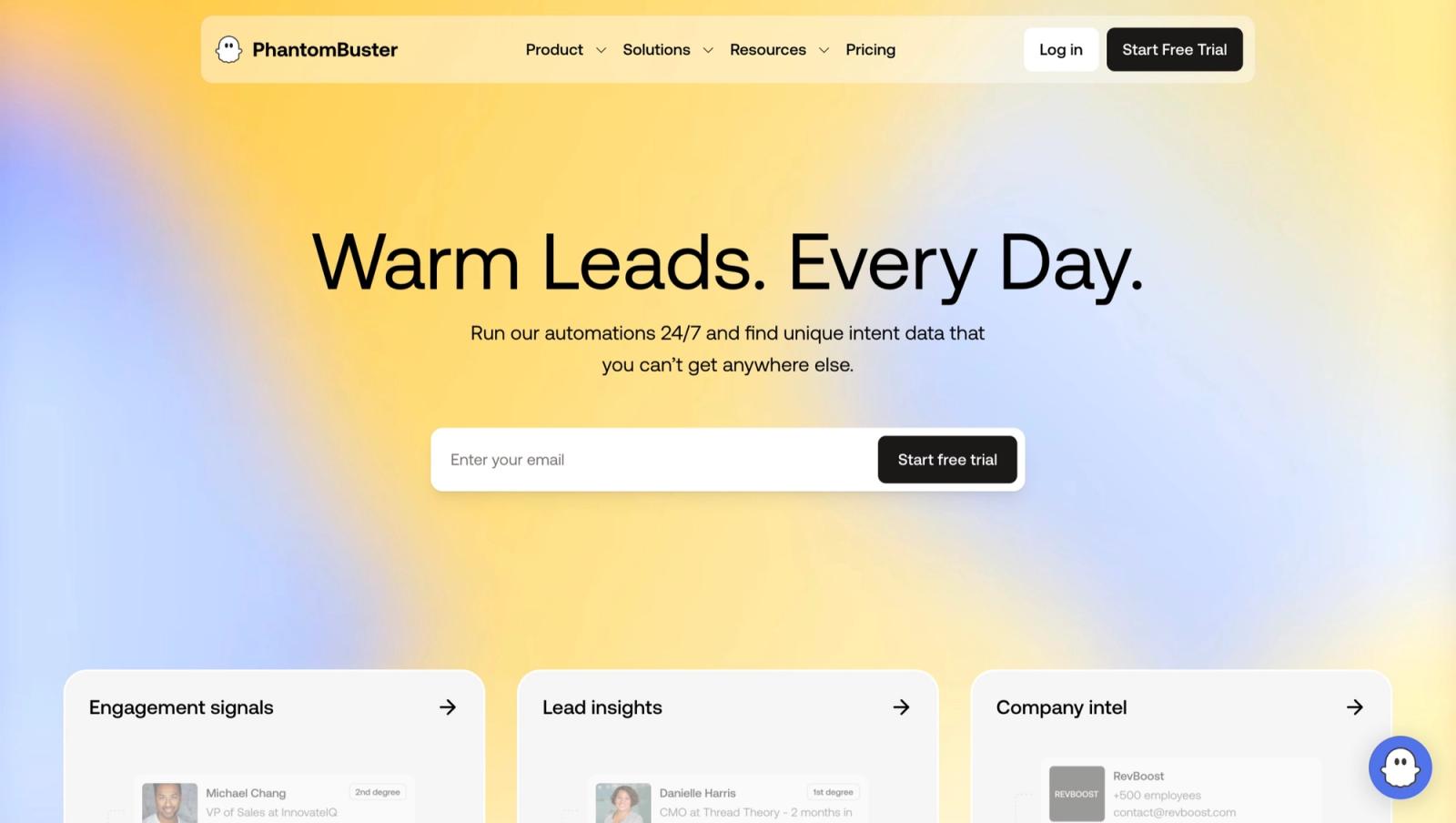
PhantomBuster fits users who started with Dux-Soup for extraction and now need broader web automation. It can collect and move data through many workflows, but it is not a direct sender management platform. Teams should avoid treating flexible automation capacity as equivalent to managed LinkedIn campaign operations.
PhantomBuster is broader than a LinkedIn sequencer. It sells cloud execution time, slots and credits that can be spent across many automations, while exports are not metered, as read on 30 September 2026. That makes it flexible for research and enrichment workflows, but forecasting the effective cost of a sustained LinkedIn campaign requires translating the intended workflow into runtime and slot consumption. The current pricing and package details are available on the PhantomBuster pricing page.
PhantomBuster at a glance
Pros
- Broad library of automations beyond LinkedIn
- Useful exports and workflow composition
Cons
- Usage economics are less intuitive than a sender plan
- It is not a unified inbox-first sales platform
How should you test a Dux-Soup alternative?
A free trial is useful only when it reproduces the operating conditions that caused the switch. Use the following evaluation as a controlled comparison, then document the result before committing to annual billing.
First identify which Dux-Soup edition represents the current job: STACKED local or STACKED cloud, as sold on 30 September 2026. A STACKED local user automating a few actions should not test an enterprise agency platform as if the products were equivalent. A STACKED cloud user needs to compare always-on execution, managed infrastructure and campaign recovery, not merely the cheapest advertised license.
Rebuild one campaign using a realistic LinkedIn account and conservative limits. Compare the number of steps, available conditions, reply detection, inbox routing and visibility into queued actions. A replacement should make the operating state clearer, especially when the original Dux-Soup workflow depended on one experienced operator.
Switch the operator device off during a controlled test. This reveals whether the platform truly runs in the cloud, depends on a browser or desktop process, or uses a hybrid model. Record which data remains accessible and what happens to scheduled actions. The execution model should be explicit before any annual purchase.
Test data portability early. Import a small list with custom variables, apply suppression rules, run the sequence and export the resulting status and messages. Dux-Soup users often value CSV and integration flexibility, so a more polished product is not an upgrade if it makes the underlying data harder to retrieve.
For a team, verify account ownership and permissions. One operator should be able to pause a sender without editing every campaign, while another should be limited to inbox work. If the platform supports client workspaces, confirm that templates, prospects and reports cannot cross workspace boundaries.
Compare total cost at the tier that provides the required execution model. Include cloud fees, inbox add-ons, integrations, proxies, email credits and the operator time required to monitor the system. Annual effective prices are useful only after the team has completed a monthly trial and validated the workflow.
End with an account-safety review. Confirm working hours, caps, warmup, reply stops and the procedure for an unhealthy sender. No tool can guarantee that an account will avoid restrictions, but a credible replacement should make conservative operation observable and easy to enforce across every connected account.
How do you migrate away from Dux-Soup?
Start by freezing the source campaign design. Export prospects, account ownership, tags, statuses, suppression lists, positive replies and the exact step sequence. Record which tool owns reply detection. A migration fails when both platforms continue acting on the same prospect or when a suppression rule disappears during import.
Connect one low-risk sender to the replacement and recreate a single representative campaign. Test imports, variables, stop conditions, inbox routing and webhooks before moving additional accounts. Keep the old workspace available for reporting, but pause its active campaigns. Only expand after the new workflow has completed a full reply cycle without duplicate actions.
For agencies, use the operational checklist in our HeyReach alternatives guide and compare the economics in MeetAlfred alternatives and Waalaxy competitors. Developers should review the LinkedIn MCP server guide and the outreach API comparison before choosing an execution layer.
Which Dux-Soup alternative should you choose?
Use Cadency when several LinkedIn senders and mailboxes should run from one campaign and one inbox. Pick Dripify for an individual seller experience, Expandi for flexible cloud campaigns, HeyReach for agency operations, Waalaxy for guided multichannel workflows, Linked Helper for local control, and PhantomBuster for broad extraction and automation.
Run the decision against the next twelve months, not the first month. Count connected accounts, operators, client workspaces, inbox users, integration work and the cost of maintaining safe execution. A product that appears expensive can be cheaper than stitching together proxies, warmup, monitoring and reporting. A cheap product can remain the right answer when one skilled operator owns the complete workflow.
Cadency’s plans include unlimited mailboxes, teammates and workspaces, so in that twelve-month count its cost follows LinkedIn senders and email volume rather than operators, inbox users or client workspaces.
Teams that have outgrown a Dux-Soup setup run by one operator, and want one hosted campaign across several senders, can request access to Cadency. It began as our internal test bed for the Swarmhit engine, it was never meant to be public, and we kept it running for the sales teams, recruiters and agencies who asked for it. Swarmhit itself is the API for developers who build their own outreach product.
FAQ
What is the best Dux-Soup alternative?
Cadency is the best Dux-Soup alternative for teams that want cloud execution across several LinkedIn senders and mailboxes, with one campaign and one inbox. Dripify is easier for an individual seller, HeyReach is strong for agencies, and Linked Helper suits operators who want detailed local control.
Is Dux-Soup a browser extension or a cloud tool?
It is no longer a browser extension. As read on dux-soup.com on 30 September 2026, Dux-Soup is sold as STACKED, powered by Dux-Soup, and the Pro, Turbo and Cloud Chrome extensions are deprecated. STACKED local is a desktop app for Mac and Windows that follows the more operator-led model, while STACKED cloud runs on managed cloud infrastructure. Compare the correct Dux-Soup edition with the replacement. A low entry price is not a fair comparison with an always-on cloud platform.
Which Dux-Soup alternative is cheapest?
Linked Helper Local Standard and Waalaxy Pro publish low monthly entry prices, while Dux-Soup is no longer among the cheapest: STACKED local starts at $55 per seat a month, or $41.25 on annual billing, as read on dux-soup.com on 30 September 2026. The cheapest useful option depends on required campaigns, daily actions, integrations, cloud execution and inbox functionality.
Can I move Dux-Soup data to another platform?
Dux-Soup supports CSV exports and integrations, so prospect data can be moved. Campaign state and automation logic generally need to be recreated. Export tags, statuses, suppression data and message history where available, then test the replacement on a small isolated segment.
Do Dux-Soup alternatives reduce LinkedIn restriction risk?
No vendor can remove restriction risk. A replacement can provide better proxies, warmup, caps, monitoring and permissions, but the account owner still controls targeting and behavior. Use conservative limits, stop campaigns when replies arrive and avoid running overlapping tools on the same account.


